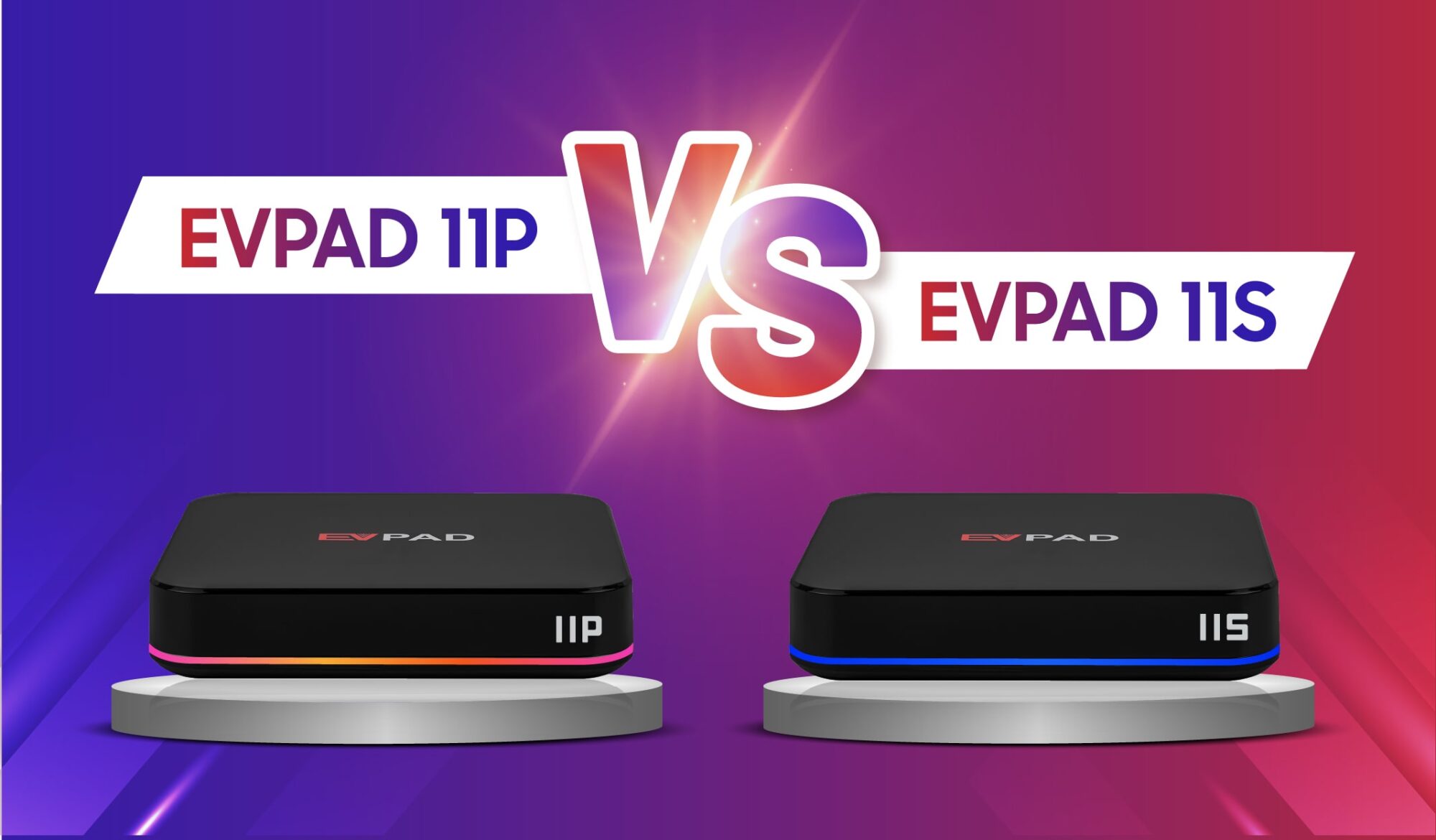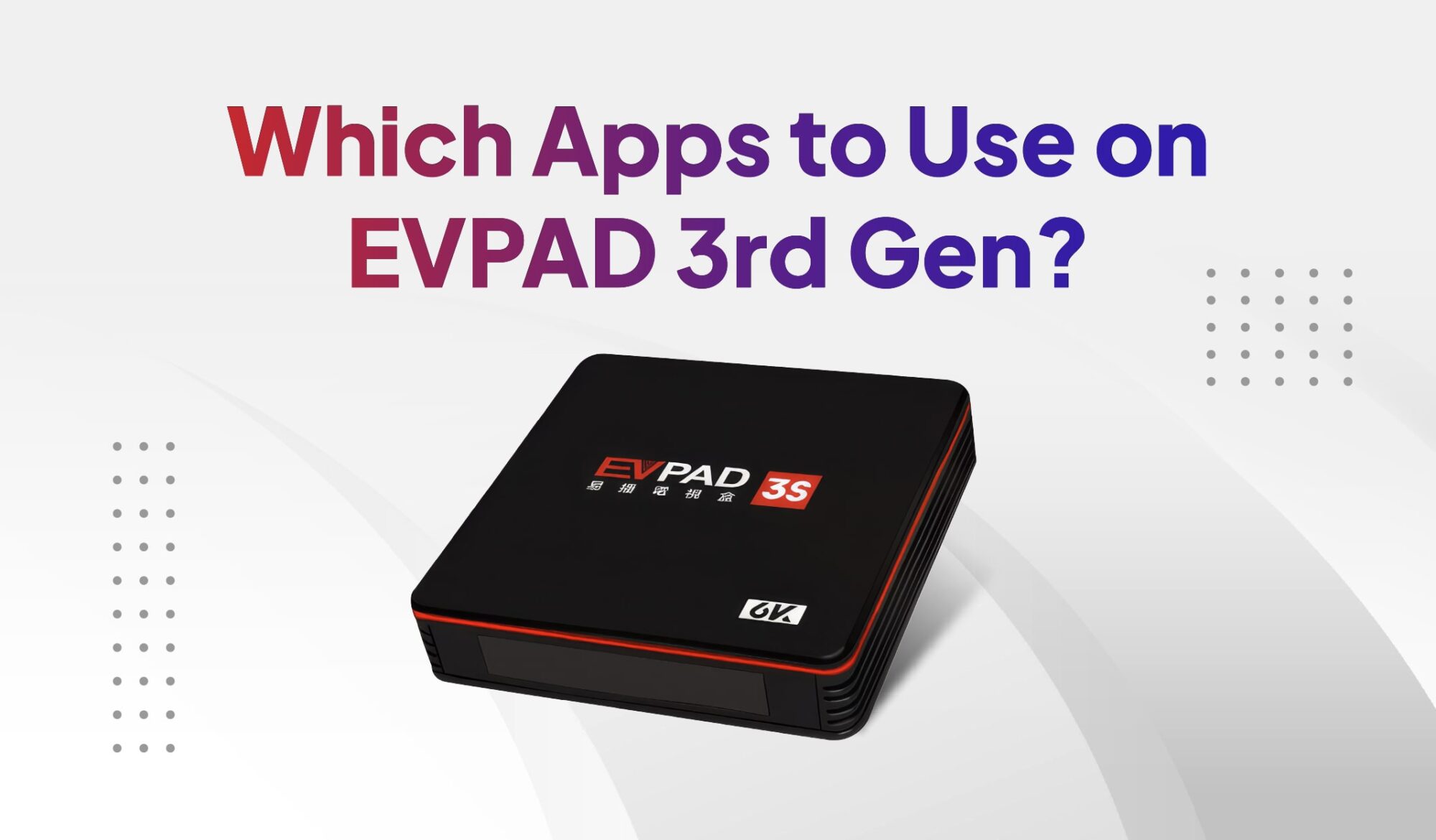
If you are still using an EVPAD 3rd Gen device such as the 3P or 3S, choosing the right TV app is important because newer apps may not always work well on older hardware and system versions. This guide explains which type of TV app is suitable for EVPAD 3rd Gen, what to check before installing, how to install an app correctly, and what to do if the app does not install or work properly.
Which App Should You Use on EVPAD 3rd Gen?
For EVPAD 3rd Gen models such as the 3P and 3S, the most suitable TV app depends on the device’s Android version and current software compatibility. On supported systems, Venus RH can be used to access live TV and on-demand entertainment.
Venus RH provides access to Chinese live channels, movies, TV dramas, variety shows, and other entertainment content. However, because EVPAD 3rd Gen devices are older models, app compatibility can vary between devices and system versions.
Before installing any TV app, check your EVPAD model and Android version first. This helps avoid downloading an app version that your device cannot install or run properly.
What Should You Check Before Installing an App on EVPAD 3P or 3S?
Before installing a new app on an EVPAD 3P or 3S, check the device’s system version and basic compatibility first. Older EVPAD models may not support newer Android apps or the latest APK versions.
- Android version: Confirm that your EVPAD is running a version supported by the app you want to install.
- Available storage: Make sure there is enough free space for the APK and installation files.
- App compatibility: Use an app version that is suitable for older EVPAD hardware and software.
- Installation permission: If installing an APK manually, Android may require permission to install apps from the browser or download source you are using.
Checking these points first can help reduce installation errors and prevent you from using an app version that is not compatible with your EVPAD 3rd Gen device.
How to Install a TV App on EVPAD 3rd Gen
Once you have confirmed that the app is compatible with your EVPAD 3rd Gen, you can install it manually through the device browser or another trusted download source.
- Connect your EVPAD 3P or 3S to the internet.
- Open the built-in browser on your EVPAD device.
- Go to the app download source you normally use and locate the compatible TV app for your device.
- Download the APK file and wait for the download to finish.
- Allow installation if prompted. Android may ask you to enable permission to install apps from the browser or download source.
- Open the downloaded APK and select Install.
- Launch the app after installation and confirm that live TV and other functions load correctly.
If your EVPAD 3S uses the 6868HX installation method, follow the dedicated guide for the full process: How to Install 6868HX APK on EVPAD 3S.
Tip: Avoid installing random APK files from unknown sources. Use only app versions that are compatible with your exact EVPAD model and Android version.
App Not Installing or Working on EVPAD 3rd Gen?
If an app does not install or work properly on your EVPAD 3rd Gen, the problem is usually related to Android compatibility, installation permissions, storage space, or the age of the device.
If the app still does not work after checking compatibility and reinstalling it, the limitation may come from the older EVPAD 3rd Gen hardware or operating system rather than the app itself.
When Should You Upgrade an Older EVPAD 3rd Gen?
If your EVPAD 3rd Gen still runs the apps you need reliably, there may be no immediate reason to replace it. However, upgrading becomes more practical when app compatibility, system limitations, or aging hardware begin to affect everyday use.
You may want to consider a newer EVPAD model if:
- Your 3P or 3S can no longer install the app versions you need.
- Newer APK files require a more recent Android version.
- Apps frequently crash, freeze, or load slowly even after basic troubleshooting.
- Available storage and older hardware are limiting normal use.
- You want a newer EVPAD platform with better long-term compatibility.
If your current box has reached these limits, moving to a newer model may provide a smoother experience than repeatedly trying to install older or incompatible app versions.
Considering an upgrade from EVPAD 3rd Gen?
Compare newer international models based on your budget and preferred generation.
Final Thoughts
For EVPAD 3P and 3S users, the key is to choose an app version that still matches the device’s Android system and hardware. If your box can install and run the app reliably, you can continue using it without changing devices.
If compatibility problems become frequent or your EVPAD 3rd Gen can no longer support the apps you need, upgrading to a newer model may be the better long-term option. For genuine EVPAD products, current model recommendations, and after-sales support, visit EVPADSG, an official authorized EVPAD dealer offering competitive pricing.