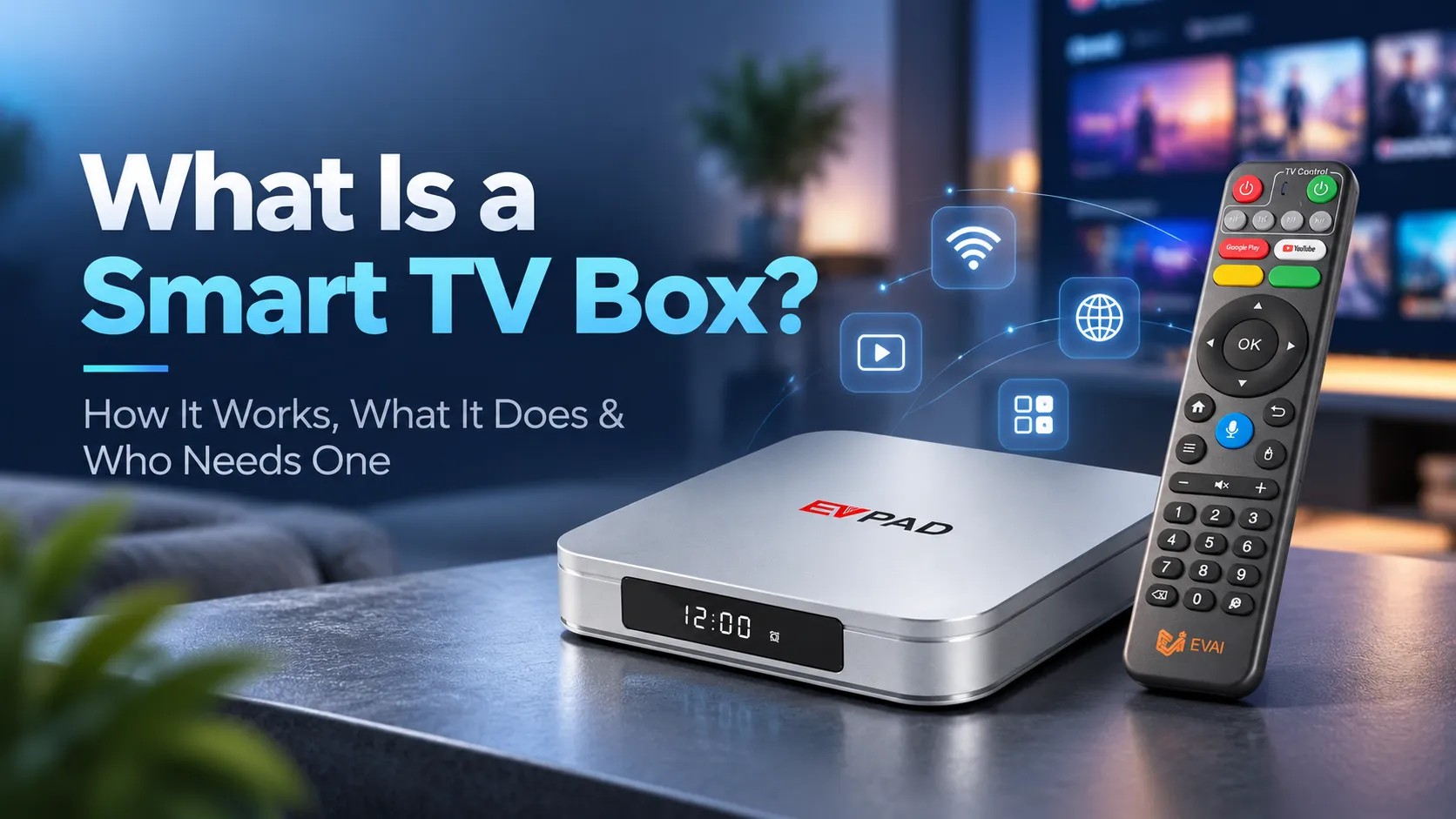
A smart TV box is a small device that connects to your television and adds features such as streaming apps, online videos, and media playback. It can make an older TV more useful without replacing the screen—and it can also add features to some existing smart TVs.
This guide explains what a smart TV box does, how it works, and how to decide whether you need one.
What Is a Smart TV Box?
A smart TV box is an external media device that connects to a TV, usually through an HDMI port. It has its own processor, operating system, and apps, so the TV does not need to handle those tasks itself.
Think of the box as a small computer built for the living room. The box runs the software; your television displays the picture and plays the sound. With a compatible TV and a suitable internet connection, you can access online entertainment through supported apps.
In Simple Terms
A smart TV box adds a separate smart entertainment system to your television. It allows a compatible TV to run supported apps and access online content without changing the TV’s built-in hardware.
Is a Smart TV Box the Same as an Android TV Box?
Not exactly. Smart TV box is a broad term for external devices that bring smart features to a TV. An Android TV box uses an Android-based operating system.
Some run Google’s Android TV or Google TV platform, while others run versions of Android adapted by the manufacturer. Their interfaces, app support, and certifications can differ.
Google TV is a Google-developed entertainment interface available on compatible devices. Not every Android-based TV box is a certified Android TV or Google TV device.
How Is a TV Box Different From a Smart TV?
A smart TV has apps and an operating system built in. A TV box provides those functions through a separate device. Both can offer streaming features, but replacing an external box is usually easier than replacing an entire television.
| Smart TV Box | Smart TV |
|---|---|
| Connects as an external device | Has a built-in smart platform |
| Can be moved to another compatible TV | Smart features stay with the TV |
| Can be upgraded by replacing the box | Hardware upgrades generally require a new TV |
Learn how to turn a regular TV into a smart TV using an Android box, including compatibility and setup requirements.
How Does a Smart TV Box Work?
A TV box runs apps and sends video and audio to your television. Setting one up usually involves three basic steps.
1. Connect the Box to Your TV
Plug the box into a compatible HDMI port, connect its power supply, and select the correct HDMI input on your TV. Most modern boxes include a remote for navigating the interface.
2. Connect to the Internet
Connect the box to Wi-Fi or, if supported, Ethernet. The connection lets apps load online videos and other services. The TV box does not provide an internet connection by itself.
3. Open an App and Play Content
When you choose a video, the app retrieves it from the internet or local storage. The box processes the content and sends the picture and sound to the TV through HDMI.
How a Smart TV Box Works
Wi-Fi or Ethernet
↓
Runs apps and processes video
↓
Displays video and plays audio via HDMI
For more details, see our guide to TV box internet requirements, Wi-Fi, Ethernet, and streaming speeds.
What Can You Do With a Smart TV Box?
The main purpose of a smart TV box is to give your television more ways to access and play entertainment. Available features depend on the device and its software.
Stream Movies, TV Shows, and Live TV
Supported streaming apps let you watch films, series, and live programming. Some services are free; others require a paid account. A TV box does not automatically include subscriptions or access to every channel.
Watch YouTube and Use Entertainment Apps
You can use compatible video, music, and entertainment apps on a larger screen. Check app availability before buying: an app that works on one Android-based box may not work—or support the same playback quality—on another.
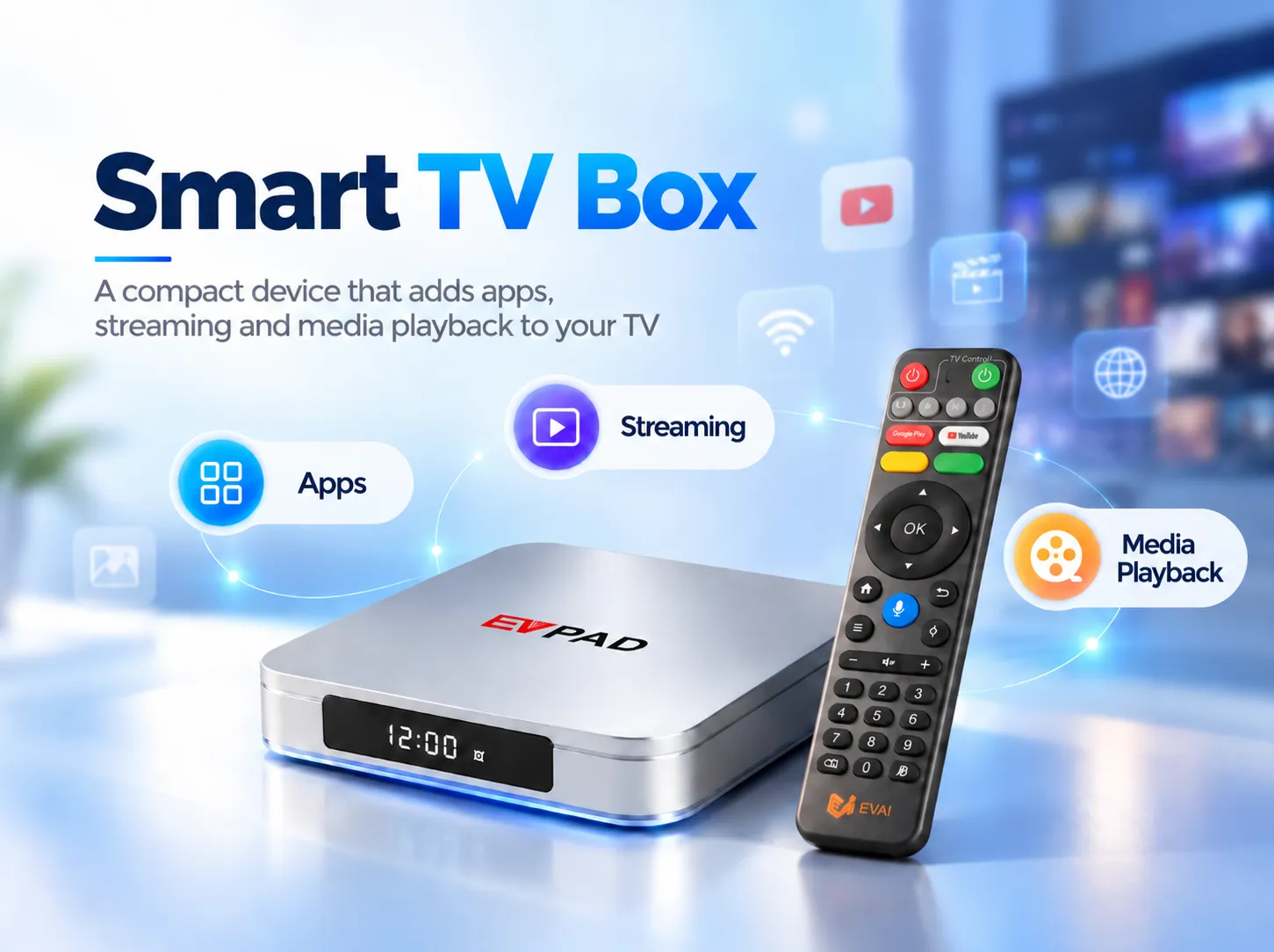
Play Videos, Music, and Local Media Files
Many boxes can play personal media from a USB drive, memory card, or supported network source. File-format and storage compatibility vary by model.
Cast Content and Connect Accessories
Some boxes support screen casting or mirroring from a phone. Depending on the model, you may also connect Bluetooth headphones, a keyboard, or a game controller.
Play Games and Use Extra Features
Selected devices support casual games, web browsing, voice search, or other apps. Performance depends on the box’s hardware, and not every feature is available on every product.
What Are the Advantages and Limitations of a Smart TV Box?
A TV box offers a flexible way to add entertainment features, but it also comes with a few practical trade-offs.
Key Advantages
- Upgrade an older TV: Add modern apps without replacing a working screen.
- More flexibility: Choose a separate platform that suits your entertainment needs.
- Easier upgrades: Replace the box rather than the entire television.
- Portable setup: Move it between compatible TVs when needed.
Potential Limitations
- Requires another device, power connection, and often a separate remote.
- App support and software updates vary between products.
- Online streaming depends on a stable internet connection.
- Some streaming services require paid subscriptions.
A TV box makes sense when its added flexibility outweighs the extra equipment and cost.
Who Needs a Smart TV Box (and Who Doesn’t)?
People With Older Non-Smart TVs
If your TV has a compatible HDMI input but no useful app platform, a TV box can add streaming and other internet-connected features without replacing the screen.
Smart TV Owners Who Want More Flexibility
A separate box may help if your smart TV no longer supports an app you use or its interface feels outdated. However, a newer box is not automatically faster or better than every smart TV.
Households With Different Entertainment Needs
Families who use a mix of online services and personal media may appreciate having an independent entertainment device that can be changed or moved without changing the TV.
When You Probably Don’t Need One
If your current smart TV already runs your preferred apps smoothly—or you own a streaming device that does—another box may add little value.
Quick takeaway: The best reason to buy a smart TV box is a feature or compatibility gap you actually want to solve—not simply because your TV supports one. Read our guide on whether you need a TV box with a smart TV for a closer look.
What Should You Look for in a Smart TV Box?
Start with the apps and devices you already use, then check these essentials:
App Compatibility and Software Support
Confirm that your preferred apps are supported. Look at the operating system, update policy, and relevant streaming certifications—especially if you expect high-resolution playback from particular services.
Performance and Connectivity
Consider the processor, RAM, storage, HDMI output, and networking options. A 4K-capable box can output 4K video, but actual picture quality also depends on the TV, source content, app, and connection.
Ease of Use
A clear interface, practical remote, and features such as voice search can make daily use easier. Focus on what you will use rather than the longest specification list.
EVPAD 12P International Version
Explore an Android-based TV box featuring 4GB RAM, 64GB storage, Wi-Fi 6, 4K output support, and voice remote control.
Frequently Asked Questions About Smart TV Boxes
Does a Smart TV Box Require a Monthly Subscription?
No. A smart TV box is a hardware device, and owning one does not automatically require a monthly subscription. However, individual streaming apps and content services may charge recurring fees. Check the services you plan to use before purchasing.
Can You Use a Smart TV Box Without Cable TV?
Yes. A smart TV box can access supported internet-based entertainment services without a traditional cable TV subscription. You still need an internet connection for online content, and some services may require separate accounts or payments.
Can You Watch Local TV Channels on a Smart TV Box?
It depends on your location and the apps available for your device. Some local broadcasters offer official streaming apps or online live TV services. A TV box does not automatically receive free-to-air antenna broadcasts unless it has suitable hardware or an external tuner.
Can You Use the Same Smart TV Box on Multiple TVs?
You can usually disconnect a TV box and move it to another compatible television. However, a typical single-output box displays content on one connected TV at a time. Using it on multiple screens simultaneously may require additional equipment or separate devices.
Is a Smart TV Box Right for You?
A smart TV box adds an independent app and media platform to your television. It is most useful if your TV lacks smart features, no longer supports the apps you need, or would benefit from a separate entertainment device.
If your current setup already does everything you want, you may not need one. Start with your must-have apps, TV connections, and viewing habits—then choose a box that meets those needs.