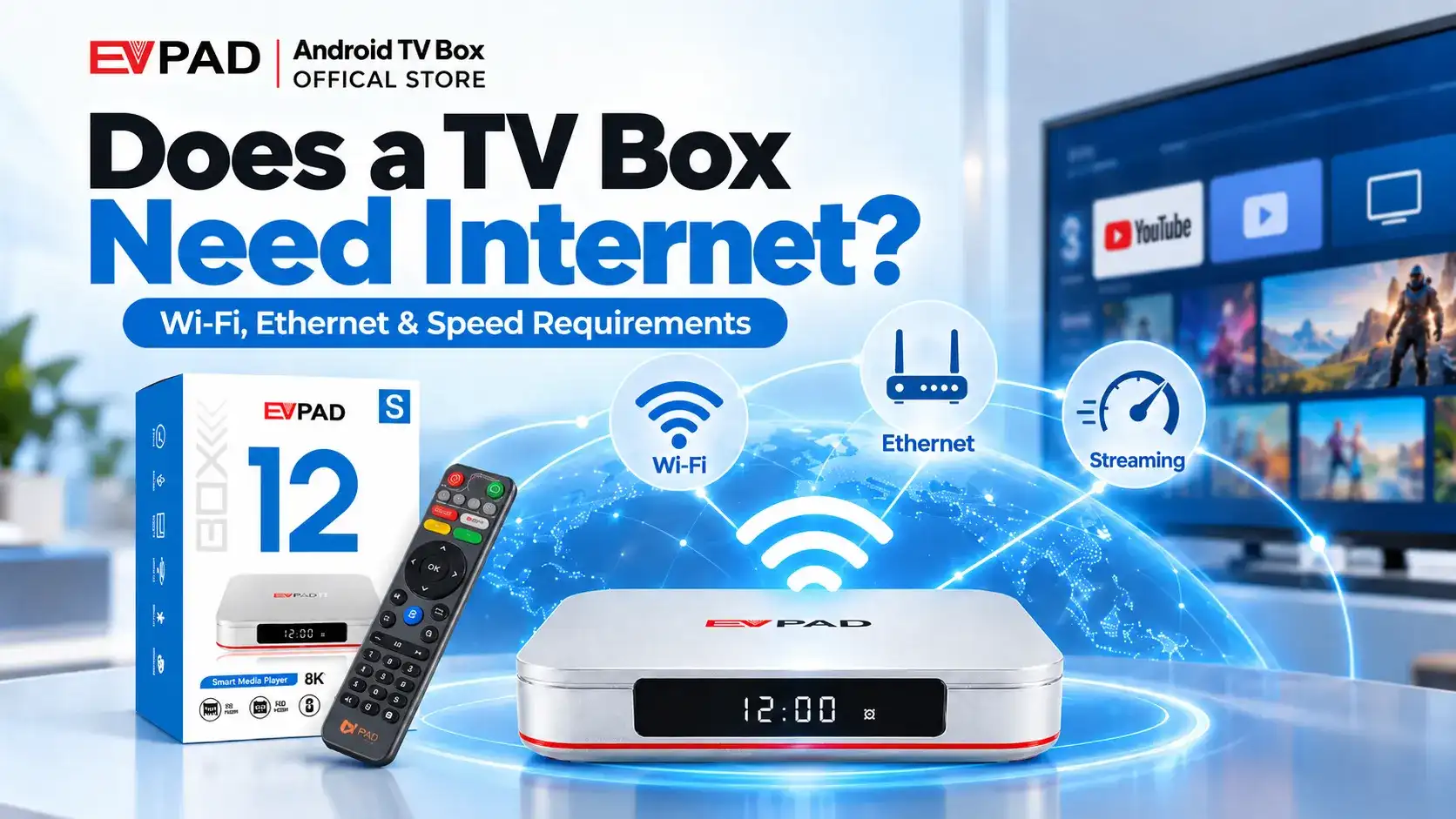
Does a TV box need internet to work? Not always. A TV box can play certain local media without internet, but online streaming, live TV, app downloads, and software updates require an internet connection.
If you regularly watch Chinese-language live TV, Mandarin dramas, or Cantonese entertainment, a stable connection is especially important for uninterrupted viewing.
Here’s what you need to know about offline use, Wi-Fi, Ethernet, and streaming speeds.
Does a TV Box Need Internet to Work?
A TV box needs internet for online content, but not for every function. Many Android TV boxes can open their settings or play compatible local files without connecting to Wi-Fi or Ethernet.
However, internet-based services cannot stream content when the device is offline.
Quick Answer
Internet is essential for streaming, not for all TV box functions. If your main purpose is watching online television, you will need a reliable internet connection.
New to these devices? Read our beginner’s guide to smart TV boxes.
What Can a TV Box Do Without Internet?
Depending on the device and installed software, offline functions may include:
- Local media playback: Watch compatible videos or listen to music from USB storage.
- Offline apps: Use previously installed apps or games that do not require a network connection.
- Device settings: Adjust display, audio, and other local settings.
Features such as watching live TV over the internet, streaming movies, downloading apps, and receiving online updates require an active connection.
| Activity | Internet Required? |
|---|---|
| Online live TV and streaming | Yes |
| Downloading apps and updates | Yes |
| Playing compatible USB media | No |
| Basic device settings | No |
Wi-Fi vs Ethernet: Which Connection Is Better for a TV Box?
Both Wi-Fi and Ethernet can provide smooth streaming, but their reliability depends on your home network.
Wi-Fi: Convenient Wireless Streaming
Wi-Fi is easy to set up and does not require a network cable. A 5GHz connection can provide strong performance when the router is nearby, while 2.4GHz generally offers better range.
However, distance, walls, and interference may weaken the signal.
Ethernet: More Consistent Connectivity
Ethernet connects the TV box directly to your router using a cable. It usually provides a more consistent connection because it avoids common Wi-Fi interference.
For example, the EVPAD 12S International Version supports a 1000 Mbps Ethernet connection, allowing it to connect to a compatible Gigabit network.
Actual internet performance still depends on the router, network equipment, internet plan, and streaming service.
Our Recommendation
Use Wi-Fi when your signal is strong and streaming is stable. If you frequently watch live TV or experience wireless buffering, try Ethernet for a more consistent connection.
How Much Internet Speed Does a TV Box Need?
Internet speed requirements depend on the streaming platform and video quality.
As a reference, Netflix recommends 3 Mbps for 720p, 5 Mbps for 1080p, and 15 Mbps for 4K streaming. YouTube recommends approximately 5 Mbps for 1080p and 20 Mbps for 4K.
| Streaming Quality | Reference Speed |
|---|---|
| 720p HD | 3 Mbps |
| 1080p Full HD | 5 Mbps |
| 4K Ultra HD | 15–20 Mbps |
For Chinese-language live TV and other international streaming services, prioritize connection stability as well as download speed. Leave additional bandwidth available if several people use the internet simultaneously.
Why Does a TV Box Buffer Even With Fast Internet?
A fast internet plan does not always guarantee smooth playback. Common causes of buffering include:
- Weak Wi-Fi signal: Distance, walls, or wireless interference.
- Network congestion: Multiple devices downloading or streaming simultaneously.
- Streaming server issues: Temporary problems with the app or content provider.
- Device or software issues: Outdated apps, firmware problems, or limited processing performance.
If only one streaming app buffers while others work normally, the problem may be related to that service rather than your internet connection.
How to Improve Your TV Box Internet Connection
If your TV box frequently buffers, try these steps:
- Test your internet speed near the TV box.
- Move closer to the router or reduce obstacles affecting Wi-Fi.
- Try 5GHz Wi-Fi if your device supports it and the signal is strong.
- Switch to Ethernet to reduce wireless interference.
- Pause large downloads on other devices.
- Restart your router and TV box, then check for available software updates.
If the connection remains unstable, compare performance across multiple apps before deciding whether to upgrade your internet plan or equipment.
EVPAD 12S International Version
Looking for a TV box with reliable wired networking options? Explore the EVPAD 12S International Version with Gigabit Ethernet connectivity for your home entertainment setup.
Conclusion
A TV box requires internet for online streaming, but supported offline functions can work without it. Wi-Fi offers convenience, while Ethernet often provides a more consistent connection for live television and high-quality video.
If you regularly watch Mandarin, Cantonese, or international live TV, focus on stable internet performance rather than speed alone.