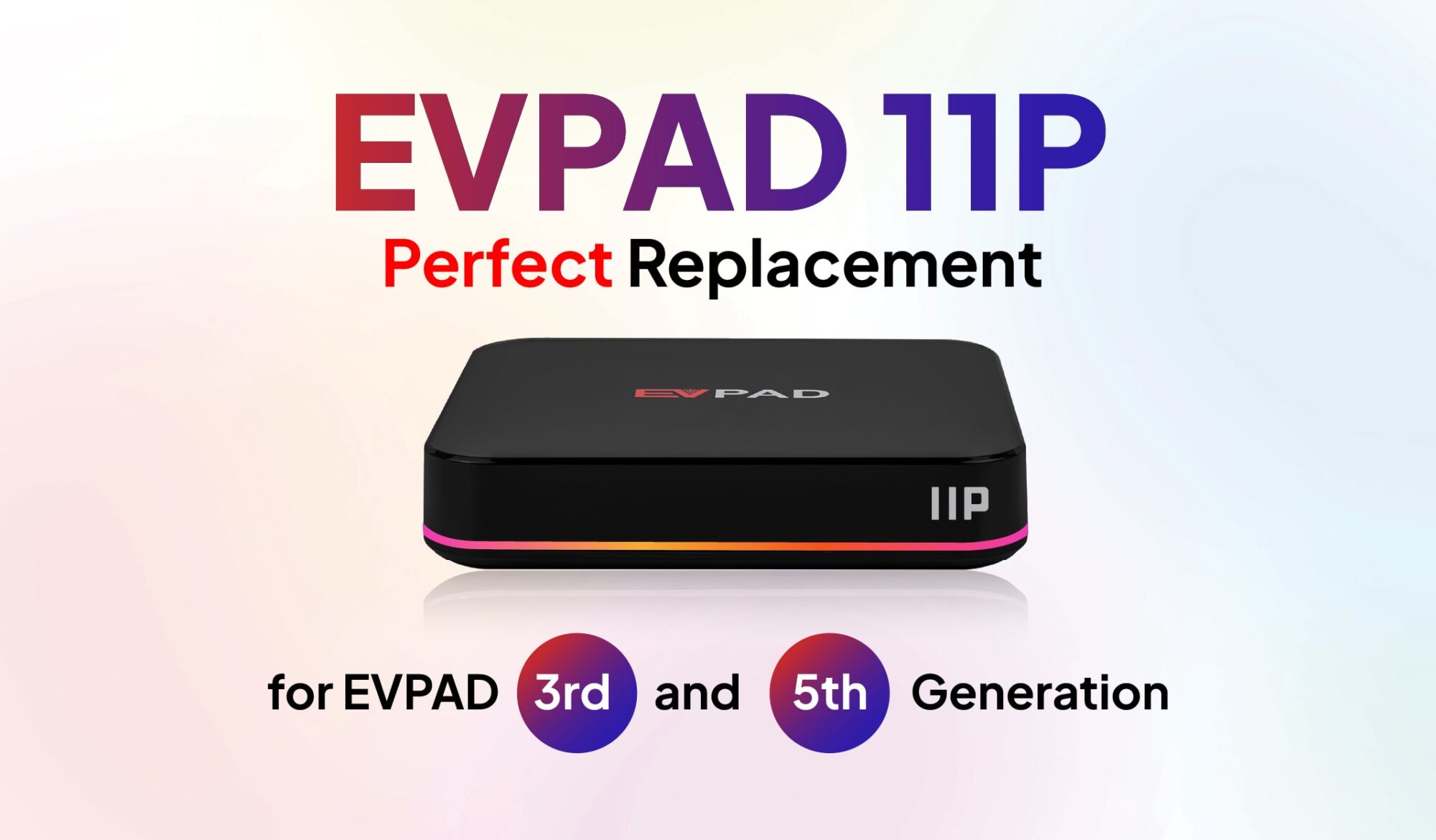
Are you still using an EVPAD 3 or EVPAD 5 and wondering whether it’s time for an upgrade? These earlier generations of EVPAD TV boxes have served many users well, but as technology evolves, older devices may struggle to keep up with changing entertainment needs.
The EVPAD 11P introduces Android 12, 4GB RAM, 64GB storage, 4K video output, and updated connectivity features. But how do these improvements compare with previous generations, and is upgrading really necessary?
In this EVPAD 11P vs EVPAD 3 and 5 comparison, we’ll explore their specifications, everyday viewing experience, and the key factors to consider before upgrading your EVPAD TV box.
EVPAD 3, EVPAD 5, and EVPAD 11P: A Quick Overview
Each EVPAD generation introduced different hardware capabilities and entertainment features. Understanding their development can help you decide whether a newer model better suits your needs.
EVPAD 3 – An Earlier Generation of EVPAD TV Boxes
EVPAD 3 was designed to bring live television, movies, and other online entertainment to home televisions through an internet connection.
Featuring a quad-core processor, 2GB RAM, 16GB storage, and Android 7, EVPAD 3 offered a practical entertainment solution for its time. However, its older hardware and limited storage may become restrictive when running newer applications or managing additional content.
EVPAD 5 – Improvements Over Previous Generations
EVPAD 5 introduced several upgrades compared with EVPAD 3, including a hexa-core processor, 4GB RAM, 32GB storage, and support for 4K resolution.
These improvements provided more memory, additional storage, and enhanced viewing capabilities. Although EVPAD 5 remains useful for basic entertainment, its older Android platform and connectivity options may not meet the expectations of every user today.
EVPAD 11P – A Modern Upgrade Option
EVPAD 11P offers a newer hardware platform featuring the Allwinner H618 quad-core A53 processor, Android 12, 4GB RAM, and 64GB internal storage.
It also supports 4K video output, Wi-Fi 6, Gigabit Ethernet, and an upgraded smart remote control. Together, these features make EVPAD 11P an option for users who want a more modern home entertainment setup.
EVPAD 11P vs EVPAD 3 & 5: Specifications Comparison
Comparing the specifications of EVPAD 3, EVPAD 5, and EVPAD 11P provides a clearer picture of how these generations differ.
| Feature | EVPAD 3 | EVPAD 5 | EVPAD 11P |
|---|---|---|---|
| Processor | Quad-core | Hexa-core | Quad-core A53 |
| Resolution | 1080p | 4K | Up to 4K |
| RAM & Storage | 2GB + 16GB | 4GB + 32GB | 4GB + 64GB |
| Wi-Fi | Wi-Fi 4 | Wi-Fi 5 | Wi-Fi 6 |
| Android OS | Android 7 | Android 7 | Android 12 |
| Voice Assistant | No | No | Voice Control |
| Channel Count | ~1000 | ~1000 | 2000+ |
| UI Interface | Standard | Standard | Smart & Intuitive |
Note: EVPAD 3 and EVPAD 5 specifications are based on the original comparison and may differ across individual variants. Channel availability can also change depending on the applications and services used.
The comparison shows that EVPAD 5 introduced improvements in processing hardware, memory, and resolution compared with EVPAD 3. EVPAD 11P builds on the overall experience with a newer Android platform, increased storage, Wi-Fi 6, and Gigabit Ethernet connectivity.
Although EVPAD 11P uses a quad-core processor rather than the hexa-core configuration listed for EVPAD 5, processor core count alone does not determine overall device performance. Software optimization, processor architecture, and everyday usage also play important roles.
What Are the Key Improvements in EVPAD 11P?
Beyond the specifications, several features distinguish EVPAD 11P from older EVPAD generations.
Updated Hardware and More Storage
EVPAD 11P runs on Android 12 and uses an Allwinner H618 quad-core A53 processor, combined with 4GB DDR3 RAM and 64GB eMMC storage.
Compared with the 16GB storage listed for EVPAD 3 and 32GB for EVPAD 5, EVPAD 11P provides more space for compatible applications, updates, and device data.
The newer Android platform also provides an updated software environment, although compatibility with individual applications still depends on their requirements.
For users whose older EVPAD devices have limited available storage or experience difficulties with certain applications, these improvements may offer practical benefits.
4K Video Output for Modern TVs
EVPAD 3 supports 1080p resolution, while EVPAD 5 introduced 4K support. EVPAD 11P continues to support video output up to 4K×2K, making it suitable for compatible modern televisions.
For EVPAD 3 users, moving to a 4K-capable device can be beneficial when watching supported high-resolution content on a 4K television.
However, EVPAD 5 users who already enjoy satisfactory 4K playback may not notice a significant difference in resolution alone.
Actual picture quality depends on the video source, application, internet connection, and television capabilities.
Wi-Fi 6 and Gigabit Ethernet Connectivity
Connectivity is another area where EVPAD 11P offers updated capabilities.
While EVPAD 3 uses Wi-Fi 4 and EVPAD 5 supports Wi-Fi 5 according to the original specifications, EVPAD 11P features Wi-Fi 6 for compatibility with newer wireless routers.
It also includes a Gigabit Ethernet port, allowing users to connect the TV box directly to their home network through a cable.
These options can be useful in households with multiple connected devices or users who prefer a wired connection for streaming.
However, streaming stability still depends on internet speed, router performance, network conditions, and the services being accessed.
Smarter Navigation with Voice Control
EVPAD 11P includes an upgraded smart remote designed to make everyday navigation more convenient.
Features such as voice commands and air mouse functionality allow users to interact with compatible applications and menus more easily.
Instead of relying only on traditional directional buttons, users can take advantage of supported voice search functions when looking for entertainment content.
These controls may be particularly convenient for family members who prefer simpler navigation. Individual voice features depend on application compatibility.
Entertainment Features on EVPAD 11P
In addition to its hardware and connectivity improvements, EVPAD 11P offers entertainment features designed to provide more flexibility when watching television.
Timeshift and Playback Features
The EVPAD Timeshift function allows users to pause, rewind, and revisit recent moments during supported live television broadcasts.
For example, if you miss part of a live program, Timeshift can help you return to an earlier moment without waiting for the program to be broadcast again.
Playback is a separate feature that allows users to access previously aired programs on selected channels. Supported replay periods vary depending on the channel and service.
These functions can be useful for viewers who frequently watch news, sports, dramas, or other scheduled programs.
Multilingual Content and Entertainment Options
EVPAD 11P offers a multilingual interface and access to a variety of entertainment categories through supported applications.
Depending on the available services, users can explore live television, movies, dramas, cartoons, and programs in different languages.
The device also supports Karaoke functionality, providing an additional entertainment option for family gatherings.
Available channels, applications, languages, and specific features may vary by region and service.
Should You Upgrade from EVPAD 3 or EVPAD 5 to EVPAD 11P?
When evaluating EVPAD 11P vs EVPAD 5 or comparing it with EVPAD 3, the decision should depend on the condition of your current device and the features you actually need.
When Upgrading to EVPAD 11P Makes Sense
EVPAD 11P may be worth considering in the following situations:
- Your older EVPAD feels slow: If menus or applications have become frustrating to use, a newer device may provide a better overall experience.
- You need additional storage: EVPAD 11P offers 64GB internal storage, compared with the 16GB and 32GB configurations listed for EVPAD 3 and EVPAD 5.
- You want updated connectivity: Wi-Fi 6 and Gigabit Ethernet provide more options for connecting to modern home networks.
- You’re upgrading from a 1080p setup: EVPAD 11P supports 4K output for compatible content and televisions.
- You prefer convenient controls: Its upgraded remote provides supported voice control and air mouse functionality.
For EVPAD 3 owners, the differences in memory, storage, resolution, and connectivity may make upgrading more attractive.
For EVPAD 5 users, the decision is more dependent on whether Android 12, additional storage, and newer networking features provide meaningful benefits over their current setup.
When You May Not Need to Upgrade Yet
Upgrading is not always necessary simply because a newer EVPAD model is available.
If your current EVPAD 3 or EVPAD 5 still works reliably and supports the entertainment applications you regularly use, there may be little reason to replace it immediately.
For example, EVPAD 5 users who are satisfied with their existing 4K viewing experience may not benefit significantly from upgrading based on resolution alone.
Likewise, if you mainly watch familiar channels and rarely install additional applications, the extra storage and newer software platform may not be essential.
Before making a purchase, consider whether the limitations you’re experiencing are related to the TV box itself, your internet connection, or an individual application.
Ultimately, EVPAD 11P is worth considering when its updated features address a specific limitation of your existing device.
EVPAD 11P International Version: An Option for Upgrading
If you’re planning to replace your older EVPAD box, the EVPAD 11P International Version is one option to explore.
It combines Android 12, 4GB RAM, 64GB storage, 4K video output, Wi-Fi 6, and Gigabit Ethernet in a single home entertainment device.
The International Version is designed for users across supported markets. Before ordering, it’s important to check regional service compatibility and shipping availability for your location.
Explore the product details, specifications, and included accessories to see whether EVPAD 11P International Version matches your entertainment needs.
Explore EVPAD 11P International Version
Frequently Asked Questions
Is EVPAD 11P better than EVPAD 5?
EVPAD 11P offers Android 12, 64GB storage, Wi-Fi 6, and Gigabit Ethernet connectivity. While EVPAD 5 supports 4K resolution and has 4GB RAM according to the original comparison, EVPAD 11P provides a newer software platform and additional storage. Whether it’s a worthwhile upgrade depends on your needs.
Can EVPAD 11P replace EVPAD 3?
Yes. EVPAD 11P can replace EVPAD 3 as a home entertainment TV box. It offers more storage, updated connectivity, Android 12, and 4K video output. However, users should verify that their preferred applications and services are supported before switching.
Does EVPAD 11P support 4K resolution?
Yes. EVPAD 11P supports video output up to 4K×2K. To enjoy 4K content, you’ll need a compatible television and a video source that supports the appropriate resolution.
Is it necessary to upgrade if my old EVPAD still works?
No. If your existing EVPAD device performs reliably and meets your everyday entertainment needs, upgrading is optional. EVPAD 11P is more appealing when you need additional storage, newer connectivity, or other supported features.
Final Thoughts
Comparing EVPAD 11P vs EVPAD 3 and 5 reveals several meaningful differences in software, storage, connectivity, and everyday usability.
EVPAD 11P introduces Android 12, 64GB storage, Wi-Fi 6, Gigabit Ethernet, and modern control features, making it a practical upgrade option for users of older EVPAD generations.
However, the best choice depends on your current device and how you use it. If your EVPAD 3 or EVPAD 5 still meets your needs, there’s no immediate reason to replace it.