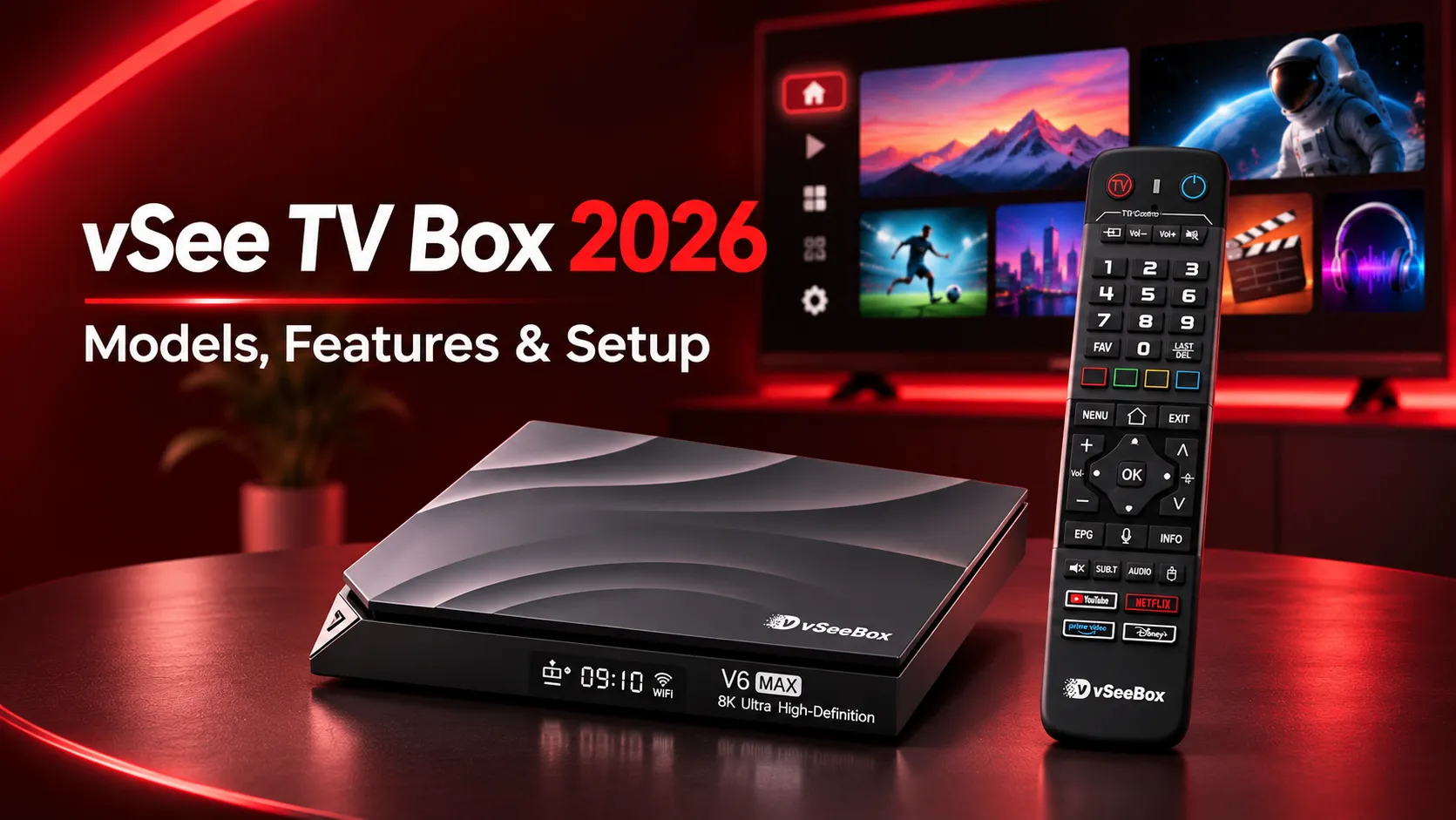
Looking for a vSee TV box to watch live TV, movies and sports without a traditional cable subscription? vSeeBox offers several Android-based streaming devices with different hardware specifications and entertainment features. However, choosing the right model also means understanding what content is actually included.
This 2026 guide compares the latest vSeeBox models, explains their streaming capabilities, pricing and setup, and addresses common questions about free channels. You’ll also discover how vSeeBox compares with the EVPAD 12P for Chinese-language and international entertainment in the US.
What vSeeBox Models Are Available in 2026?
The main vSeeBox V6 lineup in 2026 includes three models: the V6 Pro, V6 Plus and V6 Max. All three run Android 14 with 4GB RAM, but they differ in processing power, storage capacity, connectivity and additional features. The V6 Pro is a newer 2026 model, while the V6 Plus and V6 Max were introduced in 2025.
vSeeBox V6 Pro, V6 Plus and V6 Max Compared
The table below compares the key specifications and approximate US retail prices of these vSee TV box models.
Note: Prices are examples from US retailer listings and may vary by seller or promotion. Maximum video decoding resolution does not guarantee the same playback or display output resolution.
Which vSeeBox Model Should You Choose?
Choose the vSeeBox V6 Pro if you want a lower-priced option for everyday streaming. Its 4GB RAM, 32GB storage and Gigabit Ethernet connection make it a practical choice for basic entertainment, especially with a wired internet connection.
Choose the vSeeBox V6 Max if you want more storage without paying for the highest-priced model. Its 64GB capacity provides additional room for apps and downloaded files, making it suitable for households that regularly use multiple streaming applications.
Choose the vSeeBox V6 Plus if you prefer the Amlogic S905Y5 processor and features such as split-screen viewing. It is worth considering for users who want more flexible multitasking and a backlit remote for easier navigation.
For most buyers, the decision comes down to budget, storage and connectivity. The V6 Pro covers everyday needs, the V6 Max offers more storage, and the V6 Plus provides a more feature-focused configuration.
What Can You Watch on a vSee TV Box?
A vSee TV box provides access to live television, movies, TV shows, sports and international entertainment through Android streaming apps. Its main attraction is the Heat app ecosystem, which retailers advertise as offering a wide selection of content without recurring subscription fees.
Live TV, Movies, Sports and Entertainment Apps
vSeeBox offers several entertainment apps, although availability depends on the model:
- Heat Live: Offers live TV channels covering US news, local programming, sports, entertainment and international content.
- Heat VOD: Provides an on-demand library of movies and TV series across different genres.
- Heat Ultra: Offers additional movies and television programs, including selected higher-resolution content.
- Live Ultra: Available on V6 Plus and V6 Max models, offering additional live TV options.
- Backup TV: Provides alternative live streams and replay features for selected channels and programs.
Sports fans can explore categories covering football, basketball, baseball, hockey and other events. International viewers can also find programming in multiple languages. However, specific channels, sports events, playback quality and language options may change over time.
Users can also install compatible streaming apps such as YouTube, Netflix and Disney+, although these services may require separate subscriptions.
Are vSeeBox Channels Really Free?
vSeeBox retailers advertise access to Heat Live, Heat VOD and other supported Heat apps without monthly subscription fees after purchasing the device. However, this does not mean every streaming service or channel is permanently free.
Before buying a vSee TV box, consider these important distinctions:
- Device cost: You pay upfront for the vSeeBox hardware.
- Heat apps: Retailers advertise included access without recurring fees, but content availability and continued service are not guaranteed.
- Third-party subscriptions: Premium services such as Netflix, Disney+ and YouTube TV require separate payments where applicable.
- Internet connection: A broadband connection is necessary, and normal internet service charges still apply.
- Content licensing: Free-access claims do not automatically confirm that every channel or program is properly licensed for distribution.
In short, vSeeBox may help reduce recurring entertainment costs, but buyers should verify the available channels, service terms and content rights before relying on it as a cable TV replacement.
How to Set Up and Use a vSeeBox
Setting up a vSee TV box usually takes just a few minutes. The V6 Pro, V6 Plus and V6 Max follow a similar process: connect the device to your television, pair the remote, configure the internet connection and open your streaming apps.
First-Time Setup and App Installation
Follow these steps to get your vSeeBox ready for streaming:
- Connect the device: Plug the vSeeBox into your TV using the HDMI cable, connect the power adapter and select the correct HDMI input on your television.
- Pair the remote: Insert the batteries and follow the on-screen instructions. For supported Bluetooth remotes, hold the OK and Volume Down (-) buttons together until pairing begins.
- Configure basic settings: Select your preferred language and time zone, then adjust the display area to fit your TV screen.
- Connect to the internet: Choose your Wi-Fi network and enter the password, or connect an Ethernet cable for a more stable connection.
- Install streaming apps: Open the Heat app icons on the home screen to complete installation where prompted. You can also explore compatible applications through the device’s Market app.
- Check for updates: Open the Software Update section in Settings and install any available official firmware updates.
Once setup is complete, you can launch your installed apps directly from the home screen. Some third-party streaming services may require separate accounts or subscriptions.
Common vSeeBox Problems and Fixes
If your vSeeBox is not working properly, most basic connectivity, playback and remote issues can be checked without professional assistance.
- Buffering or slow streaming: Restart your router and vSeeBox, check your internet speed, or switch from Wi-Fi to Ethernet. Lowering video quality may also improve playback.
- Heat Live or Heat VOD not loading: Restart the application and clear its cache through Settings > Apps. Check for app updates if the problem continues.
- Remote not responding: Replace the batteries and try pairing again by holding OK and Volume Down (-). Keep the remote close to the device during pairing.
- Wi-Fi connection problems: Verify your password, restart the router or reconnect to the network. You can also test an Ethernet connection to isolate the issue.
- Black screen or no picture: Confirm the correct HDMI input, reconnect the HDMI cable and restart the device.
- Apps freezing or crashing: Close unused applications, clear the affected app’s cache and check for system updates.
If problems continue, contact your vSeeBox seller or support provider with your device model and a description of the issue. A factory reset should be the last option because it can erase installed apps, saved settings and local data.
vSeeBox vs EVPAD 12P: Which TV Box Should You Buy?
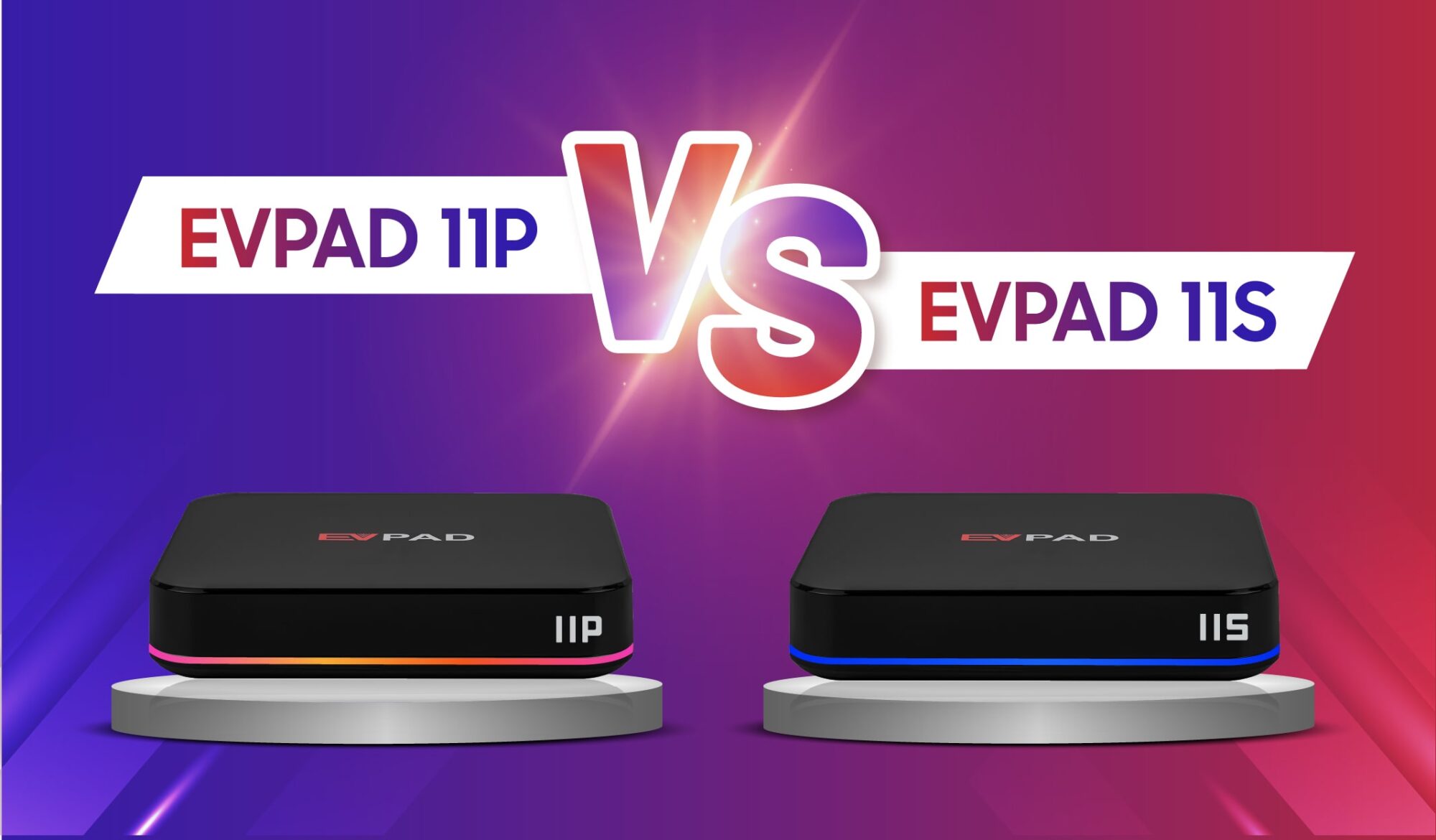
Both vSeeBox and EVPAD offer Android TV boxes for live television, movies, sports and international entertainment. The vSeeBox V6 Pro focuses on the Heat streaming ecosystem, while the EVPAD 12P is designed with overseas Chinese audiences in mind. Their main differences include software, storage, entertainment features and price.
vSeeBox V6 Pro vs EVPAD 12P: Key Differences
The table below compares the hardware specifications, streaming features and approximate US prices of both devices.
Note: Prices are based on online listings checked in November 2026 and may change. Video decoding capabilities and display output resolution are different specifications. Entertainment app availability varies by region and service provider.
Which Is Better for Chinese-Language and International Entertainment?
Choose vSeeBox V6 Pro if your main interests are US live TV, sports and movies through the Heat app ecosystem. Android 14 and its backlit voice remote are also useful for users who prefer a newer operating system and convenient navigation.
Consider EVPAD 12P if you live in the US and regularly watch Mandarin, Cantonese or other Asian-language entertainment. Its supported applications offer access to Chinese-language dramas, variety shows and international programming, subject to regional availability. EVPAD also provides KTV karaoke features, an air-mouse remote and 64GB storage, twice the capacity of the V6 Pro.
At the listed prices, EVPAD 12P is also more affordable while offering the same 4GB RAM and Allwinner H618 processor. However, neither device guarantees permanent access to specific channels or third-party streaming services.
For viewers focused on US sports and the Heat ecosystem, vSeeBox V6 Pro remains a reasonable option. For overseas Chinese households seeking a more Chinese-language-oriented entertainment experience at a lower upfront price, EVPAD 12P is worth considering.
Looking for a TV Box for Chinese & International Entertainment?
Discover the EVPAD 12P with 64GB storage, Chinese-language entertainment, international streaming options and KTV karaoke features.