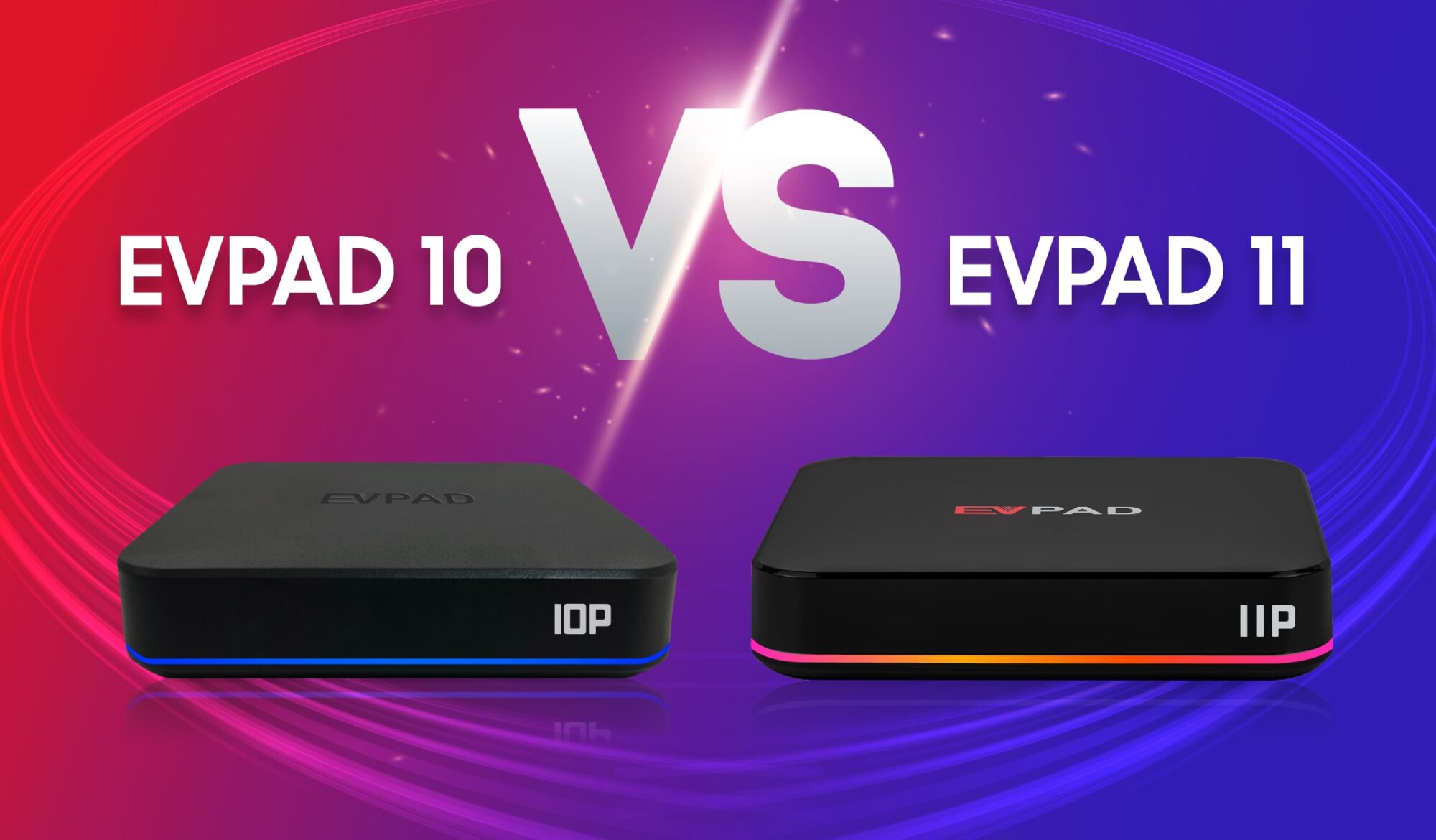
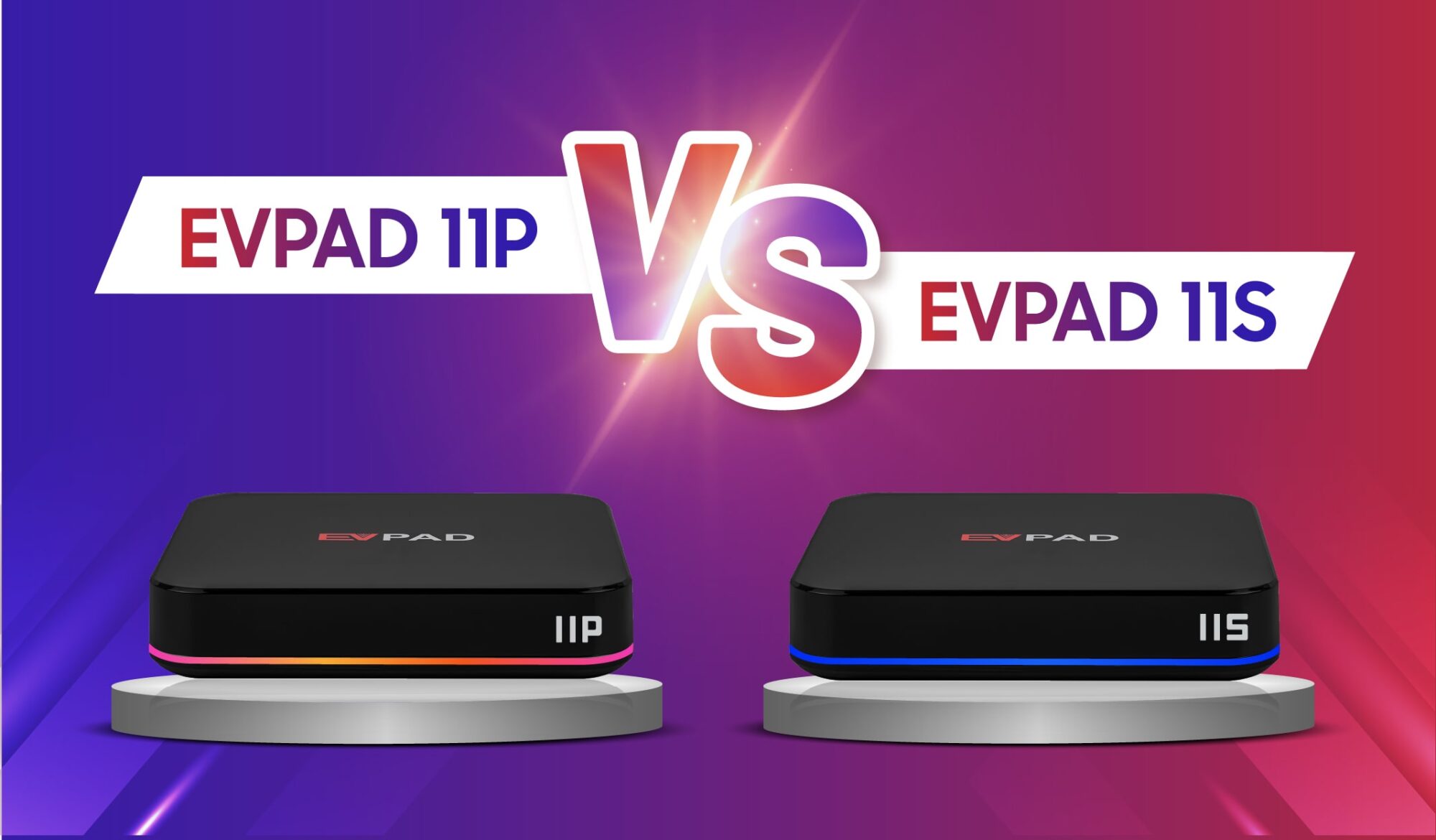
Among smart Android TV box brands, EVPAD is widely favored for its stable live streaming, extensive international channels, and high-definition on-demand library. For many users, the EVPAD 5S remains a reliable, cost-effective streaming device.
When setting up the box for the first time, users frequently see the term EVPAD 5S 6868 (or searches like 6868hx / 6868jx). But what does “6868” actually mean, which core apps are required, and how do you install them? This step-by-step tutorial covers everything you need to know.
1. What Does “EVPAD 5S 6868” Mean?
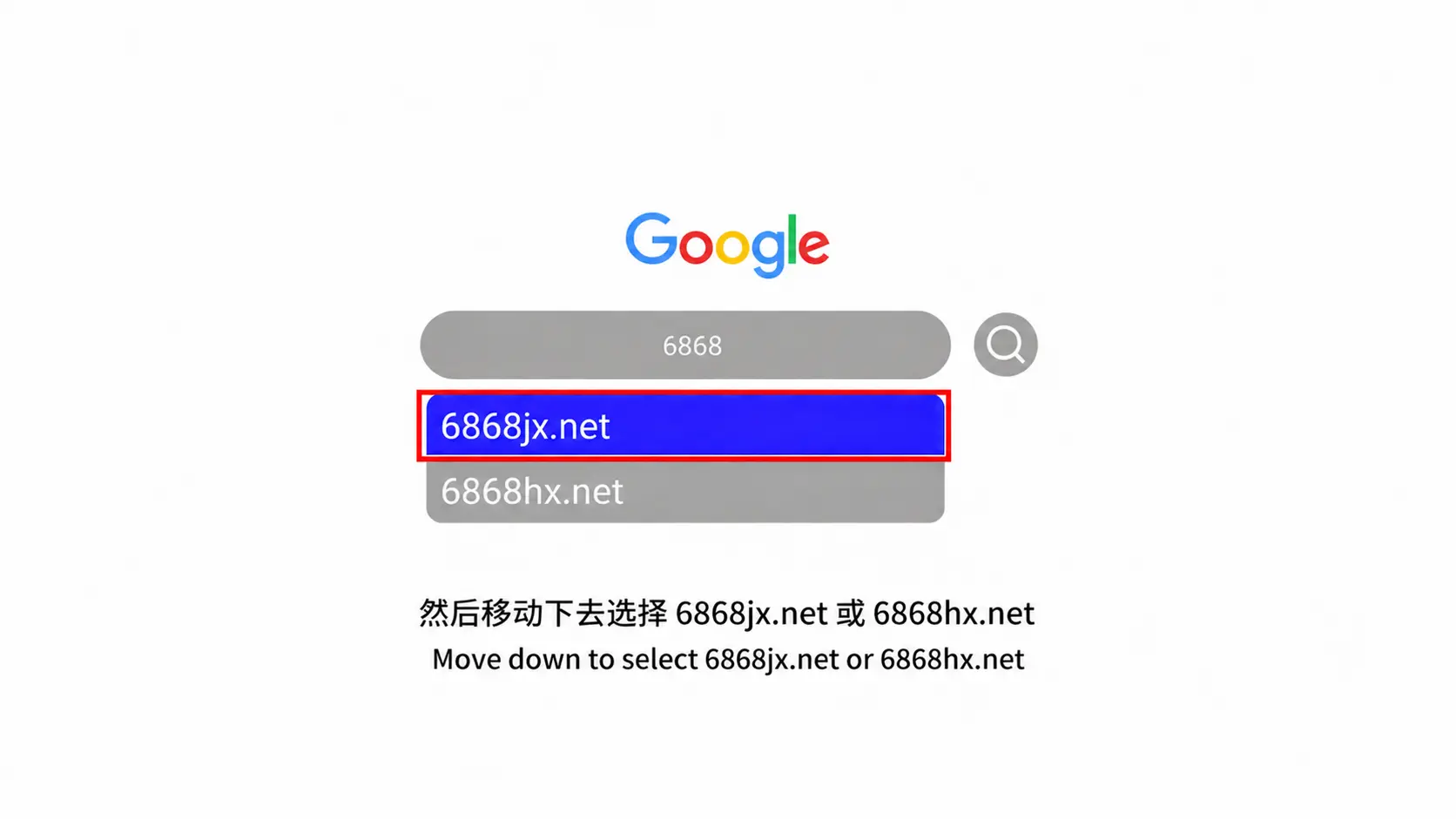
“EVPAD 5S 6868” is not an error code or hardware model. It refers to the official cloud installation portal (such as 6868hx.net, 6868hx.com, or 6868jx.net) designed to download verified APKs compatible with EVPAD 5S, 5P, and legacy generations.
To access the portal, open the built-in browser on your TV box and enter:
URL: https://6868hx.net or https://6868jx.net
2. Essential Apps to Download on EVPAD 5S
JinXing Video RH (Live TV + VOD)
JinXing Video RH is the primary entertainment application for EVPAD 5S, combining real-time broadcast television with an on-demand video streaming library:
- Over 1,000 live channels: Coverage includes Hong Kong, Taiwan, Singapore, Malaysia, Japan, Korea, the US, and Mainland China.
- VOD library: Updated daily with 4K/HD dramas, variety shows, movies, and anime with multi-language subtitle options.
HX Store (App Store)
HX Store acts as the secondary app marketplace, allowing quick installations of verified third-party utilities and streaming services such as YouTube, Netflx, Disny, iQIY and local media players.
3. Step-by-Step: How to Install Apps on EVPAD 5S
Method 1: Direct Download via Built-in TV Box Browser
- From the EVPAD 5S home dashboard, launch the default Browser application.
- Type
https://6868hx.net(orhttps://6868jx.net) into the address bar and press Enter. - Scroll to the section designated for EVPAD 3 / 5 / 6 Series.
- Click on JinXing Video RH to start downloading the APK, then click to install when prompted. Repeat this step for HX Store.
- Grant permissions (“Allow from this source”) if an Android security prompt appears. Once finished, launch the apps directly from your home screen.
Method 2: Sideload via USB Flash Drive
- On your computer or smartphone, open a browser and visit
https://6868hx.net. - Download the installation APK files for JinXing Video RH and HX Store directly onto a FAT32-formatted USB drive.
- Plug the USB flash drive into the USB 2.0/3.0 port on the side of your EVPAD 5S.
- Open File Manager (or App Installer) from the EVPAD home menu.
- Locate the USB storage directory, select each APK file, and click Install. Confirm “Allow all permissions” during installation.
4. Troubleshooting Common Download & Installation Errors
- Page Fails to Load: If your local Internet Service Provider (ISP) blocks the URL, navigate to Settings > Network on your box and switch the DNS servers to Google DNS (
8.8.8.8/8.8.4.4) or Cloudflare DNS (1.1.1.1). - “Parse Error” or “App Not Installed”: Ensure the download completed 100%. If the file is corrupted, delete the APK from File Manager and re-download.
- Security Block: Go to Settings > Security & Restrictions > Unknown Sources and toggle it to Enable for your browser or file manager.
- Contact EVPAD Support via WhatsApp: +60 11-2831-1101
5. Summary & Upgrade Recommendations
Using 6868hx remains the standard method to restore and configure the software suite on your EVPAD 5S. However, as operating systems evolve, modern high-bitrate video formats require enhanced processing power and memory.
If you experience buffering on 4K streams or want access to the latest voice-controlled remote functions, consider exploring newer generations like the EVPAD 10P or EVPAD 11P.
Looking for official EVPAD hardware or setup assistance?
- WhatsApp Support: +60 11-1180 6101
- Email: customer@evpadsg.com
- To purchase the latest EVPAD model, visit our shop: https://evpadsg.com/shop/