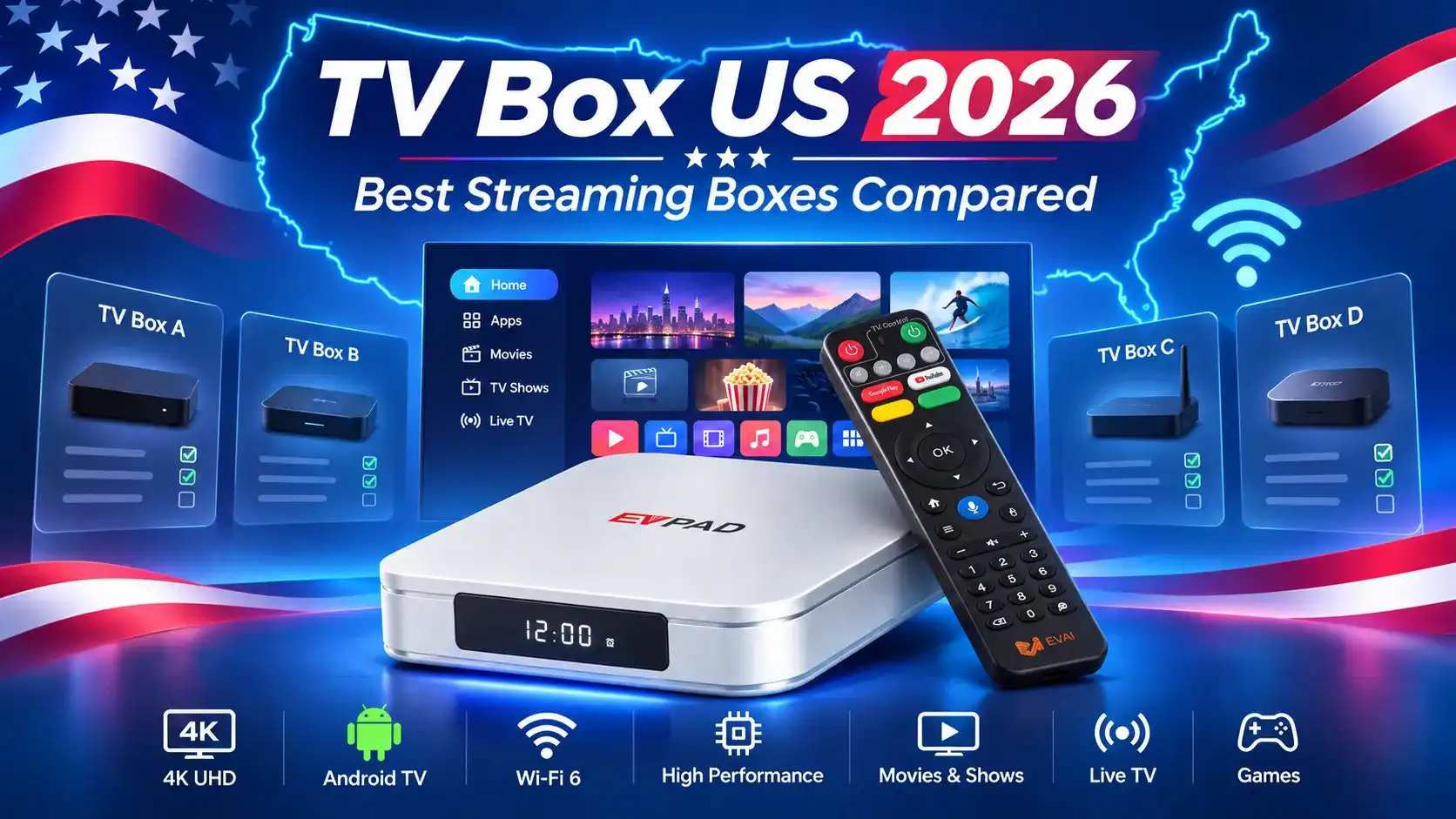
Looking for the best TV box in the US? With options like Roku, onn, Apple TV and EVPAD, choosing the right device depends on your streaming needs, budget and preferred entertainment.
For Chinese-speaking families in the US, access to Mandarin, Cantonese and international entertainment may also be a priority. This 2026 guide compares popular TV boxes to help you find the best fit for your household.
What Types of TV Boxes Are Available in the US?
Not all TV boxes in the US work the same way. Some offer flexible Android apps, while others focus on popular streaming platforms or live TV services. Understanding these differences can help you choose the right device for your home.
Android TV Boxes and Google TV Devices
Android TV boxes, such as EVPAD, use Android-based software and support compatible entertainment apps. They may appeal to families looking for more flexibility in their streaming options, including Chinese-language and international entertainment.
Google TV devices, including onn and Google TV Streamer, offer a content-focused interface with access to supported streaming apps. App availability and official certification can differ from those of other Android boxes.
Roku, Apple TV and Fire TV Platforms
These devices use their own streaming ecosystems:
- Roku: Known for straightforward navigation and access to supported streaming services.
- Apple TV: Uses tvOS and integrates with compatible Apple devices, including iPhones and iPads.
- Fire TV: Offers Amazon’s streaming experience, with supported apps and Alexa features on compatible models.
Streaming Boxes, Streaming Sticks and Live TV Services
A streaming box sits beside your TV, while a streaming stick plugs directly into an HDMI port. Both can provide access to entertainment apps, but connectivity and features vary by model.
Services like Sling TV are different: they provide live TV and streaming content rather than a standalone TV box. You’ll need a compatible device and an appropriate subscription to use their paid services.
Best TV Boxes in the USA: Popular Streaming Devices Compared
From budget-friendly streaming devices to more versatile Android boxes, the US TV box market offers options for different entertainment needs. Here are eight popular devices worth comparing in 2026.
Looking for a TV Box for Chinese-Language Entertainment?
Explore the EVPAD 12P, discover its entertainment features, pricing and US shipping options to see whether it’s right for your family.
What Should You Check Before Buying a TV Box in the US?
Before choosing a TV box in the US, look beyond the brand and advertised specifications. These four factors can affect app compatibility, picture quality and long-term reliability.
1. Streaming App Compatibility and Device Certification
- Official app support: Check whether your preferred services, such as Netflix, YouTube, Hulu and Disney+, officially support the specific device.
- Streaming certification: Some Android boxes allow APK installation but may lack the certification required for HD or 4K playback on certain platforms.
- Regional availability: Confirm that Chinese-language and international entertainment apps are accessible in the US, including any subscription or licensing restrictions.
2. Picture Quality, Performance and Storage
- 4K playback: Look for suitable 4K and HDR support, but remember that actual picture quality depends on the app, content, TV and device certification.
- RAM and processor: More memory can help with multitasking, while processor performance and software optimization also affect responsiveness.
- Storage capacity: More storage provides room for compatible apps and updates. For example, EVPAD 12P offers 4GB RAM and 64GB storage.
3. Wi-Fi, Ethernet and TV Connections
- Wireless connectivity: A stable Wi-Fi connection is important for streaming. Wi-Fi 6 can offer advantages when used with a compatible router.
- Wired networking: An Ethernet connection may provide greater stability when your router is nearby or wireless signals are unreliable. EVPAD 12P supports both Wi-Fi 6 and Ethernet.
- TV compatibility: Check for an available HDMI port and any additional connections you need, such as USB or Bluetooth.
4. Software Updates, Security and Content Rights
- Software support: Check whether the manufacturer provides firmware updates, technical assistance and clear product information.
- App security: Install applications from trusted, authorized sources. Unknown APK files or modified firmware can create security and reliability risks.
- Content licensing: Be cautious of claims promising unlimited free channels or lifetime access. Streaming availability can change with licensing agreements and service policies.
Buying tip: The right TV box should offer more than attractive specifications. Prioritize compatible apps, reliable connectivity, secure software and clear support to avoid problems after purchase.
TV Box Prices, Subscriptions and Where to Buy in the US
When shopping for a TV box in the US, consider the upfront price, ongoing subscription costs and after-sales support. A cheaper device isn’t always the better value if it doesn’t support the entertainment your family needs.
How Much Does a TV Box Cost in the US?
Prices vary depending on the brand, features and retailer. Here are some popular models and their reference prices:
Reference prices from November 7, 2026. Prices, promotions, availability and taxes may change. Verify current offers before purchasing.
Prices checked November 7, 2026. Promotions, availability and applicable taxes may change the final purchase cost.
One-Time Hardware Costs vs Monthly Subscriptions
- Device purchase: Buying a TV box typically involves a one-time hardware payment, although optional accessories may cost extra.
- Streaming subscriptions: Services such as Netflix, Disney+, Hulu and Sling TV may require separate monthly payments, regardless of which compatible device you use.
- EVPAD 12P: The International Version does not require a mandatory monthly device-access fee. However, third-party apps and entertainment services may have their own charges or regional restrictions.
Cost takeaway: Compare the total cost of the device and the services your household actually watches, rather than assuming that buying a TV box includes every channel or programme.
US Retailers, International Shipping and Warranty
TV boxes are available through US retailers such as Walmart, official brand stores and international sellers. Before ordering, check:
- Seller and product version: Confirm you’re purchasing the correct model from a reliable retailer, especially when comparing US and international versions.
- Shipping: EVPADSG advertises free shipping to the US, with 1–2 business days for order processing and an estimated 4–7 business days for delivery. Actual times may vary.
- Returns and warranty: EVPADSG publishes a 30-day return policy and product warranty information. Review eligibility, product condition requirements and support arrangements before purchasing.
Choosing the best TV box in the US comes down to your viewing habits, budget and preferred apps. Roku, onn and Google TV are practical choices for everyday streaming, while Apple TV appeals to households already using Apple devices.
For Chinese-speaking families interested in Mandarin, Cantonese and international entertainment, the EVPAD 12P is another option worth exploring. Before buying, confirm that your preferred apps and content services are available in the US