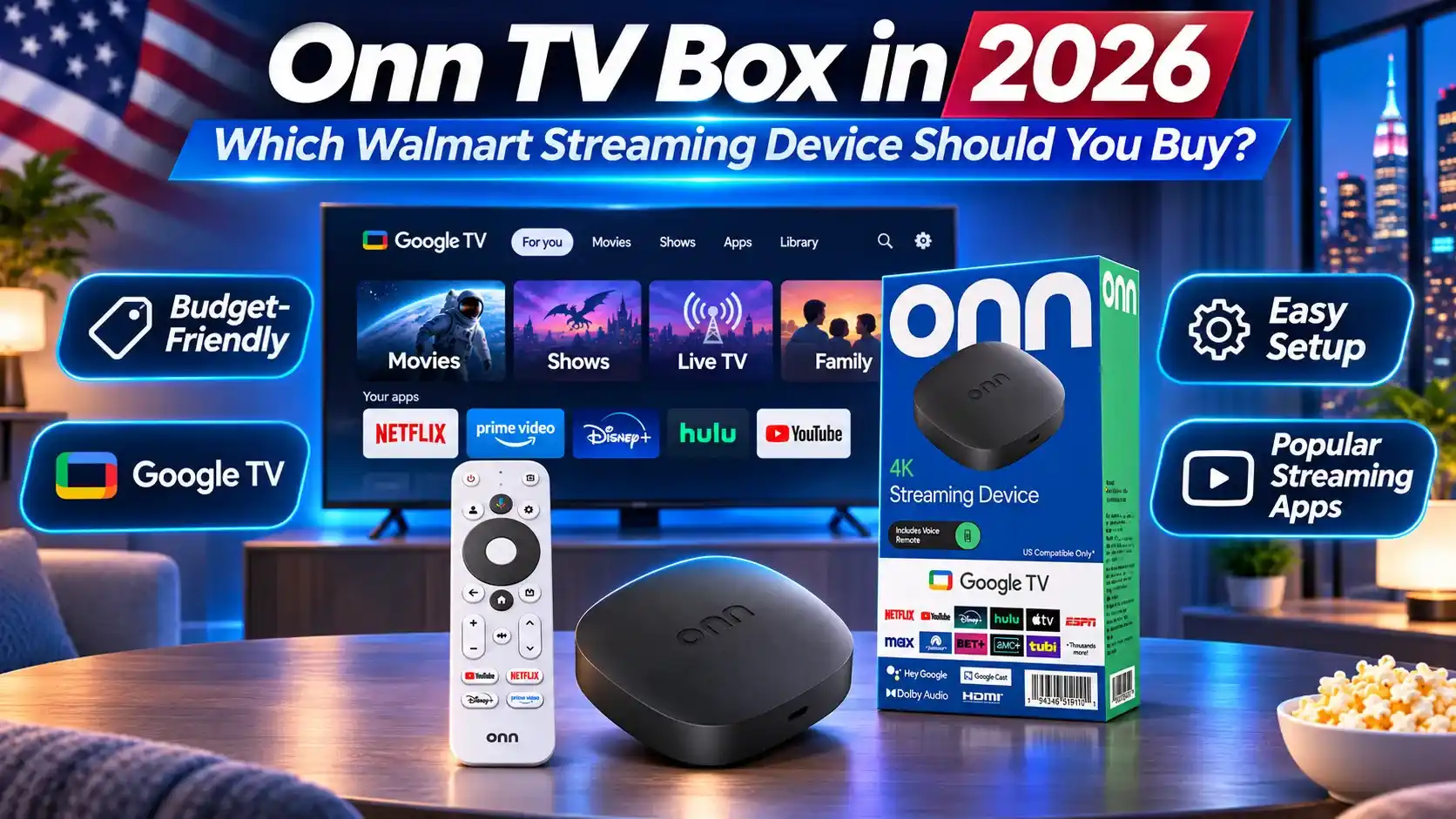
Looking for an affordable onn TV box for streaming in the US? Walmart offers several onn Google TV devices, including the onn 4K, 4K Plus and 4K Pro. Each model comes with different features, performance and storage options.
This 2026 guide compares onn TV box models, explores supported streaming apps and explains how to set up your device. You’ll also discover how onn compares with other Android-based TV boxes for Chinese-language and international entertainment.
What onn TV Box Models Are Available in 2026?
Walmart offers several onn TV box models powered by Google TV, including the onn 4K, onn 4K Plus and onn 4K Pro. All three support 4K streaming, but they differ in storage, connectivity and extra features.
onn 4K, onn 4K Plus and onn 4K Pro Compared
Here’s a quick comparison of the main onn streaming devices available in the US:
Reference prices from Walmart as of November 7, 2026. Prices and availability may change. These devices are intended for use in the US and Puerto Rico.
Still comparing your options? Explore our guide to the best TV boxes in the US to see how onn compares with Roku, Apple TV, EVPAD and other popular streaming devices.
Which onn Model Should You Choose?
The right onn Google TV box depends on how many apps you use and which features matter most.
- Choose onn 4K: Best for budget-conscious households that mainly watch a few popular streaming services and don’t need much app storage.
- Choose onn 4K Plus: A practical middle option if you want more storage, Wi-Fi 6 and enhanced picture and audio format support.
- Choose onn 4K Pro Gen 2: Worth considering if you regularly use multiple apps, prefer Ethernet connectivity or want hands-free voice control and additional smart home features.
What Can You Watch on an onn Google TV Box?
An onn Google TV box gives you access to popular streaming services, movies, live TV and entertainment apps through Google TV. Whether you choose the onn 4K, 4K Plus or 4K Pro, the content you can watch depends on app compatibility, subscriptions and regional availability.
Popular Streaming Apps and Google TV Features
onn streaming devices use Google TV to bring supported entertainment services together in one interface.
- Popular streaming apps: Watch content through compatible services such as Netflix, YouTube, Disney+, Hulu and Amazon Prime Video. Paid services require separate subscriptions.
- Live TV and free content: Explore supported live TV apps, including Sling TV, and available free, ad-supported channels.
- Google TV recommendations: Discover movies and shows based on your interests, installed apps and connected streaming services.
- Voice search and casting: Use supported voice commands to find entertainment and Google Cast to stream compatible content from your phone.
- International entertainment: Explore Chinese-language and other international streaming apps available for your device in the US.
Streaming Quality, App Support and Limitations
Although onn TV boxes support 4K streaming, the actual viewing experience varies by model and service.
- 4K and HDR: All three models support 4K output, while supported HDR and audio formats vary. The onn 4K Plus and 4K Pro offer Dolby Vision and Dolby Atmos support for compatible content and equipment.
- App compatibility: Google TV provides access to supported apps, but some services have specific device, software or regional requirements.
- Storage limitations: The onn 4K has 8GB of storage, compared with 16GB on the 4K Plus and 32GB on the 4K Pro Gen 2. Available space for apps is lower after system files.
- US-only compatibility: Walmart markets these devices for use in the United States and Puerto Rico. International use is not officially supported.
- Subscription requirements: Buying an onn TV box does not include paid streaming services or guarantee access to every movie, channel or live event.
Bottom line: An onn TV box is a practical choice for mainstream US streaming and supported Google TV apps. However, if your household prioritizes Mandarin, Cantonese or other international entertainment, check the availability of your preferred apps and programmes before deciding.
How to Set Up and Use an onn TV Box
Setting up an onn TV box is straightforward, even if you’re new to Google TV. Whether you have the onn 4K, 4K Plus or 4K Pro, the basic process involves connecting the device, signing in and installing your favorite apps.
First-Time Setup and Installing Apps
- Connect to your TV: Plug the onn device into an available HDMI port and connect its power adapter. Select the correct HDMI input on your television.
- Pair the remote: Insert the batteries and follow the on-screen instructions. If pairing is required, press and hold the Back and Home buttons until the remote connects.
- Connect to the internet: Select your Wi-Fi network and enter the password. The onn 4K Pro also offers Ethernet connectivity.
- Set up Google TV: Choose your language and sign in with a Google Account. Depending on your model, you can complete setup on the TV or use a supported phone-based setup option.
- Install streaming apps: Open the Apps section or use Google TV’s search feature to find and install supported services such as YouTube, Netflix or Disney+.
Setup tip: Check for available system updates after installation to keep your onn streaming device running with the latest supported software.
Common onn TV Box Problems and Fixes
If your onn Google TV box isn’t working as expected, try these troubleshooting steps:
- No picture on the TV: Check the HDMI connection, power adapter and selected TV input.
- Wi-Fi connection issues: Open Settings > Network & Internet, verify your connection and restart the router if necessary.
- Remote not responding: Check the batteries, try pairing the remote again and install any available remote updates.
- Apps freezing or buffering: Restart the device, check your internet connection and update the affected app. Clearing its cache may also help.
- App missing from Google TV: Check whether the app supports your specific onn model and is available in the US.
- Slow performance: Remove unused apps, check available storage and install system updates. A factory reset should be a last resort because it erases device data.
onn TV Box vs EVPAD 12P: Which Is Better for Your Entertainment Needs?
The onn TV box is a budget-friendly option for mainstream streaming in the US. However, if your household also enjoys Mandarin dramas, Cantonese programmes and international entertainment, you may want to compare it with the EVPAD 12P.
Let’s look at how the onn 4K Pro Gen 2 (2026) and EVPAD 12P compare.
onn 4K Pro vs EVPAD 12P: Key Differences
Reference prices as of November 7, 2026. Prices and availability may change. Higher RAM or storage specifications alone do not guarantee better streaming performance.
Which Is Better for Chinese-Language and International Entertainment?
Both devices can serve different viewing preferences, but the better choice depends on which entertainment services your household uses most.
- Choose onn 4K Pro: If you mainly watch Netflix, YouTube, Disney+ and other supported US streaming services, onn offers an affordable Google TV experience. You can also explore Chinese-language apps available on Google TV in the US.
- Consider EVPAD 12P: If your family regularly enjoys Mandarin dramas, Cantonese programmes, Hong Kong entertainment or content from Taiwan, EVPAD’s international entertainment focus and additional storage may make it worth considering.
- Check compatibility first: Neither device guarantees access to every Chinese-language programme. App support, content licensing, regional availability and subscription requirements should be verified before purchasing.
Our verdict: The onn 4K Pro offers stronger value for mainstream US streaming on a budget. However, for Chinese-speaking families who prioritize international entertainment and want to explore EVPAD’s additional features, the EVPAD 12P is a relevant alternative.
Looking for More Chinese-Language Entertainment?