
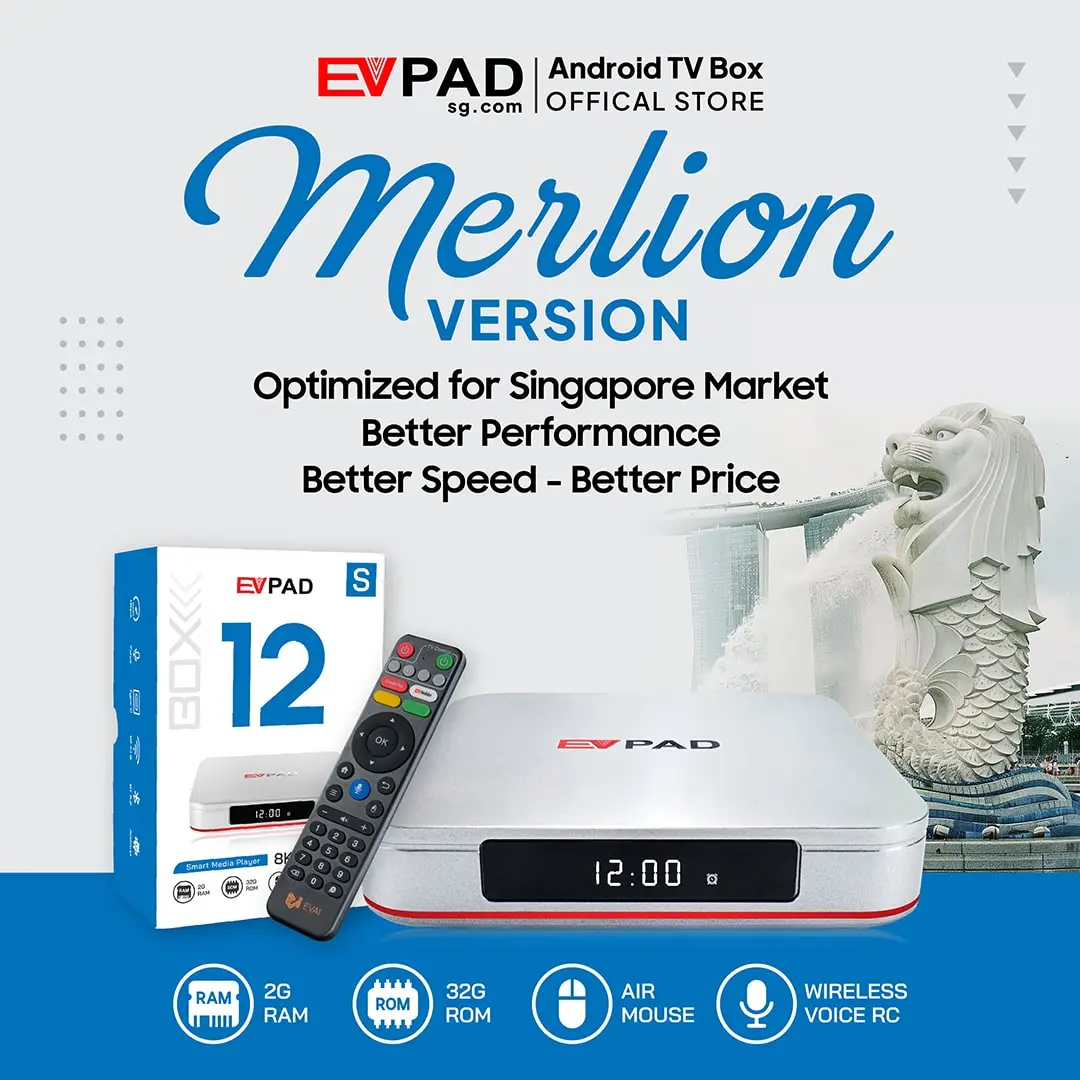

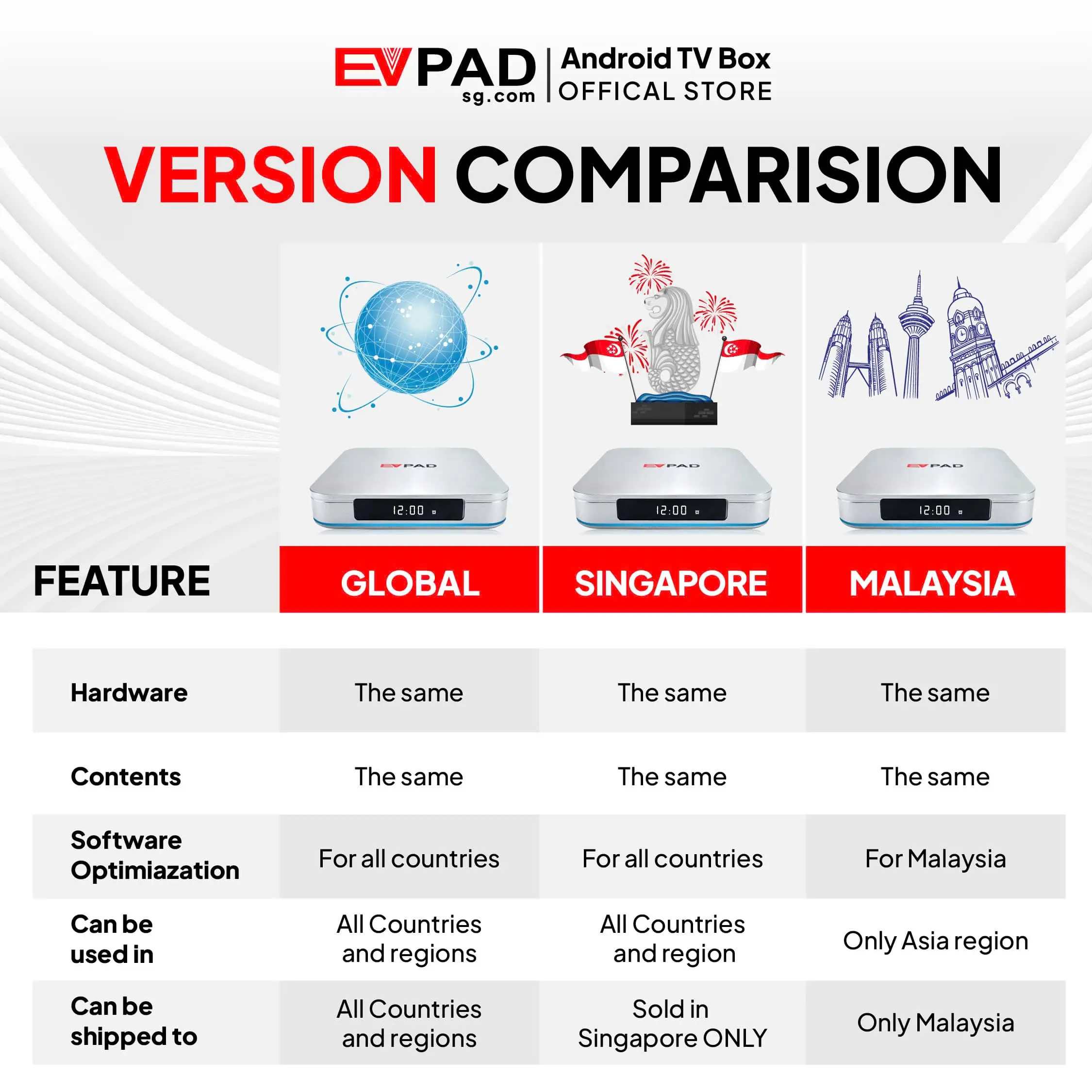


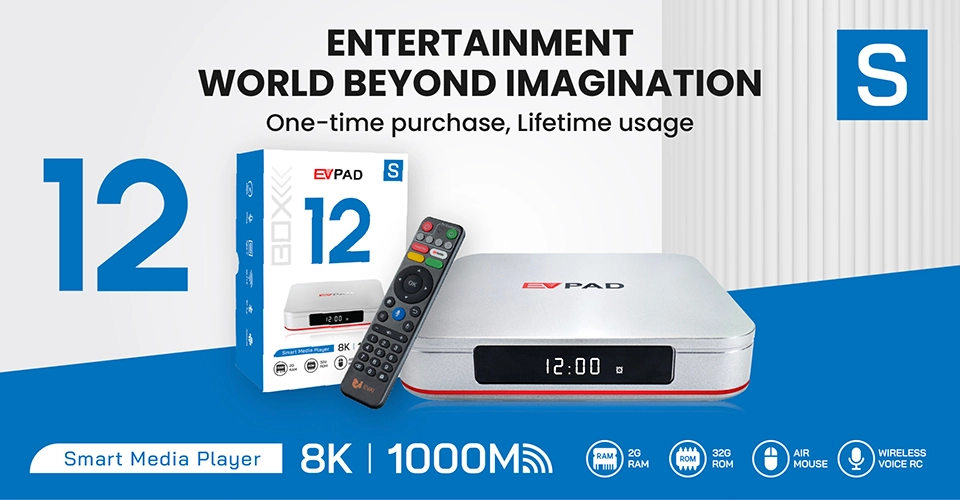
The EVPAD 12S Singapore Version (Merlion) is a budget-friendly Android TV box designed for customers in Singapore who want a flexible home entertainment device without paying for the higher hardware specifications of the EVPAD 12P.
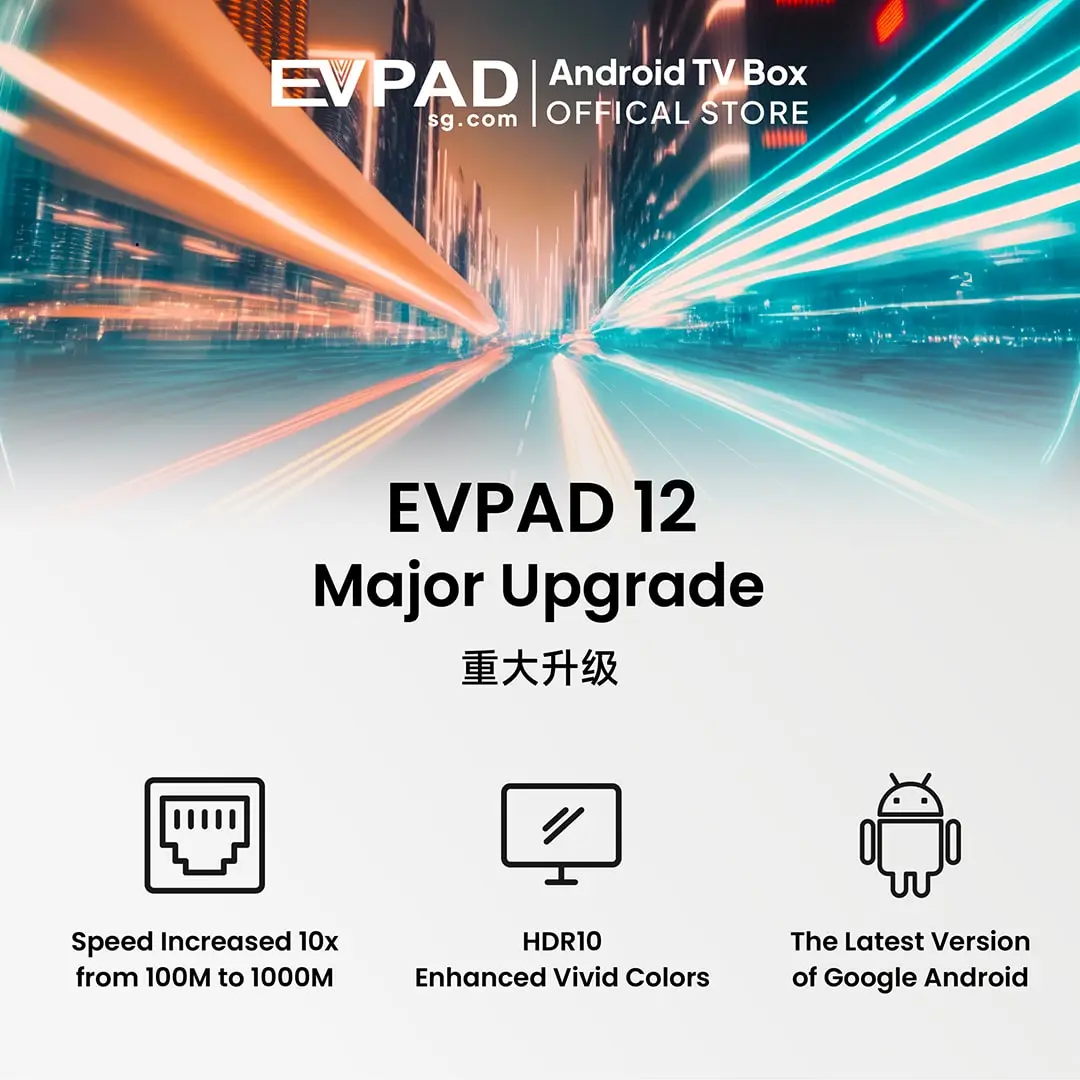
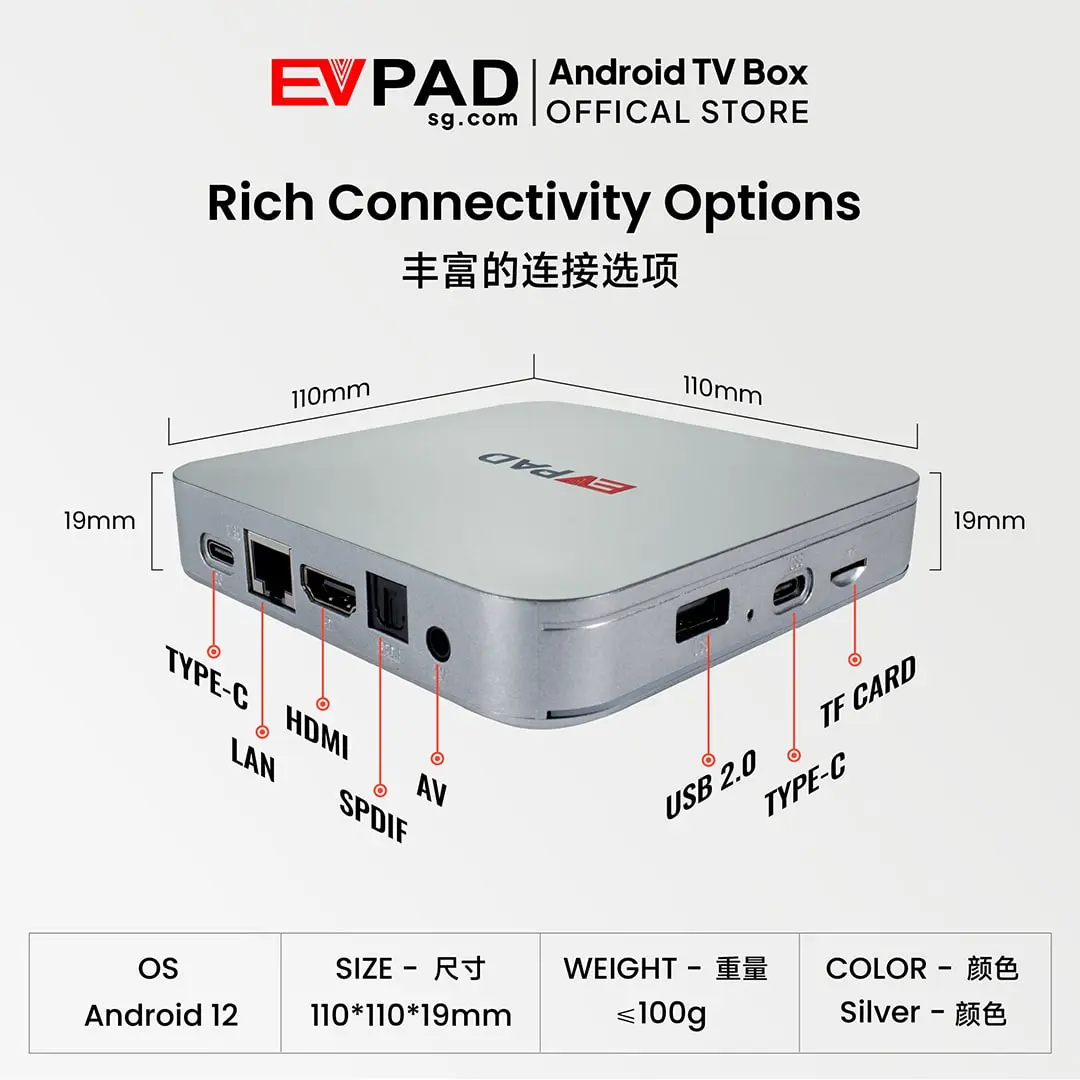
Powered by Android 12, the EVPAD 12S features 2GB RAM, 32GB internal storage, Wi-Fi 6, Gigabit Ethernet, and support for up to 4K video output. It connects to a compatible television through HDMI, providing a separate platform for supported streaming, video, music, karaoke, and other Android applications.
For Chinese-speaking households in Singapore, the EVPAD 12S offers a convenient way to explore compatible Mandarin, Cantonese, and Asian entertainment services on the television. Available applications, channels, and programs depend on the service provider, regional access, and applicable subscriptions.
What You Get with EVPAD 12S Singapore
The EVPAD 12S Singapore Version combines essential Android entertainment features with a practical hardware configuration. Rather than relying on your television’s built-in app platform, you can use the box to access compatible applications through a dedicated interface.
Depending on the applications installed and the services available in Singapore, the EVPAD 12S can support several types of home entertainment:
-
-
- TV and Video Apps: Explore compatible applications offering television programs, movies, dramas, variety shows, and other video content.
- Chinese-Language Entertainment: Use supported services for Mandarin, Cantonese, and regional Asian programming where available.
- Sports Entertainment: Access compatible sports streaming applications, subject to regional broadcasting rights and any required subscriptions.
- On-Demand Viewing: Watch movies and television programs through supported video-on-demand services.
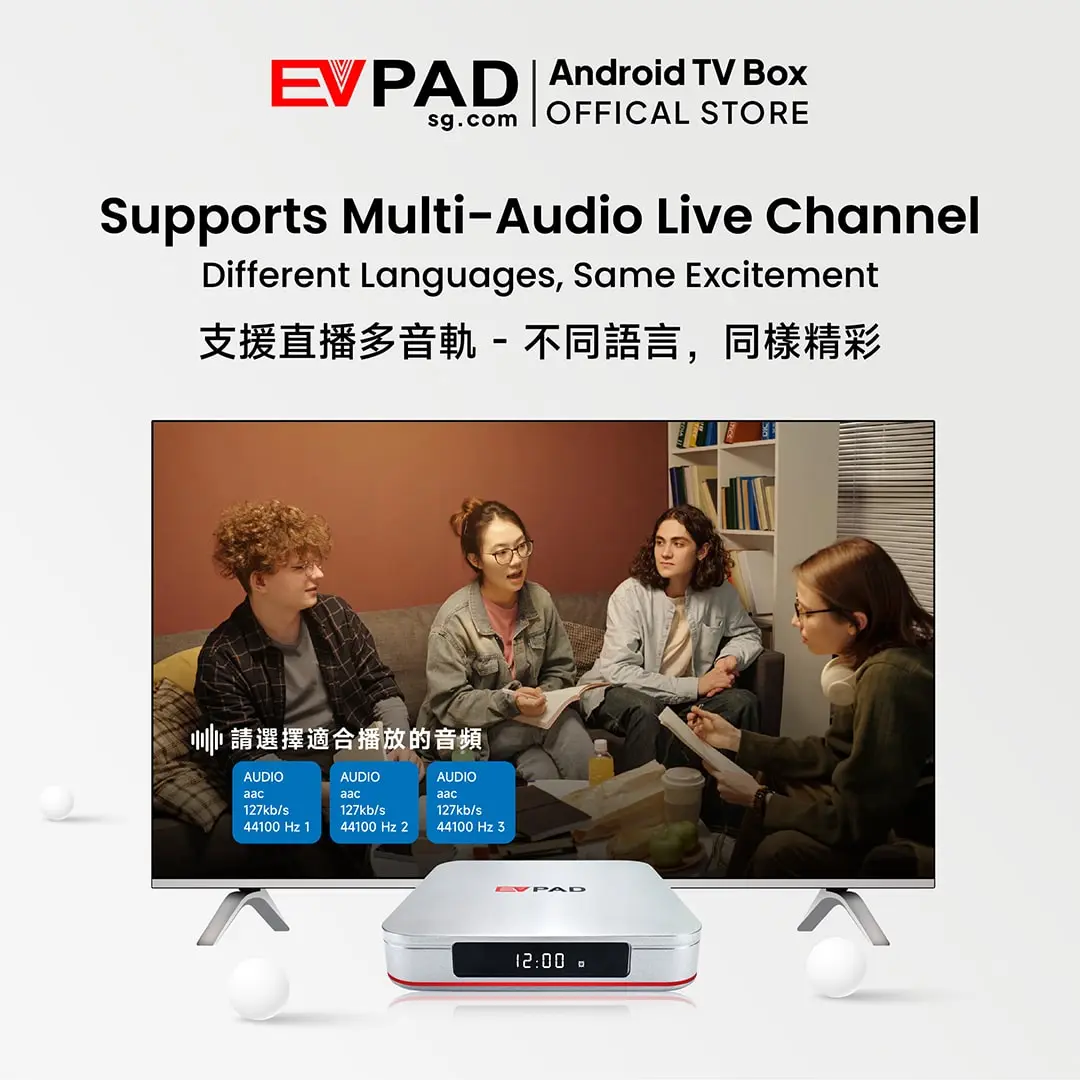
- Playback Features: Use catch-up TV, time-shift, or replay functions when offered by compatible applications and content providers.
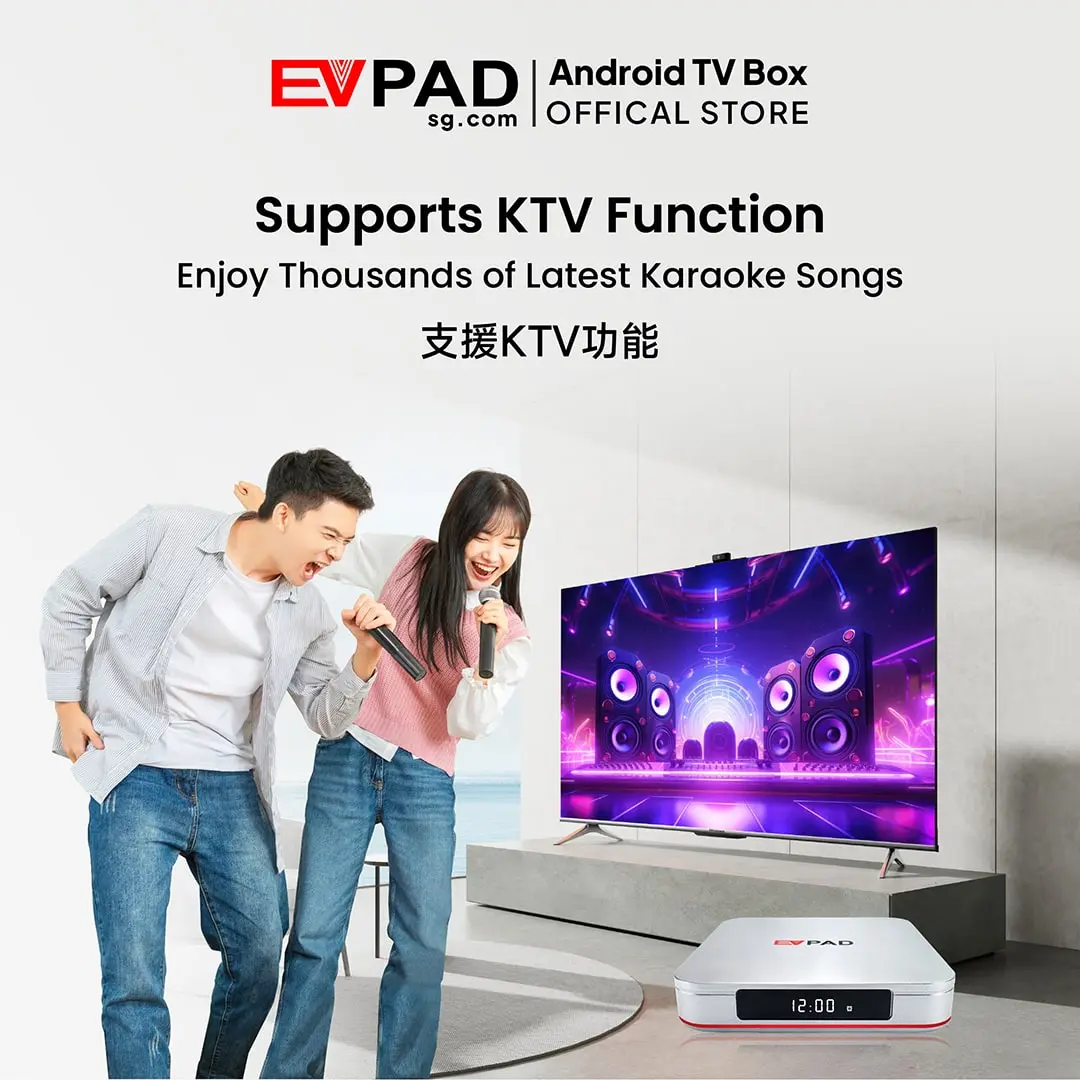
- KTV Karaoke: Enjoy karaoke through compatible applications, subject to their available song libraries and terms of use.
- Android Applications: Install compatible entertainment and utility apps according to the device’s software and hardware capabilities.
-
The EVPAD 12S focuses on everyday usability and affordability. Its 2GB RAM and 32GB storage configuration is intended for customers who prefer a lower-cost entertainment device rather than the additional memory and storage offered by the EVPAD 12P.
Understanding Content Availability
The EVPAD 12S is a hardware device. Access to television channels, movies, sports, and other programs depends on compatible applications and their respective service providers. Some services may require a paid subscription, and content availability can vary by country or change over time.
Key Features of EVPAD 12S for Singapore Users
The EVPAD 12S Merlion Version offers the essential connectivity and usability features of the EVPAD 12 Series in a more affordable configuration.
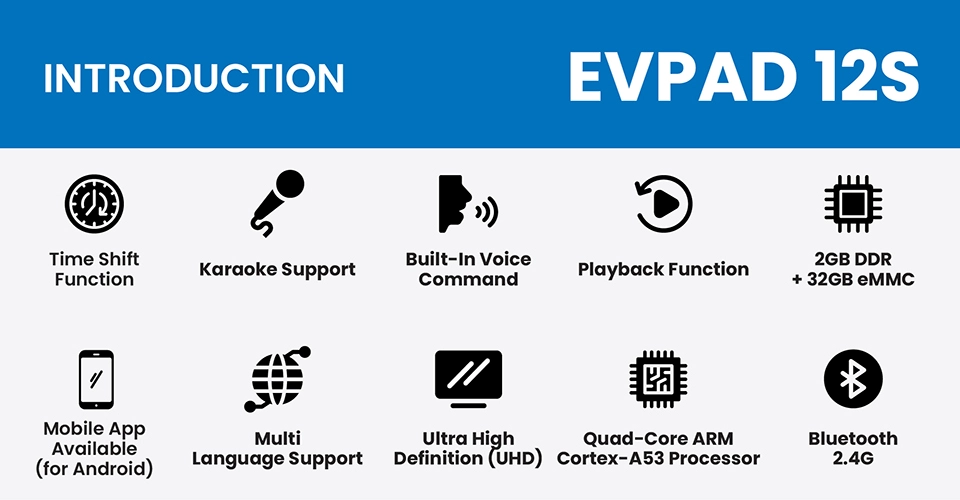
- Android 12: Run compatible Android applications for streaming, entertainment, and everyday utilities.
- 2GB RAM and 32GB Storage: A practical configuration for basic entertainment apps and everyday use.
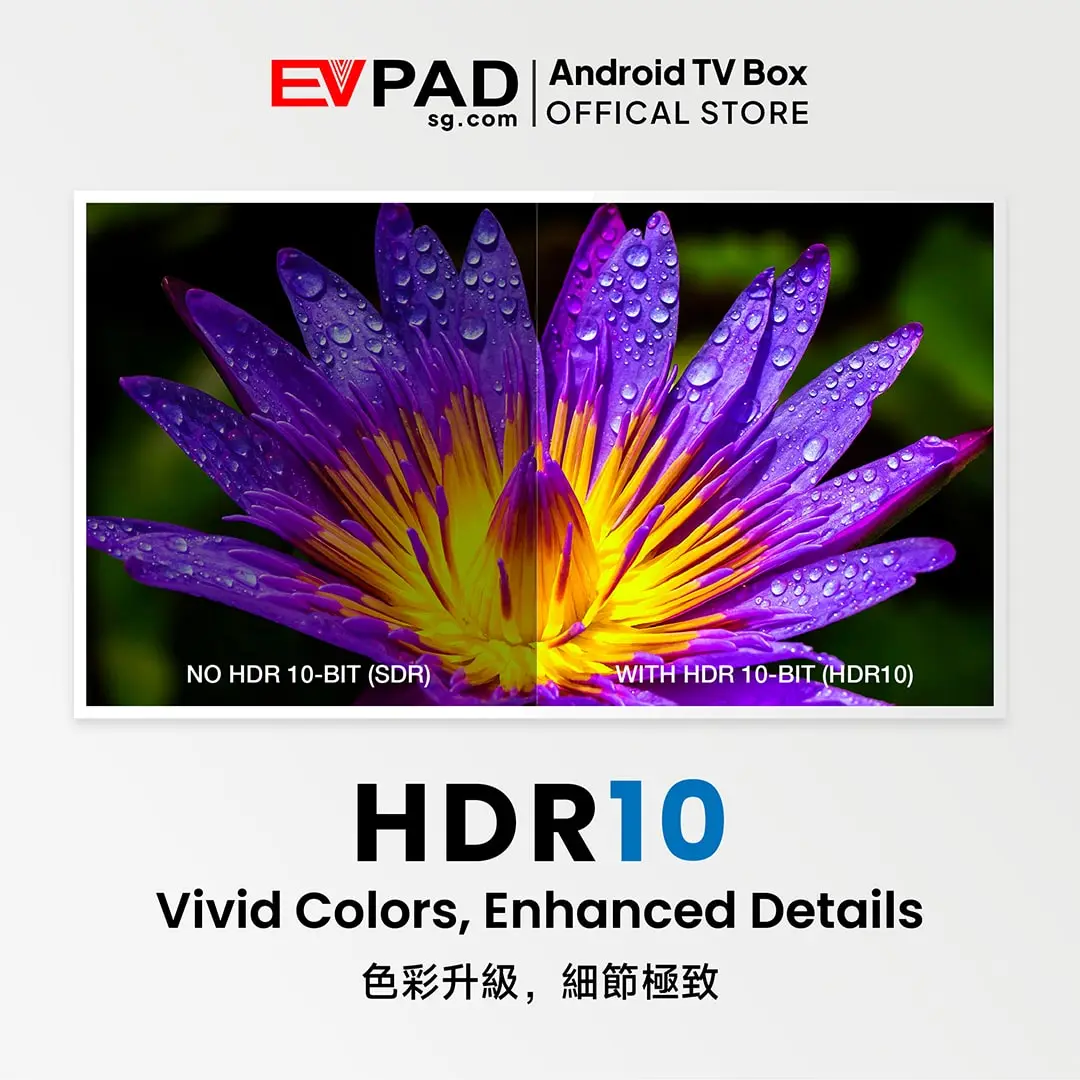
- 4K Video Output and HDR10: Support for compatible high-resolution video and HDR content. Actual picture quality depends on the television, source material, and application.
- Wi-Fi 6: Connect to compatible wireless networks for online applications and streaming.
- Gigabit Ethernet: Use a wired network connection when a stable home internet connection is preferred.
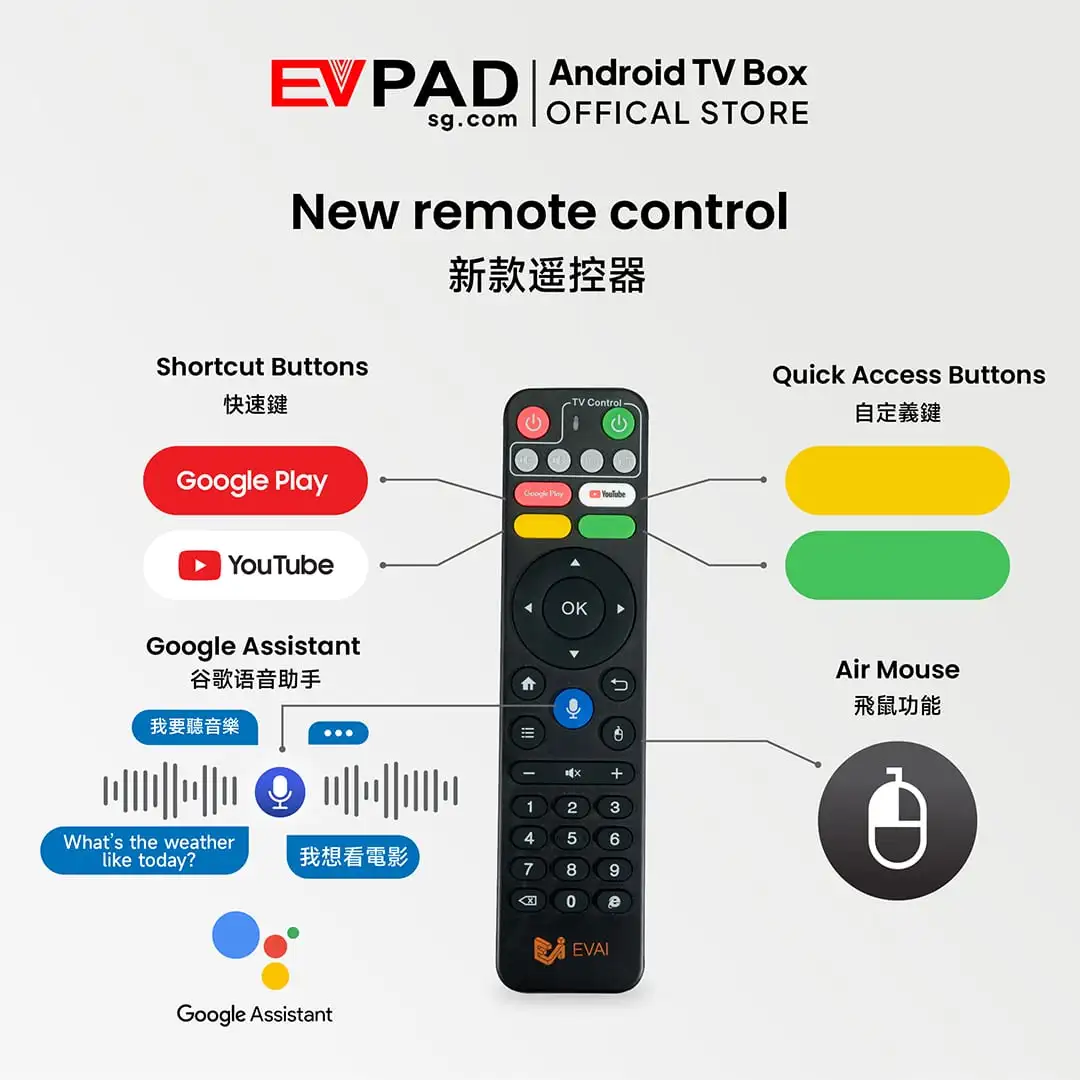
- Smart Remote and Voice Control: Navigate the interface using the supplied remote, with supported shortcut, air-mouse-style, and voice functions.
- Karaoke Compatibility: Use compatible karaoke applications for family entertainment.
- Catch-Up and Playback Compatibility: Access replay features when supported by individual apps and services.
- Mobile Integration: Use supported mobile connectivity and control features with compatible devices and applications.
These features make the EVPAD 12S a practical choice for Singapore households looking to add a separate Android entertainment platform to their television without investing in a higher-specification device.
EVPAD 12S vs 12P in Singapore: Which Model Should You Choose?
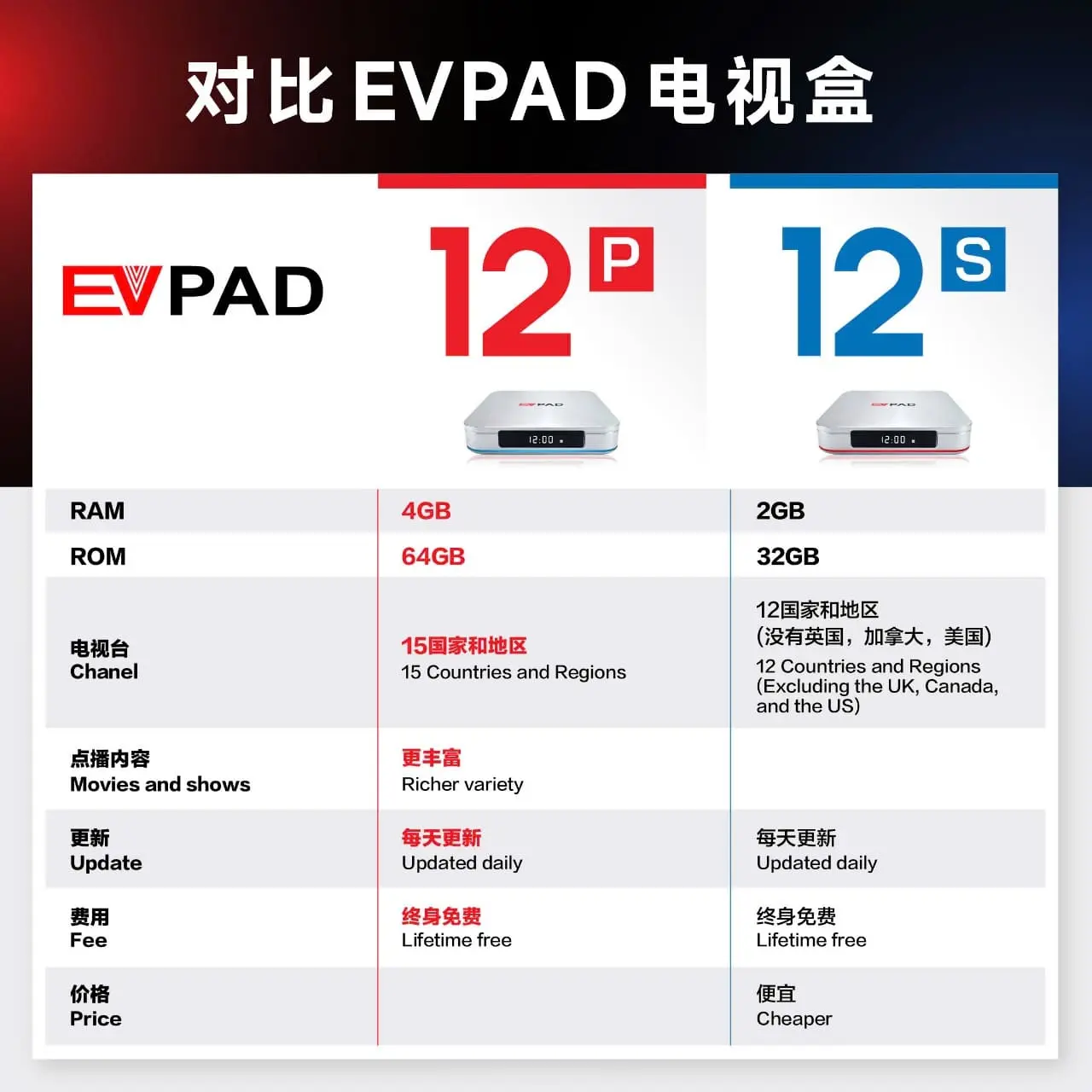
The EVPAD 12S and EVPAD 12P serve different budgets and hardware requirements. Both are offered for Singapore customers, but the 12S prioritizes affordability while the 12P provides more memory and storage.
| Feature | EVPAD 12S Singapore | EVPAD 12P Singapore |
|---|---|---|
| RAM | 2GB | 4GB |
| Internal Storage | 32GB | 64GB |
| Main Advantage | Lower purchase cost | More memory and storage |
| Best For | Everyday entertainment and budget-focused buyers | Users who want more capacity for apps and system data |
Choose the EVPAD 12S Singapore Version if you want an affordable Android TV box for compatible entertainment applications and everyday viewing, without needing additional memory or storage.
Choose the EVPAD 12P Singapore Version if you prefer 4GB RAM, 64GB storage, and more room for applications and system data.
For most buyers, the decision comes down to budget and hardware needs: the 12S focuses on value, while the 12P offers greater capacity.
Who Is the EVPAD 12S Singapore Version For?
The EVPAD 12S Singapore Version is designed for customers who want an affordable Android TV box with practical entertainment and connectivity features.
- Budget-Conscious Singapore Buyers: Customers who want a lower initial purchase cost than the EVPAD 12P.
- Chinese-Speaking Households: Families interested in using compatible Mandarin, Cantonese, Chinese, and Asian entertainment applications.
- Everyday TV Users: People who mainly use video, music, karaoke, and other supported applications without needing higher memory capacity.
- Families Sharing One Entertainment Device: Households looking for a separate Android-based interface for different entertainment applications.
- Singapore-Based Customers: Buyers looking for the Merlion edition specifically positioned for the Singapore market.
Important regional information: The EVPAD 12S Singapore Version is not intended to provide US, UK, or Canadian television channel packages. Always confirm regional compatibility and the availability of your preferred applications before purchasing.
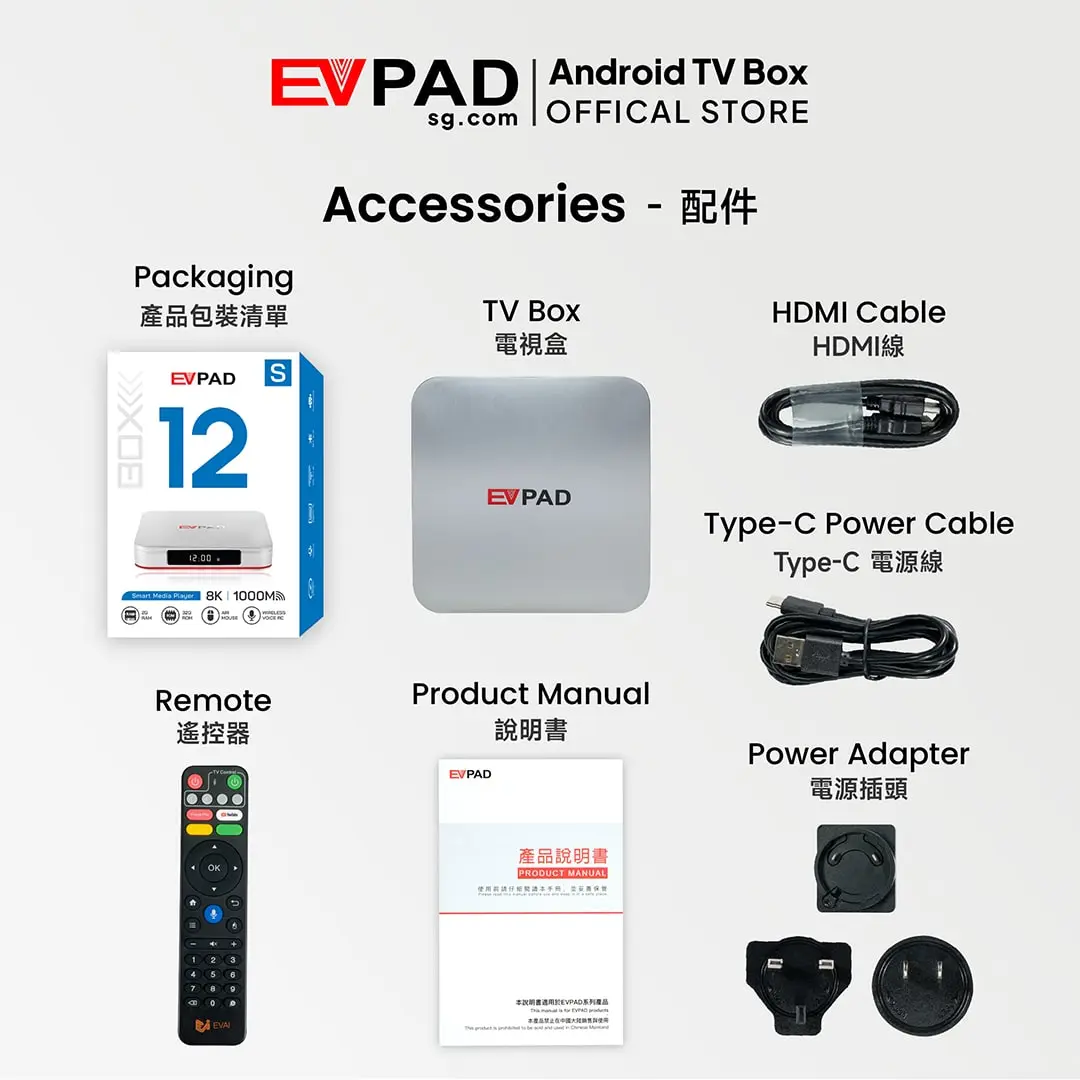
What Comes with the EVPAD 12S?
The EVPAD 12S Singapore Version (Merlion) includes the main accessories required to connect the device to a compatible television and complete the initial setup.
- EVPAD 12S TV Box ×1
- Voice Control Remote ×1
- HDMI Cable ×1
- Type-C Power Cable ×1
- Power Plug ×1
- User Guide ×1
Connect the EVPAD 12S to your television using the included HDMI cable, supply power to the device, and follow the on-screen setup instructions. You can then connect to Wi-Fi or Gigabit Ethernet and use compatible applications.
Package contents may vary slightly by production batch. Check the current product listing if a particular accessory is important to you.
Purchase Information and Streaming Service Costs
The EVPAD 12S is purchased as a standalone hardware device. There is no mandatory monthly fee simply for owning the TV box.
However, some entertainment applications, television services, sports streaming platforms, and on-demand content providers may require separate subscriptions or payments. Purchasing the device does not automatically grant permanent access to specific channels or content libraries.
Before purchasing, confirm that your preferred applications and services are available in Singapore, compatible with the device, and suitable for your viewing needs.
Why Choose EVPAD 12S Singapore?
Enjoy a practical Android TV box with 2GB RAM, 32GB storage, Wi-Fi 6, Gigabit Ethernet, and support for compatible entertainment applications—all in a budget-friendly Singapore edition.
Choose the EVPAD 12S for its hardware, connectivity, and flexible app experience, with clear expectations about content availability and service costs.





Reviews
There are no reviews yet