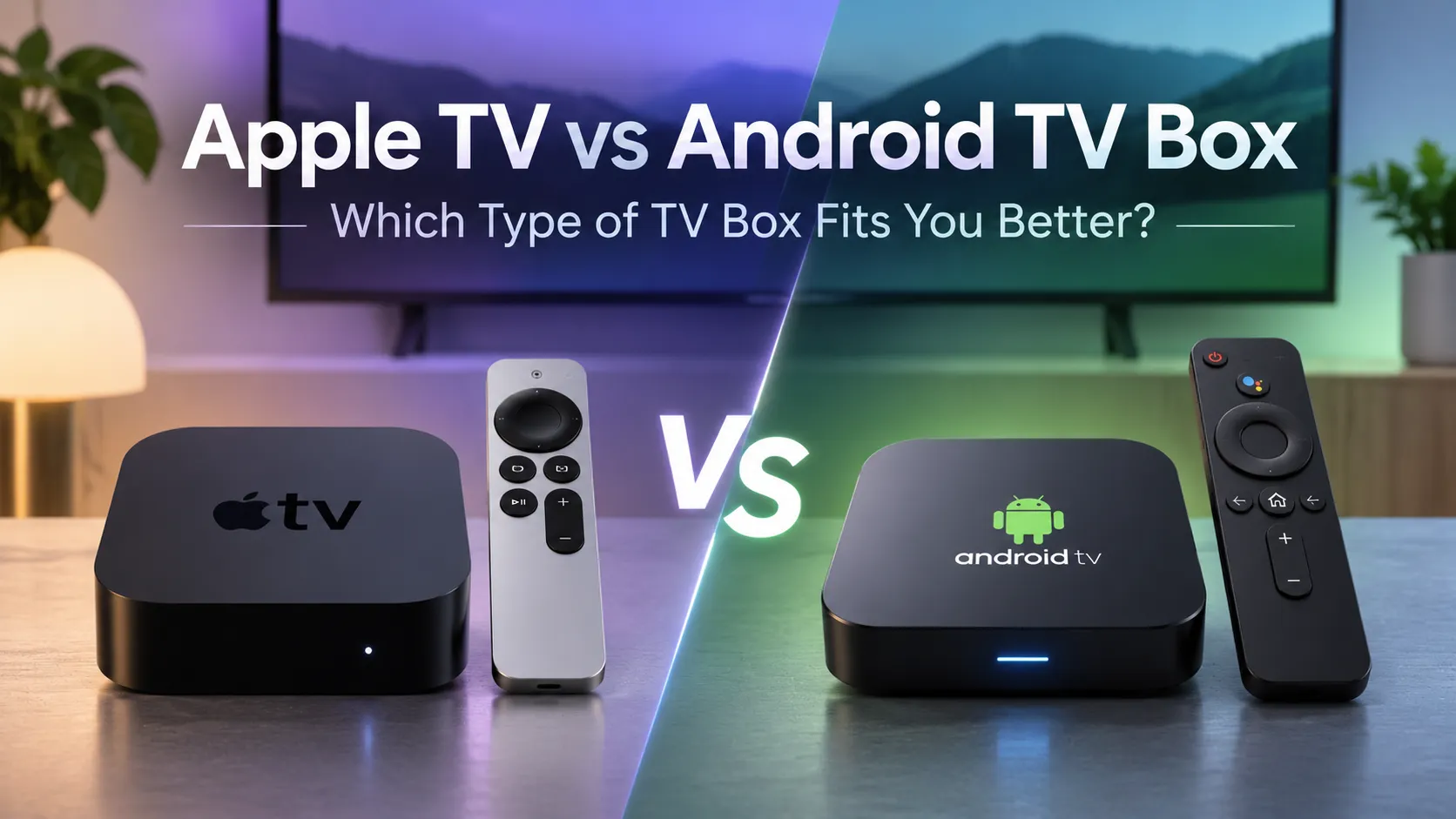
Choosing between Apple TV vs Android TV Box? Apple TV runs on Apple’s tvOS, offering a consistent streaming experience and close integration with Apple devices. Android TV boxes provide a wider range of hardware options, prices, and customization features, although the experience varies by device and operating system.
This comparison covers ease of use, app compatibility, streaming quality, performance, and overall value to help you decide which type of TV box best fits your viewing habits, budget, and existing devices.
Apple TV vs Android TV Box: Key Differences
The main difference between Apple TV and Android TV Box is their software ecosystem. Apple TV uses Apple’s tvOS, while Android TV boxes may run Android TV OS, Google TV, or customized Android software. This affects the interface, available apps, customization options, and overall user experience.
In short: Apple TV prioritizes a consistent experience within Apple’s ecosystem. Android TV boxes offer more choices in hardware, pricing, and software flexibility, but features and reliability can differ significantly between models.
tvOS vs Android TV: Interface and Ease of Use
Apple TV’s tvOS offers a consistent interface across Apple TV devices. Its home screen focuses on apps, with straightforward navigation using the Siri Remote. Users can organize apps, switch between supported services, and adjust settings without navigating complex menus.
Android TV boxes offer different interface experiences depending on the device. Certified Android TV and Google TV devices typically provide TV-friendly navigation, voice search, and content recommendations. Boxes running customized Android may use manufacturer-designed launchers that are less consistent or require more manual configuration.
For everyday use: Apple TV is a practical choice if you prefer a familiar, consistent interface with minimal setup adjustments. Android TV boxes are worth considering if you want more choice in how your home screen looks and works, although the ease of use depends on the specific model.
Apps, Installation Freedom and Compatibility
App Stores and Available Applications
Apple TV 4K lets users download apps directly from the tvOS App Store. Popular streaming services are available where supported, but apps must have an Apple TV-compatible version. Unlike Android-based devices, Apple TV does not offer a general-purpose APK installation option.
Certified Android TV and Google TV boxes use Google Play to install TV-compatible applications. However, the TV version of Google Play does not include every Android smartphone app, and availability can vary by device and region.
Sideloading and App Compatibility
Many Android-based TV boxes support sideloading APK files, giving users more installation options than Apple TV. However, installing an APK does not guarantee that the app will work correctly with a TV remote, receive updates, or support protected streaming content.
Certification also matters. Some Android boxes use customized software without Google Play Protect certification, which can limit access to services such as Netflix. Even on certified devices, individual apps may have additional compatibility requirements.
Which is more flexible? Android TV boxes generally offer greater installation freedom, while Apple TV provides a more controlled app ecosystem. If a particular streaming service matters to you, confirm that it officially supports your chosen device before buying.
Streaming Quality, Performance and Device Reliability
4K, HDR and Video Playback Quality
Apple TV 4K supports 4K resolution, Dolby Vision, HDR10, and HDR10+ on compatible models. These formats can deliver sharper images and improved contrast when supported by your television and streaming content.
Android TV boxes vary significantly. Some certified models support 4K, Dolby Vision, and HDR10+, while basic or customized Android boxes may offer fewer video formats.
Important: A box advertised as “4K” does not guarantee 4K playback on Netflix or other streaming services. Actual quality depends on device compatibility, content, subscription requirements, and your TV.
Processing Power and Everyday Performance
Apple TV 4K (3rd generation) uses Apple’s A15 Bionic chip, providing responsive navigation and smooth playback on supported apps.
Android TV box performance depends on the processor, RAM, storage, and software optimization. A well-equipped Android TV box can offer smooth performance, while lower-end models may experience slower navigation or longer app loading times.
Software Updates and Long-Term Reliability
Apple manages tvOS updates for supported Apple TV devices, providing a more consistent software experience.
Android TV box updates depend on the manufacturer and model. Google-certified devices undergo security and compatibility testing, but certification alone does not guarantee a particular number of years of updates.
For long-term use, check the manufacturer’s update policy, warranty, and support options rather than relying only on hardware specifications.
Apple TV or Android TV Box: Which Offers Better Value?
Apple TV is generally a premium-priced option, while Android TV boxes are available across a much wider price range. The best value depends on your budget, existing devices, and how much control you want over your streaming setup.
Choose Apple TV If You Prefer the Apple Ecosystem
Apple TV is worth considering if you already use an iPhone, iPad, or other Apple devices and want a connected home entertainment experience. Features such as AirPlay, Apple Home integration, and access to Apple services can make the higher purchase price worthwhile.
Apple TV is also a strong choice for users who prefer a consistent experience and are comfortable paying more for a premium streaming device.
Choose an Android TV Box If You Want More Budget Options
Android TV boxes suit buyers who want to choose from different brands, specifications, and price points. Entry-level models can be more affordable, while premium devices offer additional features and connectivity options.
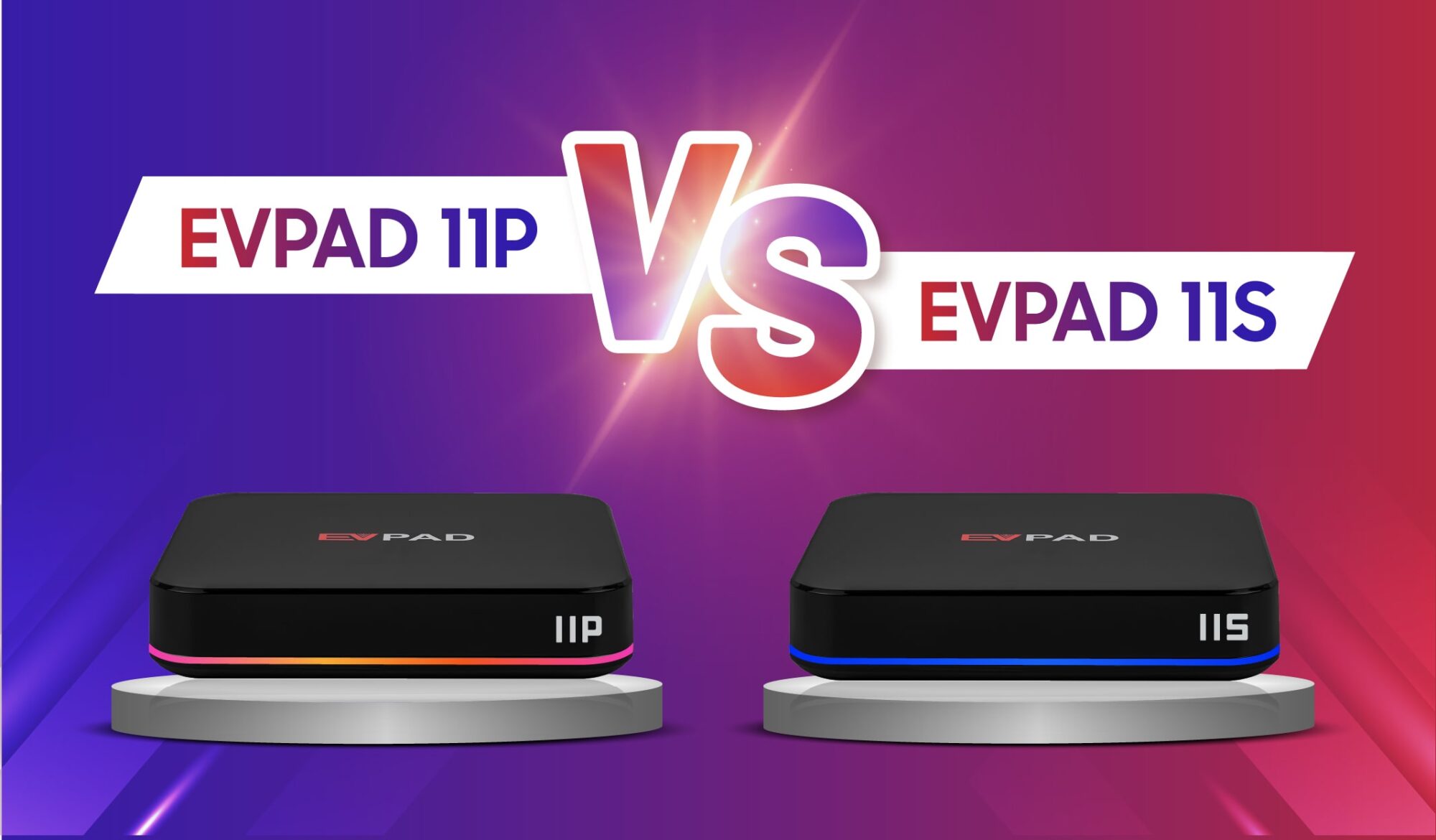
For example, Xiaomi offers Google TV-based streaming boxes, while brands such as EVPAD provide Android-based alternatives. Compare the exact model’s software support, warranty, and compatibility before purchasing.
Our recommendation: Choose Apple TV if Apple ecosystem integration is important to you and the higher price fits your budget. Choose a well-supported Android TV box if you prioritize hardware choice and affordability. For more alternatives, explore our TV box options in Malaysia.
Looking for a Flexible Android TV Box?
Explore the EVPAD 12P International Version, featuring Android 12, 4GB RAM, 64GB storage, Wi-Fi 6, and 4K video output. See whether its features and connectivity options fit your home entertainment setup.
Frequently Asked Questions About Apple TV and Android TV Box
Can I Use Apple TV Without Owning an iPhone?
Yes. You can use an Apple TV 4K without owning an iPhone. You can complete setup manually using the Siri Remote and connect the device to your television and internet. An Apple Account is needed for features such as downloading apps, while some Apple ecosystem features require additional Apple devices.
Can I Connect an Apple TV and an Android TV Box to the Same Television?
Yes. Connect each device to a separate HDMI port on your television, then use the TV remote to switch between inputs. If your television has only one available HDMI port, you can use an HDMI switch to connect both boxes.
Can I Use Apple TV or an Android TV Box With an Older Non-Smart TV?
Yes, provided the television has a compatible HDMI input. Both Apple TV and most Android TV boxes connect through HDMI, so your television does not need built-in smart features. If your older TV only has RCA or other analog inputs, you may need a compatible HDMI converter, although picture quality and content protection restrictions can affect playback.