



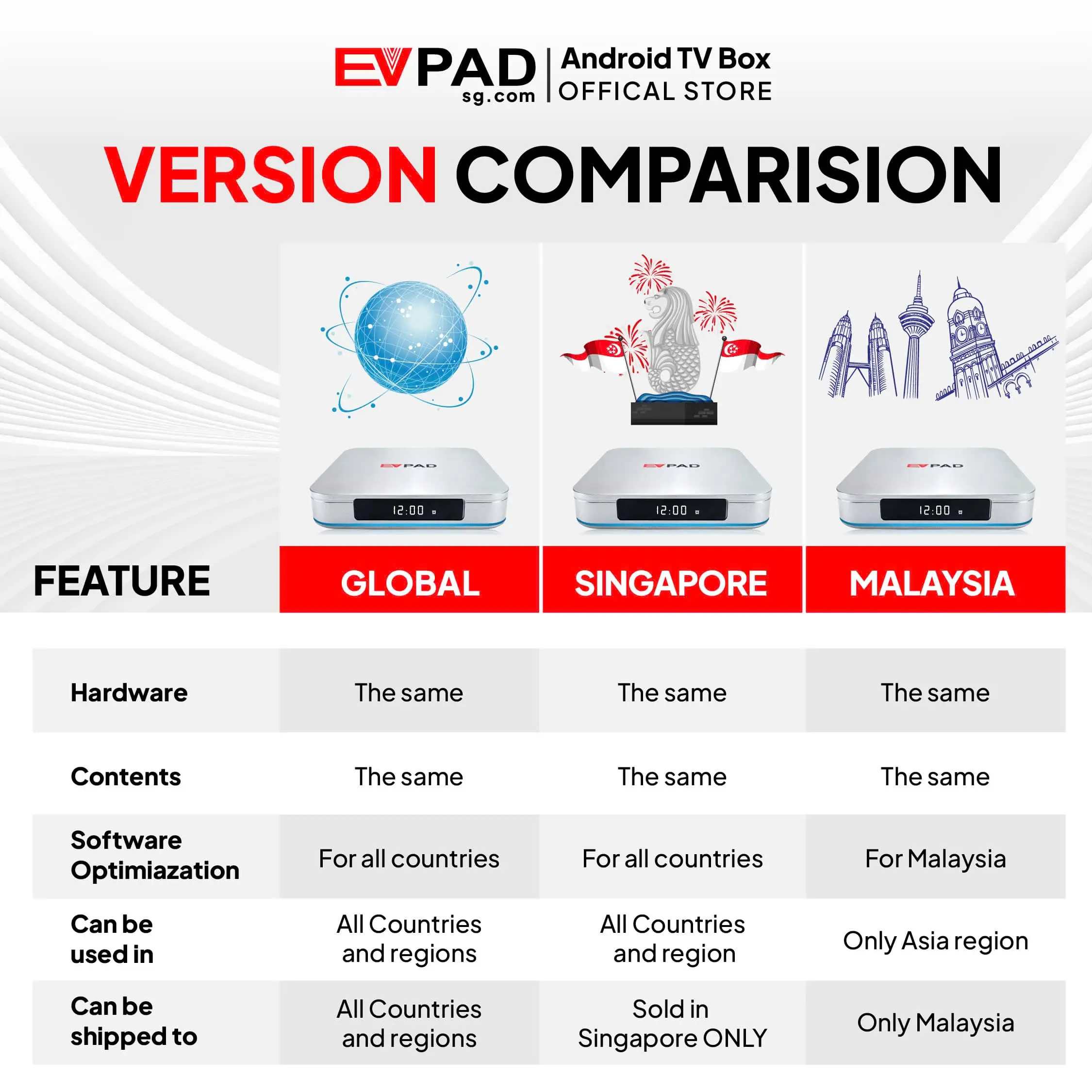

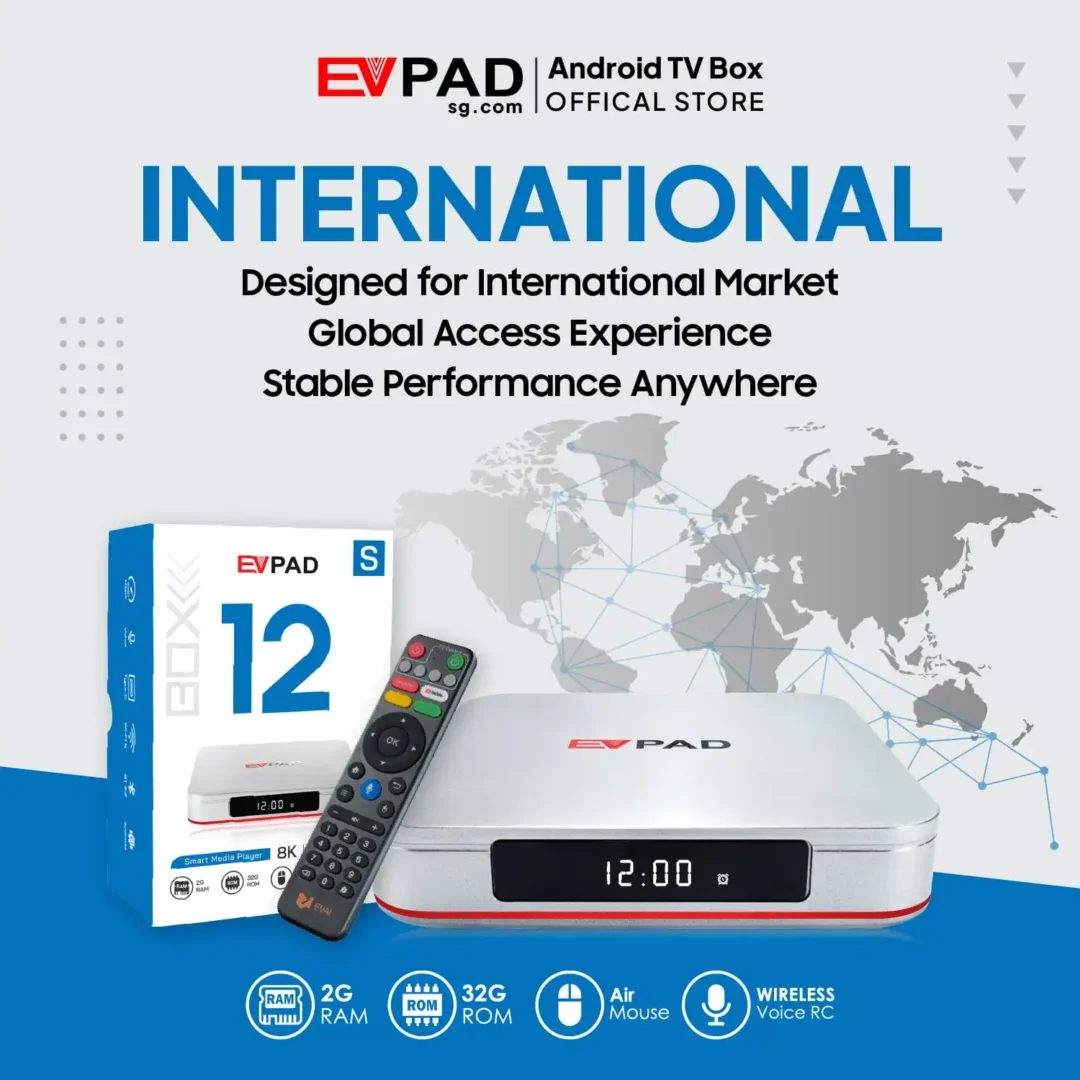

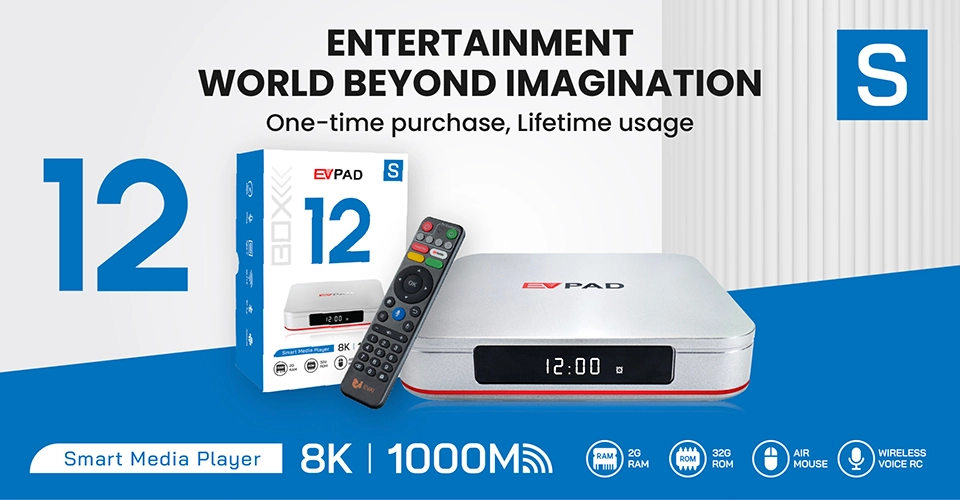
The EVPAD 12S International Version is a more affordable option in the EVPAD 12 Series, designed for users who want the core EVPAD entertainment experience without paying for the higher memory and storage capacity of the EVPAD 12P.
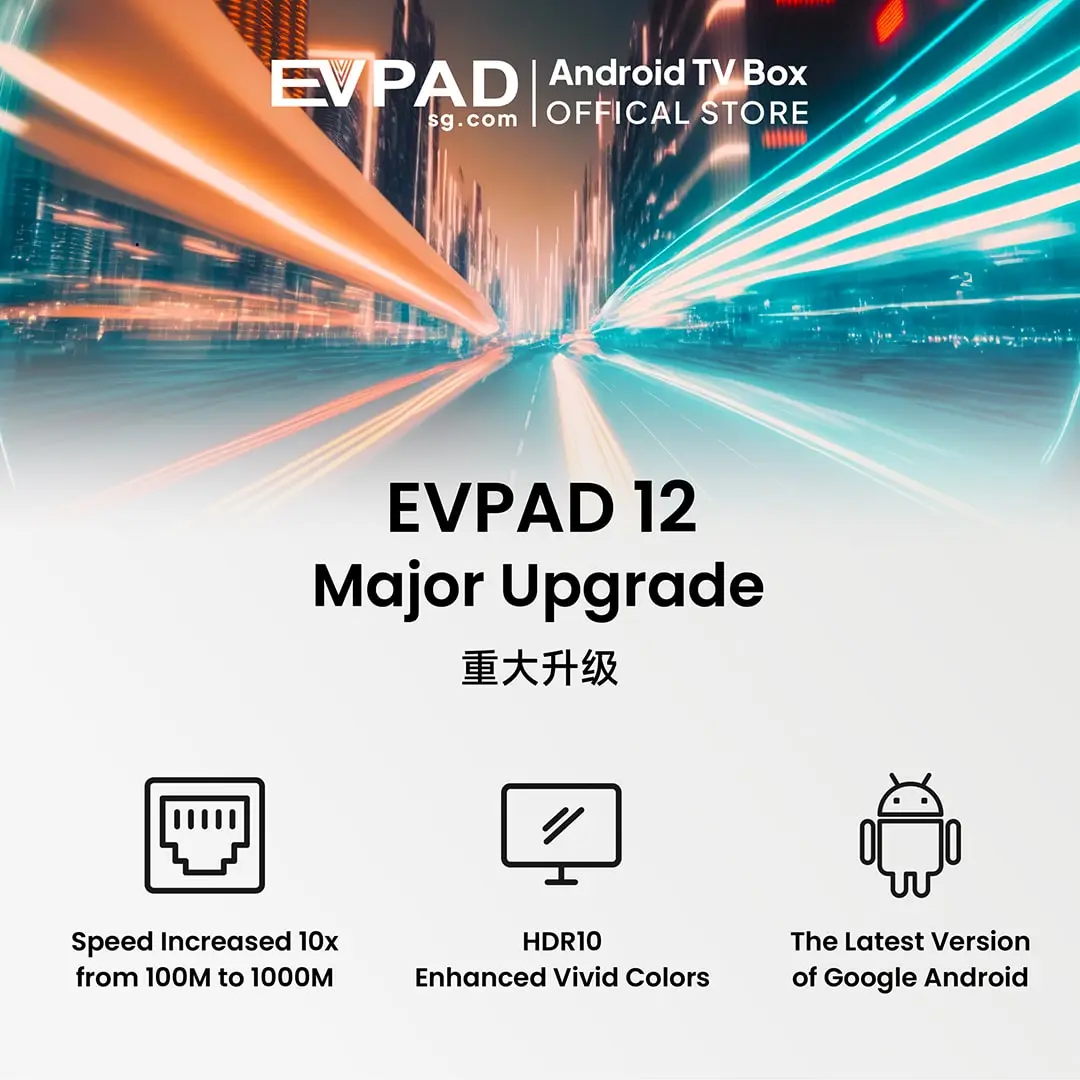
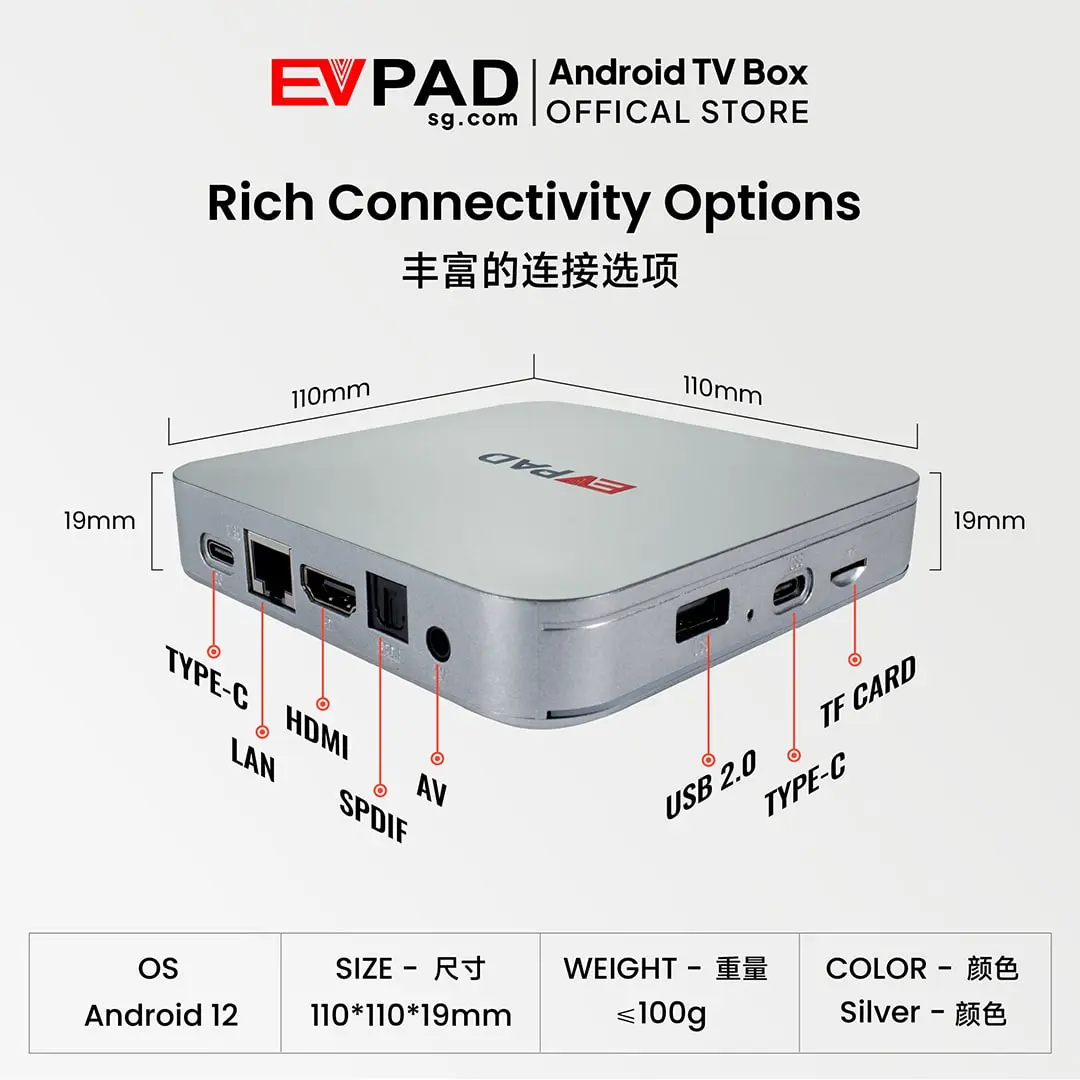
It combines Android 12, 2GB RAM, 32GB storage, Wi-Fi 6, Gigabit Ethernet, 4K video support, and compatibility with live TV, VOD, sports, karaoke, playback and Android entertainment applications in one compact TV box. The EVPAD 12S is best suited to customers in supported regions who want a value-focused device for Chinese-language, Asian and international entertainment through compatible services.
What You Get with EVPAD 12S
With the EVPAD 12S International Version, you get the core EVPAD entertainment features in a more affordable package. It brings together compatibility with live TV, on-demand movies and shows, sports, karaoke, playback features and Android apps in one device for everyday home entertainment.
Through compatible EVPAD apps and supported entertainment services, users can explore a variety of television programs, movies, dramas, variety shows and other content. The EVPAD 12S is especially suitable for viewers interested in Chinese and Asian entertainment alongside selected international content, depending on application compatibility and regional availability.
- Live TV: Watch available Chinese, Asian and international channels through compatible applications and authorized services, subject to regional availability.
- Movies & TV Shows: Browse on-demand movies, dramas, variety shows and other programs through supported video applications. Available titles and updates depend on the service provider.
- Playback: Revisit recently aired programs through compatible services that offer time-shift, catch-up TV or extended replay features.
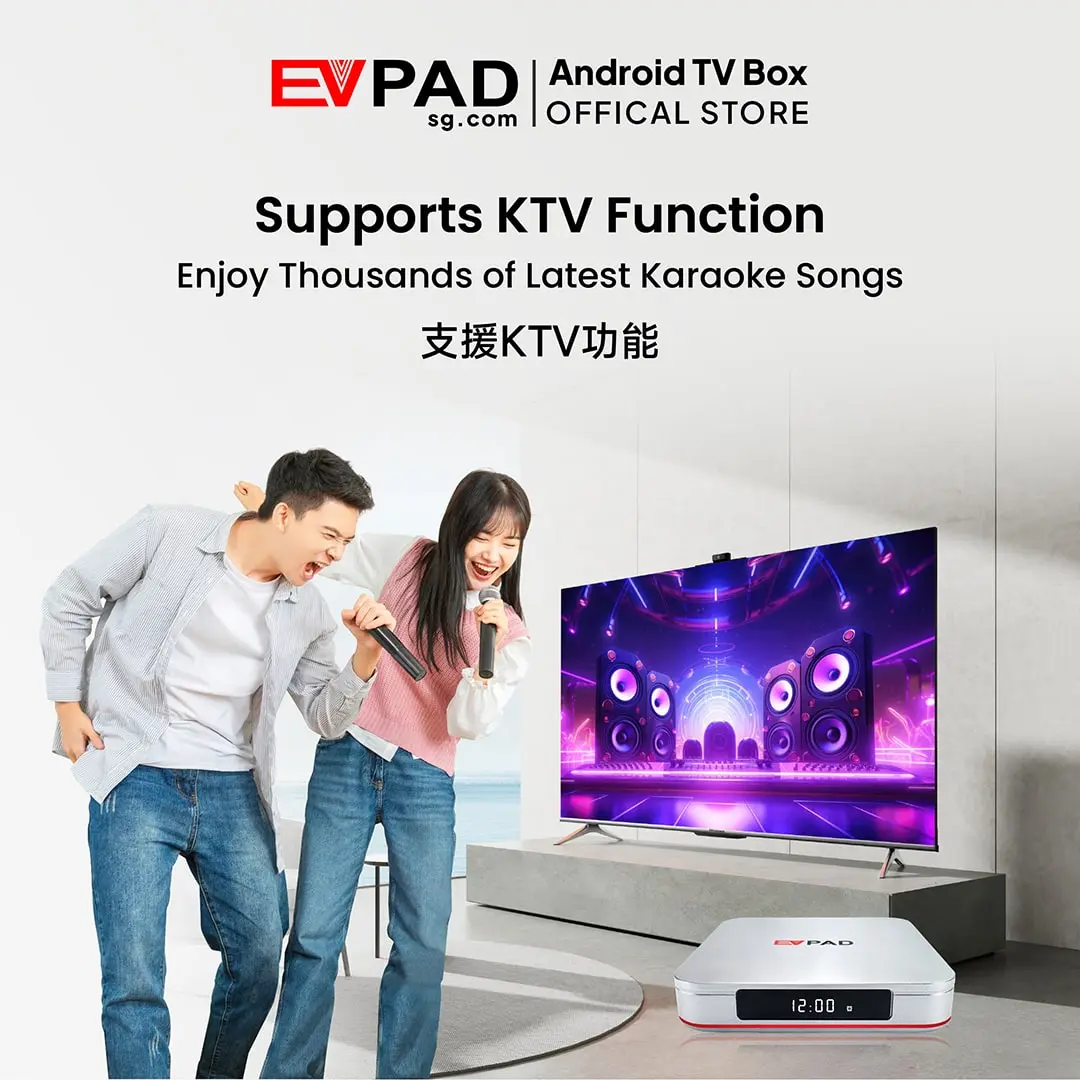
- KTV Karaoke: Enjoy karaoke at home through compatible applications with available song selections for family gatherings, parties and casual singing.
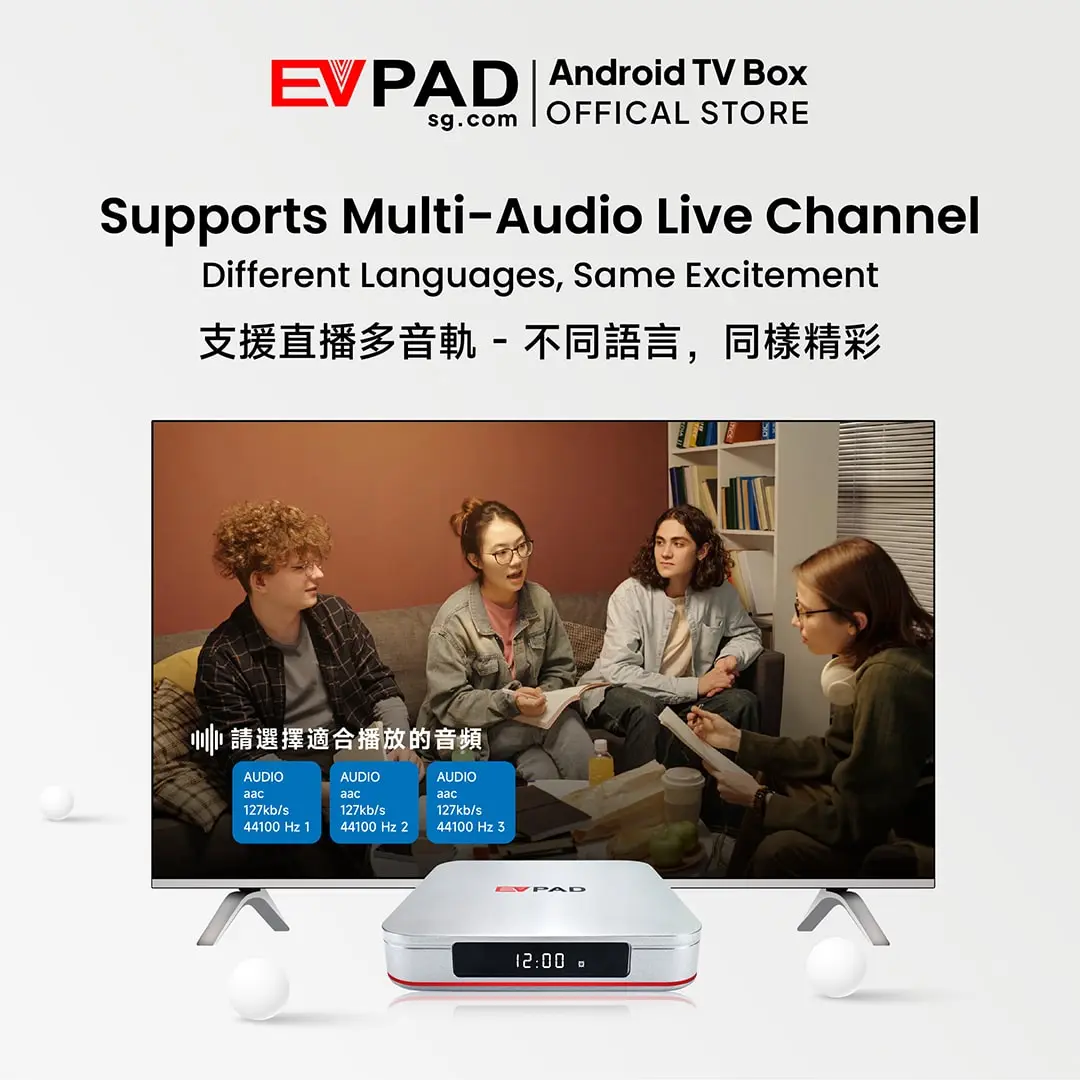
- Chinese-Language Entertainment: Explore Mandarin, Cantonese and other regional programming through supported services, including content that may be harder to find through standard local TV options.
- Android Apps: Install compatible Android applications for additional streaming, entertainment and utility options.
The EVPAD 12S focuses on value rather than maximum hardware capacity. Its 2GB RAM and 32GB storage configuration makes it a practical choice for users who do not need the additional memory and storage of the EVPAD 12P.
Channel availability, app compatibility, playback functions and content libraries may change over time or vary by region. Some services may require separate subscriptions or payments. Purchasing the device does not guarantee permanent access to specific channels or programs.
Key Features of EVPAD 12S
The EVPAD 12S keeps the core hardware and entertainment features of the EVPAD 12 Series while offering a more affordable 2GB RAM and 32GB storage configuration. Its main strengths include compatibility with playback and karaoke applications, 4K video support, smart controls and Android-based app access.
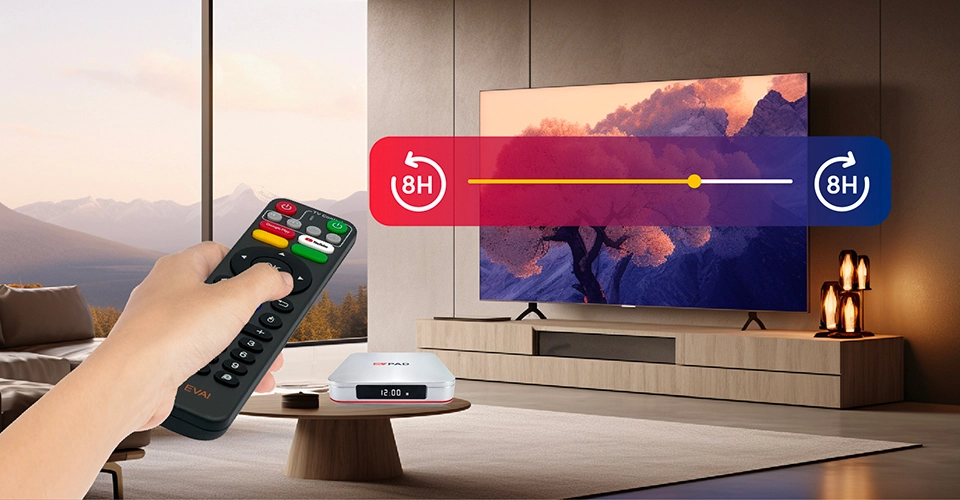
Time-Shift and Playback
Compatible television services may allow users to revisit recently aired programs instead of watching only at the original broadcast time. Time-shift and catch-up TV features depend on the individual application, channel and content provider.
Where supported, these functions can be useful for catching up on news, dramas, variety shows and sports programs that you may have missed.
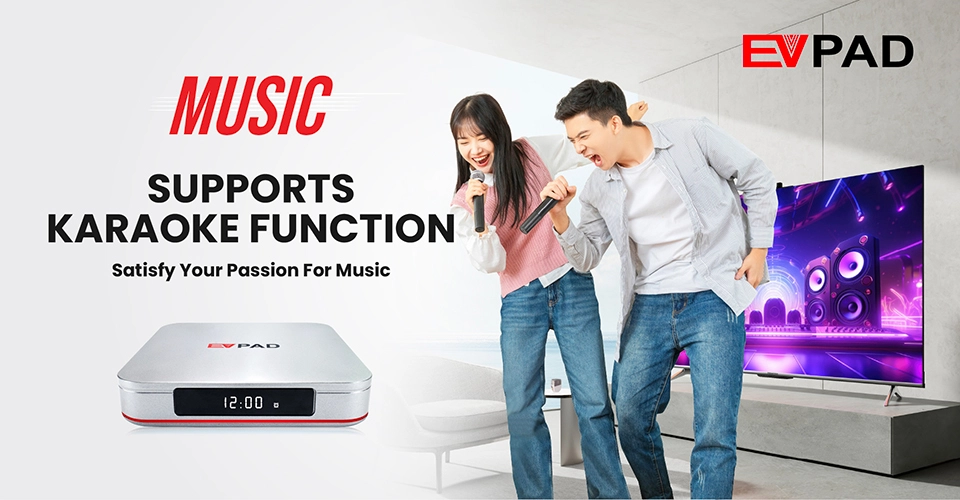
KTV Karaoke
The EVPAD 12S supports KTV karaoke through compatible EVPAD apps, making it useful for family gatherings, parties or casual singing at home without necessarily needing a separate karaoke player. Song availability and application features depend on the supported service.
HDR10 and 4K Video
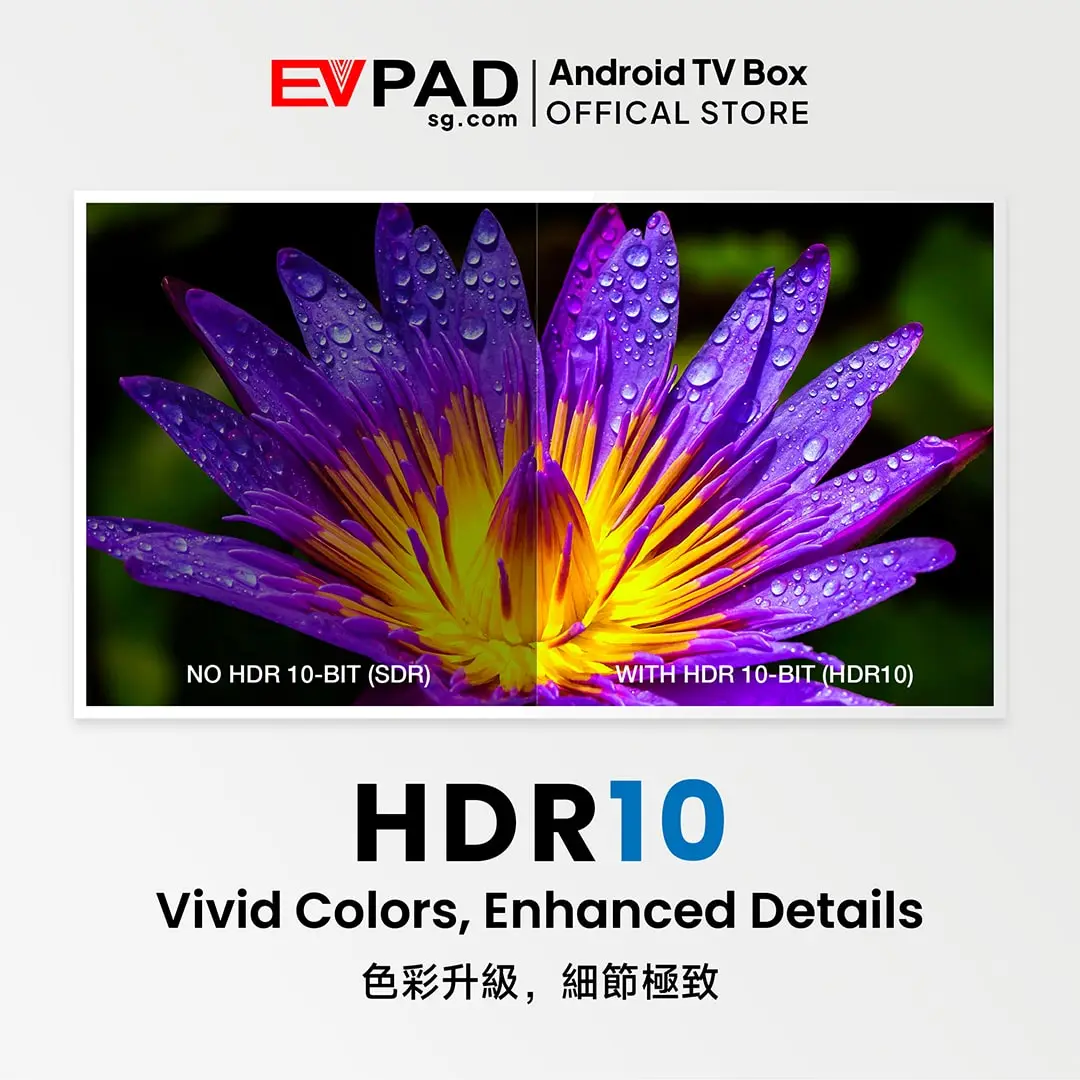
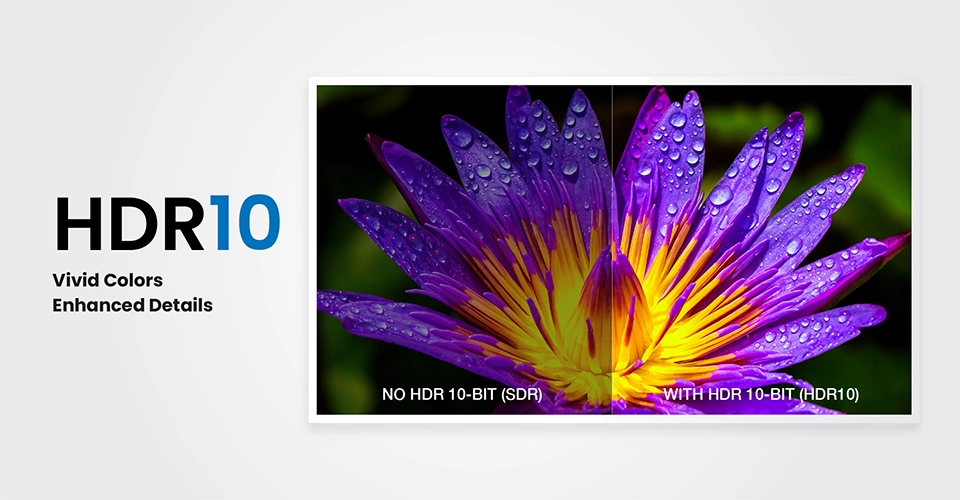
EVPAD 12S supports HDR10 and video output up to 4K, helping compatible content display with improved contrast, color and detail on supported televisions.
Actual picture quality depends on the source content, application, internet connection, HDMI connection and the capabilities of the connected television.
Smart Remote and Voice Control
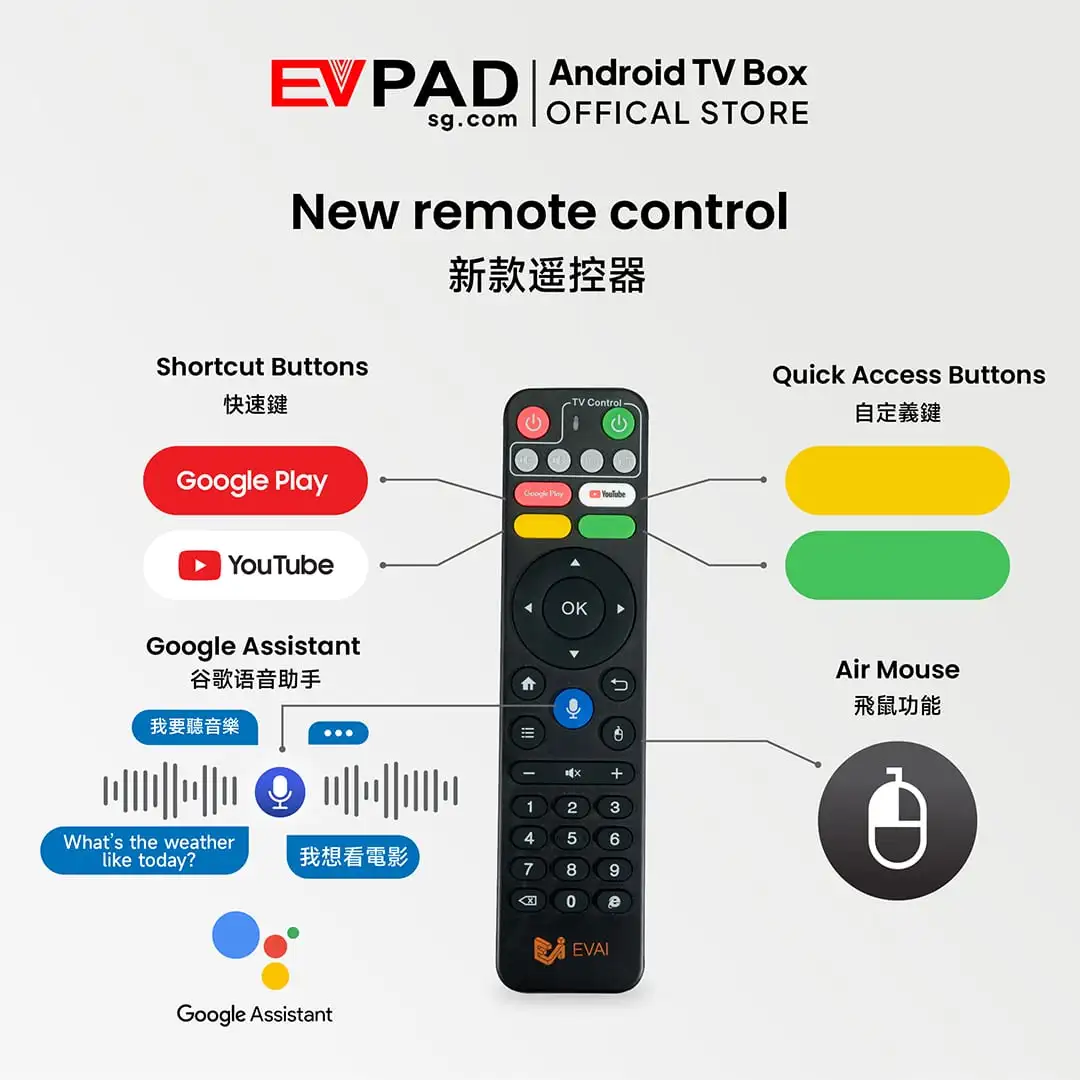
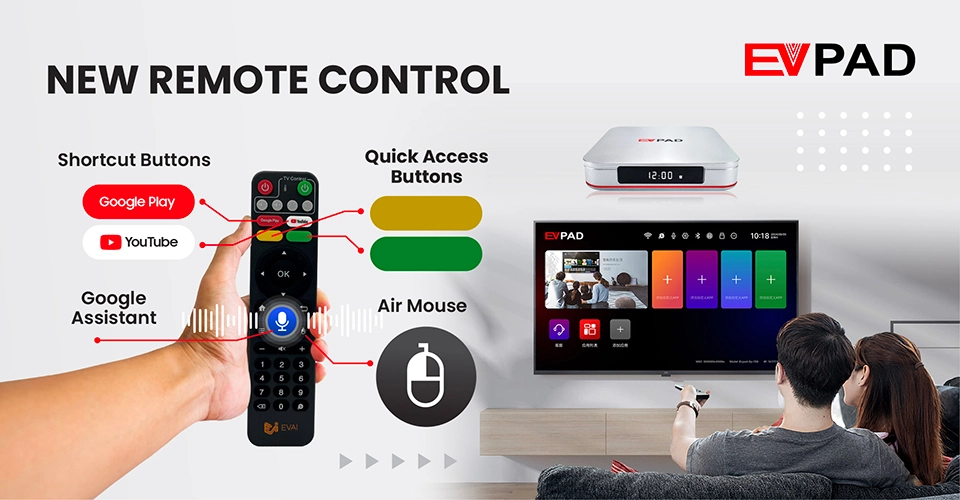
The included smart remote supports convenient navigation, shortcut controls, air-mouse-style operation and compatible voice functions. This can make it easier to browse apps, search for content and control the TV box from across the room.
EVPAD on Mobile
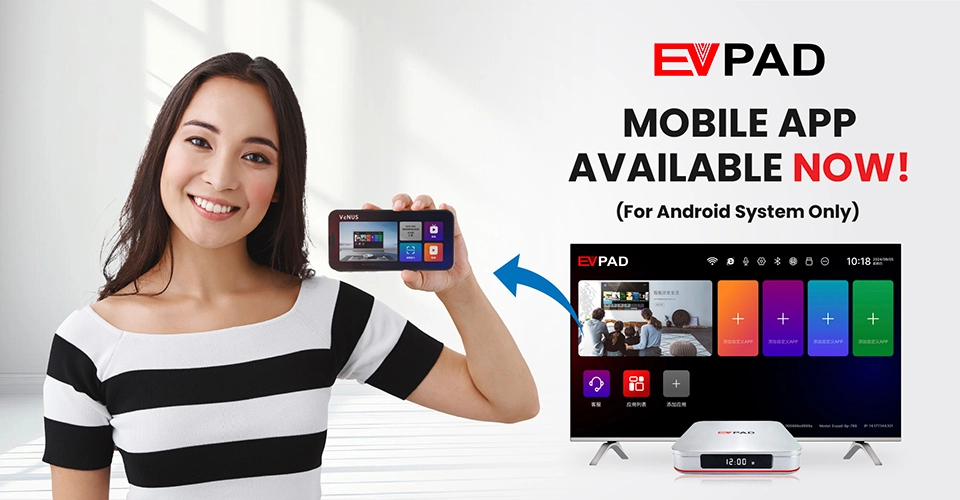
Compatible Android phones can also be used with supported EVPAD mobile functions for additional viewing, control or content access beyond the television, depending on the applications and services available.
Note: Mobile support is available for compatible Android devices, and specific functions may vary depending on the current EVPAD app version.
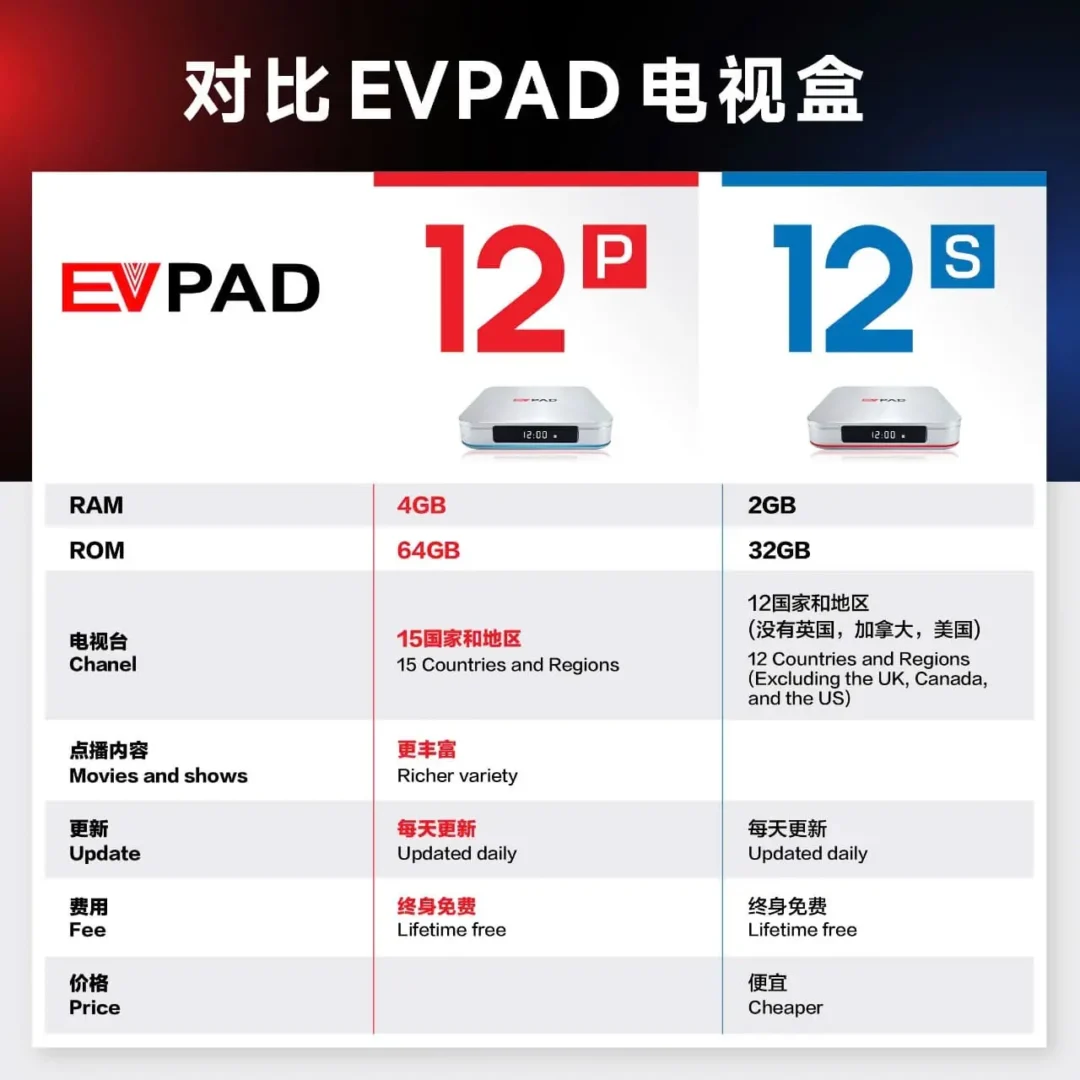
EVPAD 12S vs 12P: Which Model Should You Choose?
The EVPAD 12S and EVPAD 12P belong to the same EVPAD 12 Series, but they are designed for different types of buyers. The 12S focuses on affordability and everyday entertainment, while the 12P offers more memory and storage capacity. Regional app and service availability should be checked separately for each model.
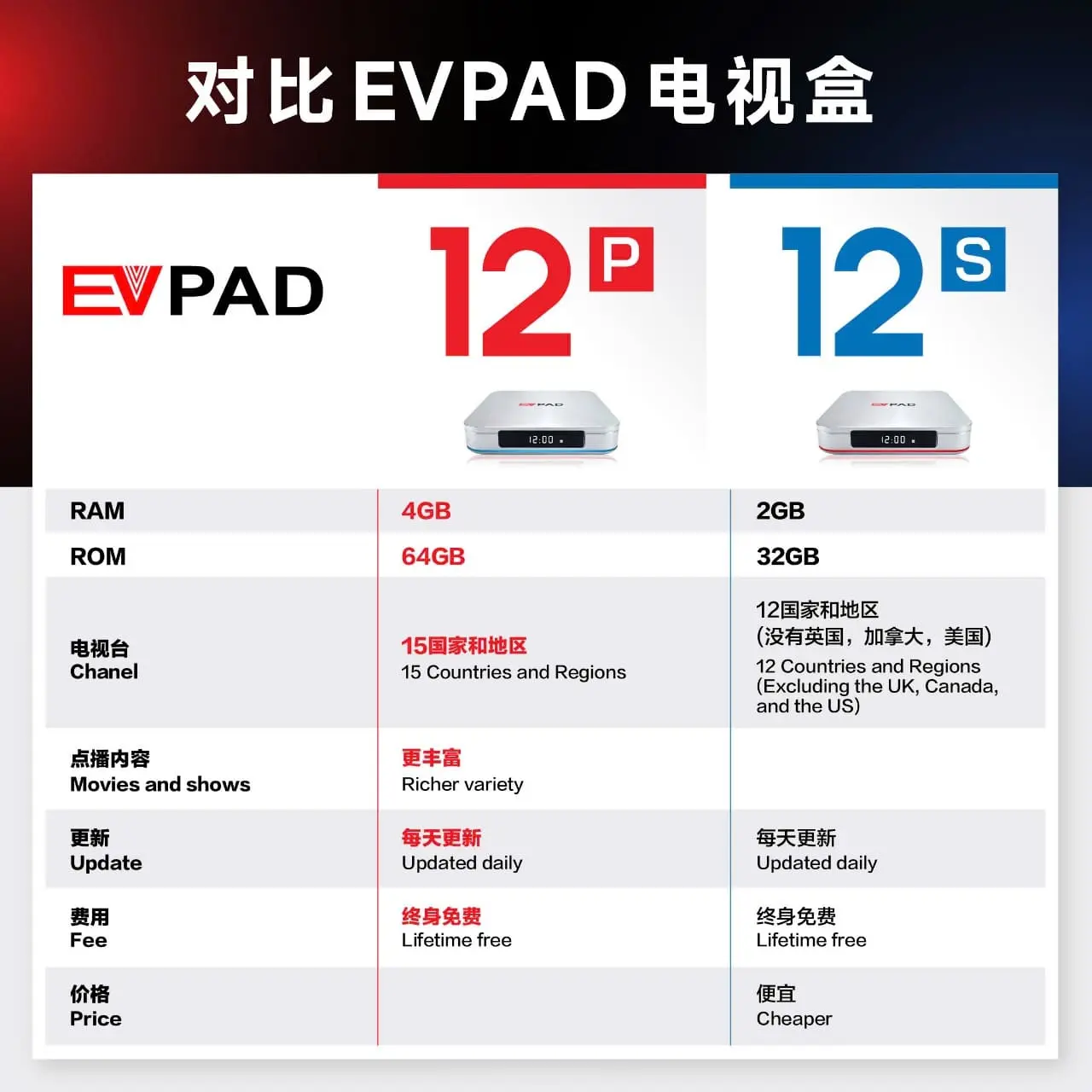
Choose the EVPAD 12S if you want the main EVPAD hardware and entertainment features at a lower price, and 2GB RAM with 32GB storage is sufficient for your everyday use. It is a practical option for users in supported regions who do not need the higher memory and storage capacity of the 12P.
Choose the EVPAD 12P if you want 4GB RAM, 64GB storage and more capacity for applications and system data. If you plan to use the device in markets such as the United States, Canada or the United Kingdom, check the specific model’s regional compatibility and supported services before purchasing.
In short: the EVPAD 12S is the better value choice for everyday entertainment in supported regions, while the EVPAD 12P is better suited to buyers who want more memory and storage. Available content and regional access depend on compatible applications and service providers.
What Comes with the EVPAD 12S?
The EVPAD 12S International Version includes the essential accessories needed to connect the box to your TV and complete the initial setup.
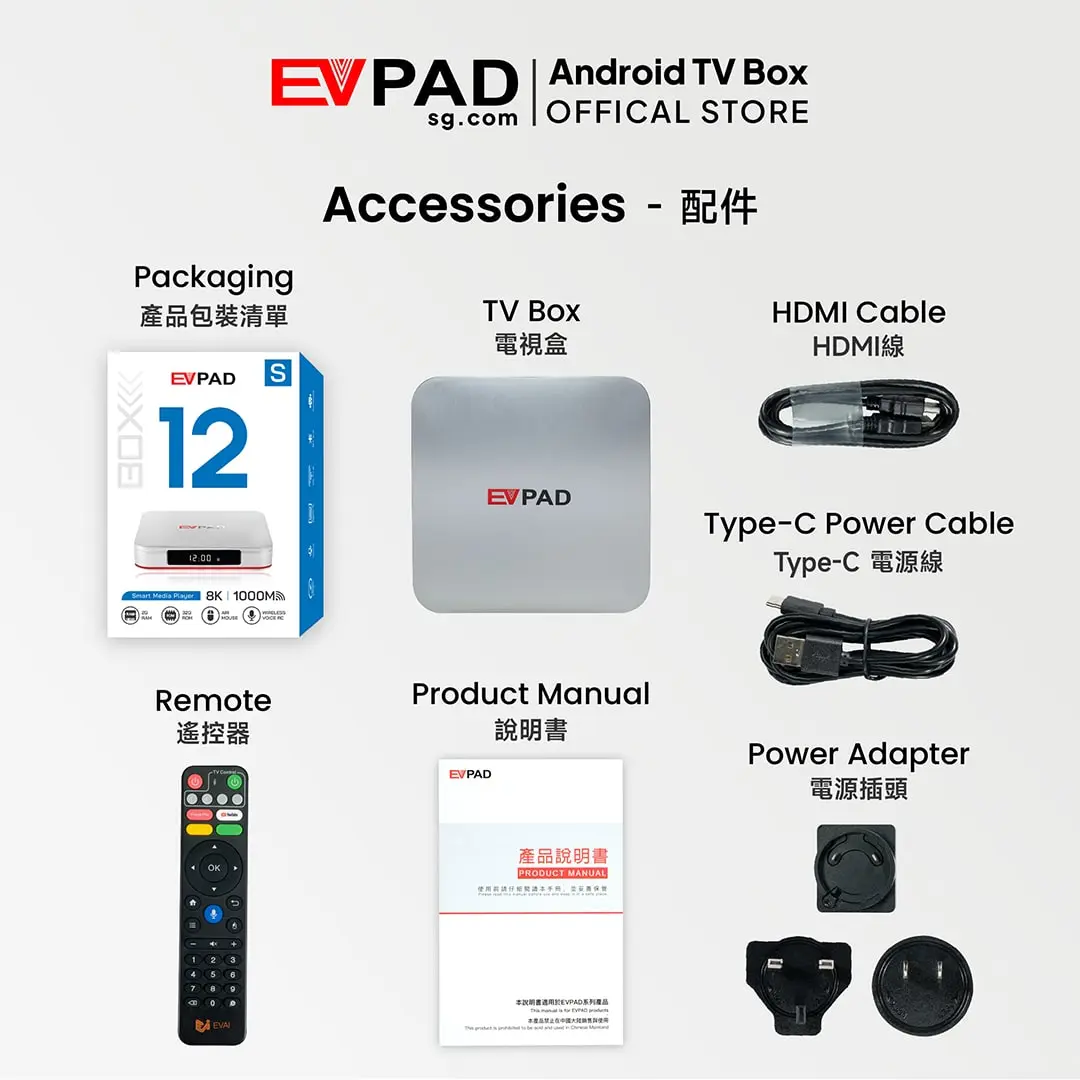
After connecting the EVPAD 12S to your television with the included HDMI cable and powering the device, you can complete the setup, connect to Wi-Fi or Gigabit Ethernet, and begin using compatible applications and available entertainment features.
Package contents may vary slightly by production batch or market, so check the product listing at the time of purchase if a specific accessory is important to you.






Reviews
There are no reviews yet