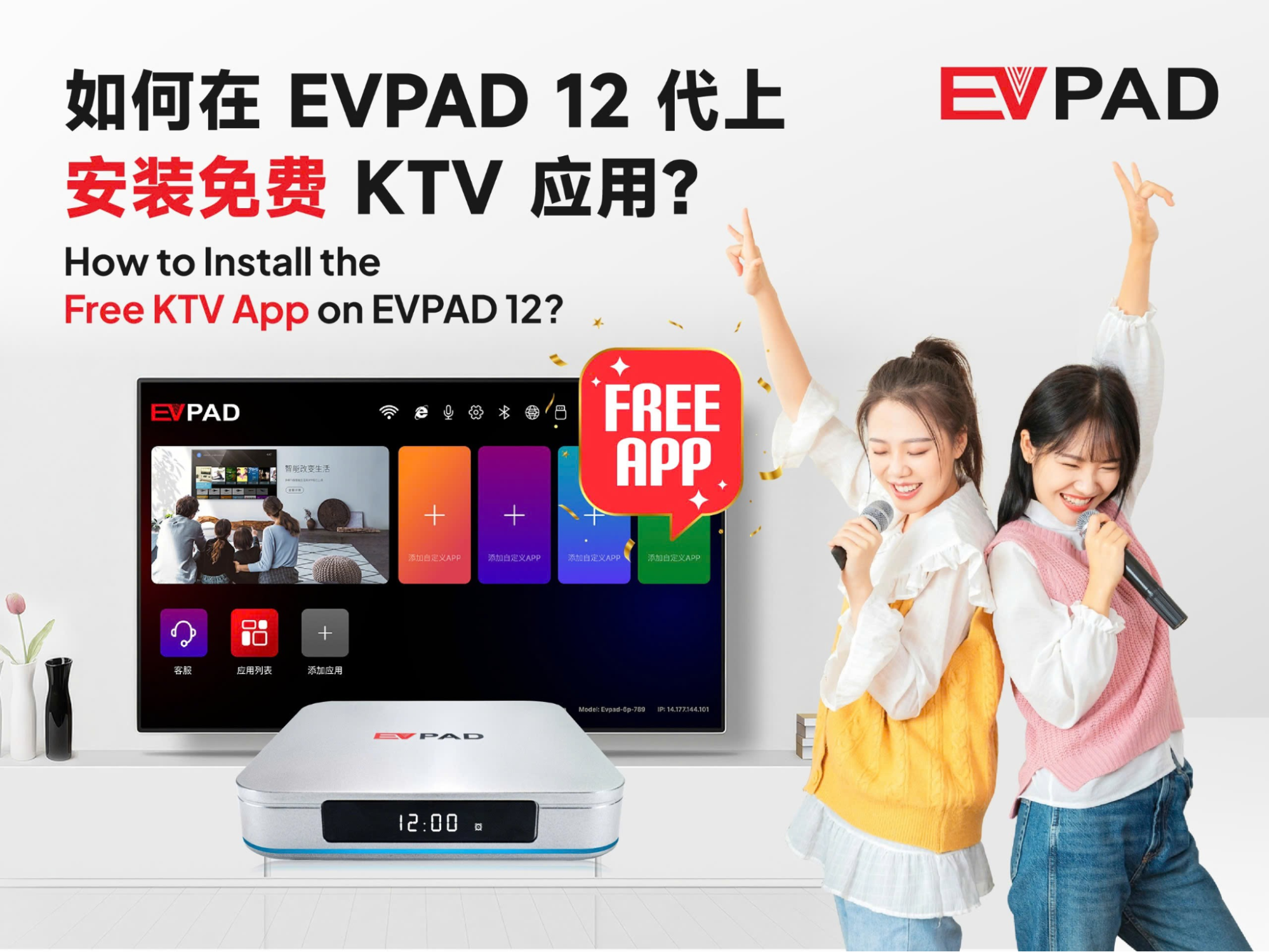
How to Install the Free KTV App on EVPAD 12 Series?
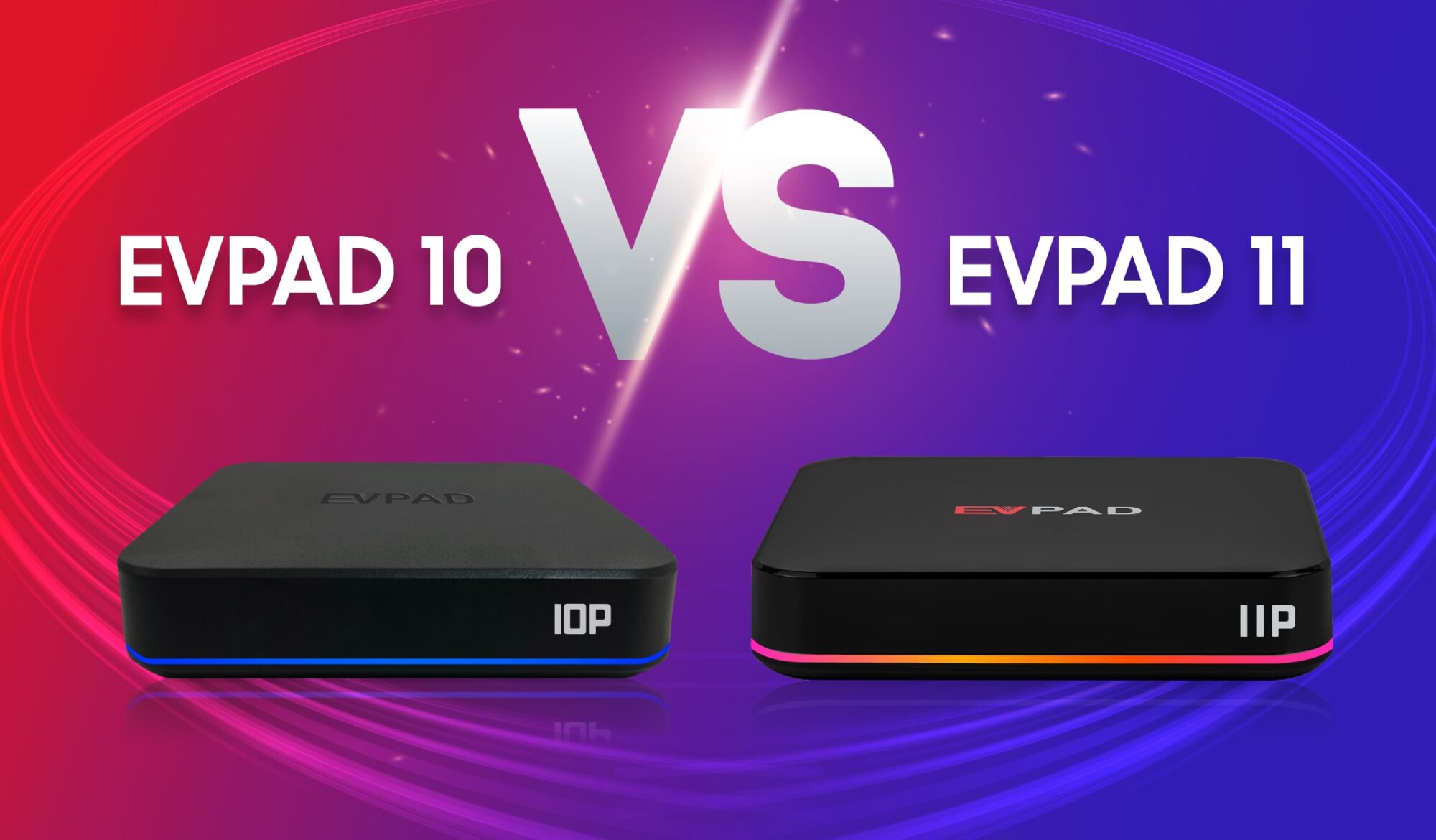
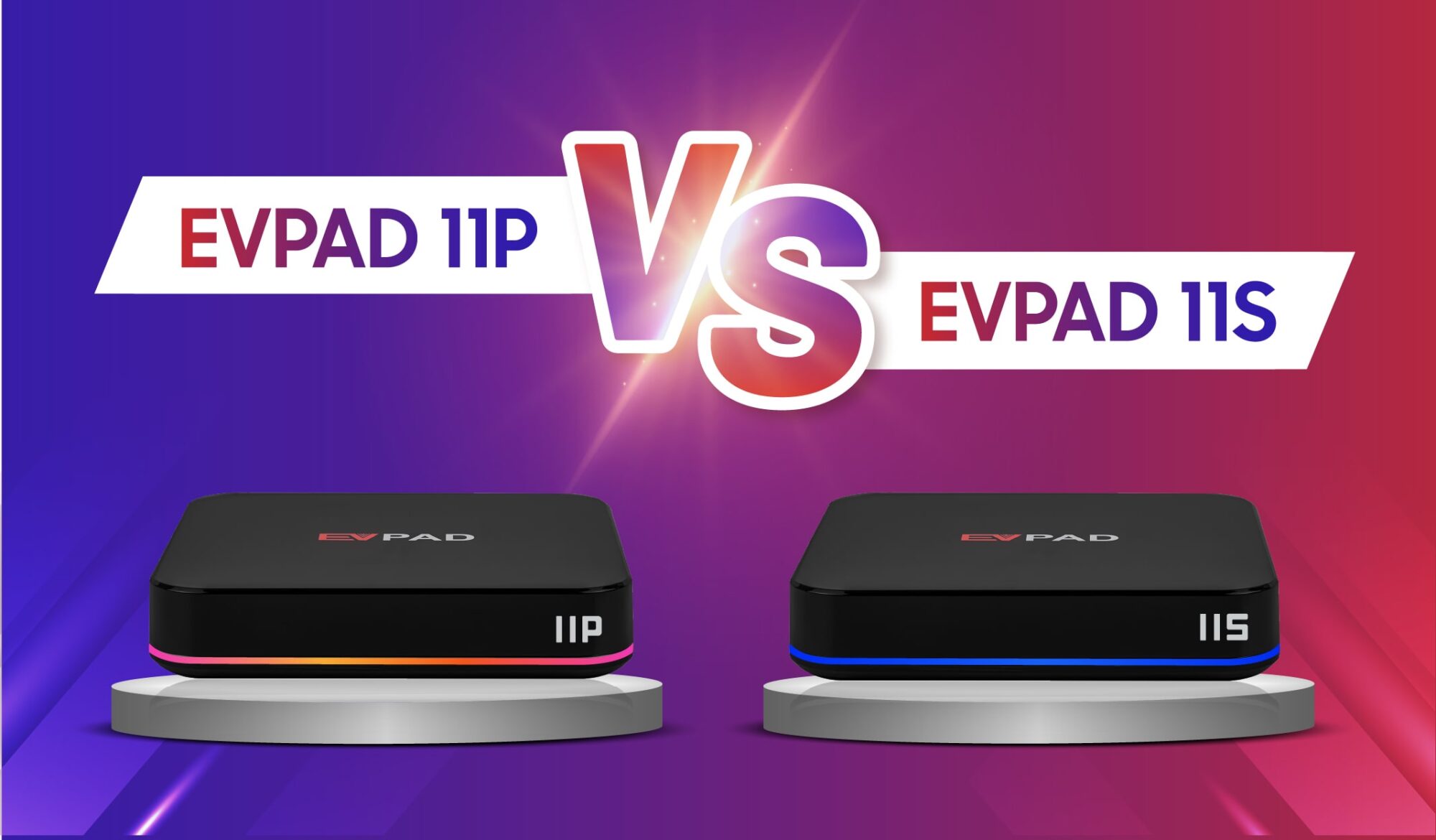
In the smart TV box market, EVPAD has long been loved by global Chinese users for its rich entertainment features and easy-to-use interface. Besides live TV and on-demand movies, many users don’t know this: From EVPAD 11P/S to the latest EVPAD 12P/S, all users can enjoy the official KTV App for free.
This guide will help you quickly understand this amazing home entertainment feature — including the KTV app’s highlights, installation steps, and usage tips — so you can instantly turn your living room into a professional karaoke room.
1. What Is the EVPAD KTV App?
The EVPAD KTV App is a permanently free karaoke application designed for EVPAD 11P/S and EVPAD 12P/S users. It includes tens of thousands of songs in Mandarin, Cantonese, English, and more, covering genres such as:
- Pop
- Classics
- Movie soundtracks
- Children’s songs
- And many more
Main features include:
- HD music videos
- Accurate lyric synchronization
- Original/Instrumental switching
- Song favorites
- Smart recommendations
This app delivers a professional KTV experience right in your living room, suitable for users of all ages.
2. Installation Guide for the EVPAD 12 Series KTV App
Even if you’ve never used it before, installation takes less than 1 minute.
Step 1: Open “Jinxing Store V12”
Step 2:
Inside the store, find the KTV App icon → press OK.
The system will automatically download and install the application.
Step 3:
Once it shows “Installed”, click to open and start using it.
The KTV app is now ready to use.
3. Frequently Asked Questions (FAQ)
Q1: What if the KTV App fails to install?
Try the following:
-
- Clear the cache of Jinxing Store V12
- Restart your EVPAD device
Contact Information
For support, recommendations, or to place an order, contact us directly by clicking the chat button on the bottom-left corner of the screen, or reach out via:
WhatsApp: +60 11-1180 6101
Email: customer@evpadsg.com
To purchase the latest EVPAD model, visit our shop:
https://evpadsg.com/shop/
To explore all our products, visit:
https://evpadsg.com/