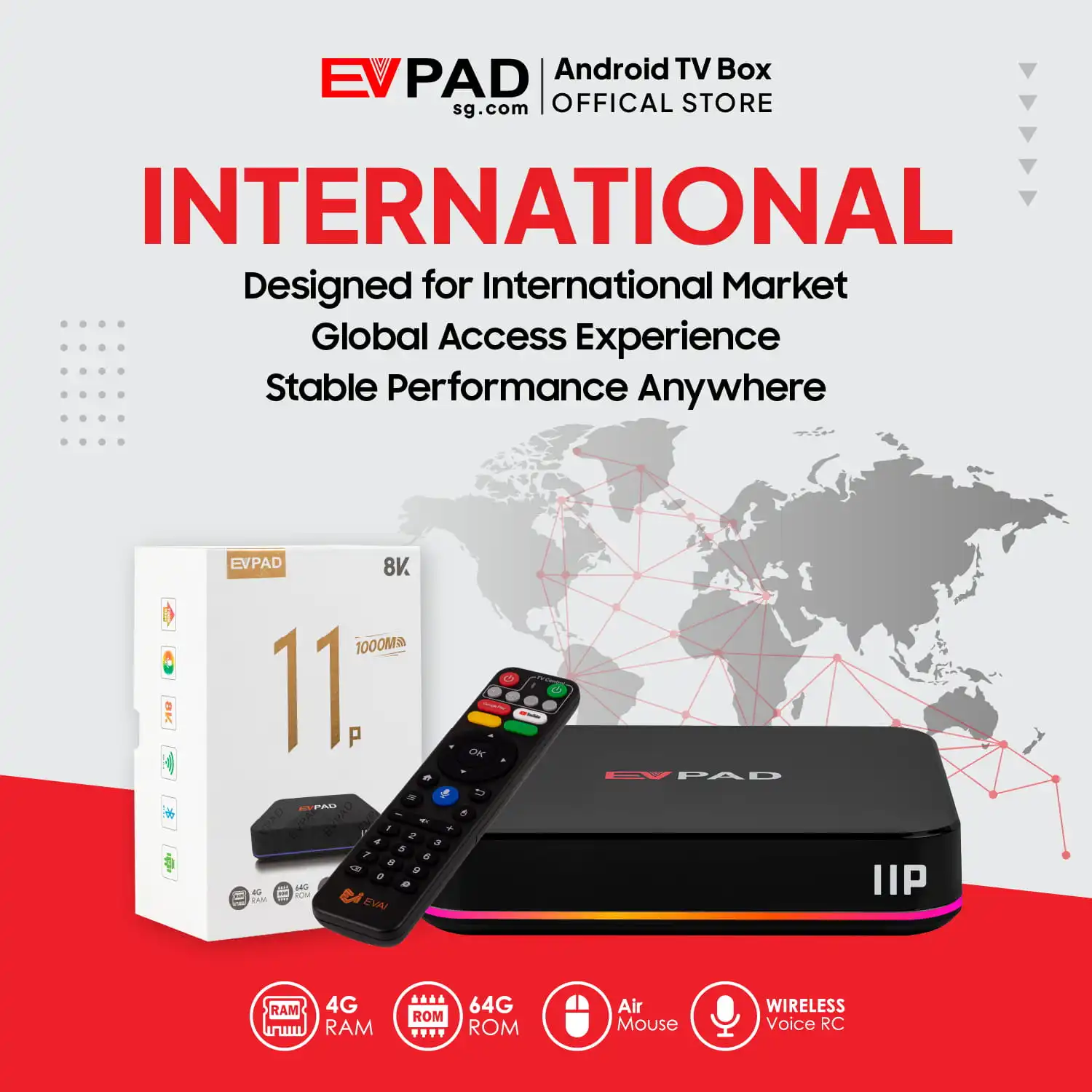
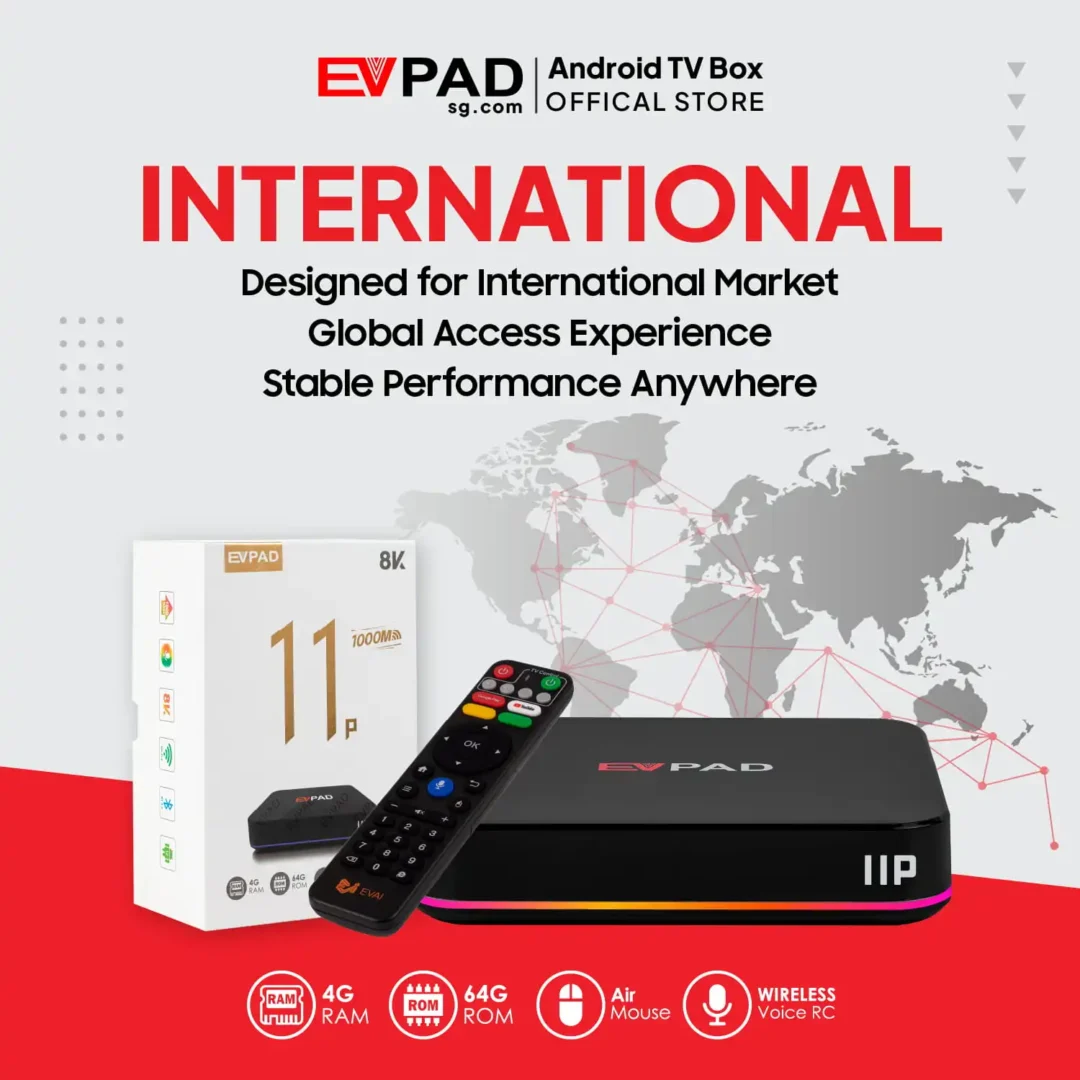
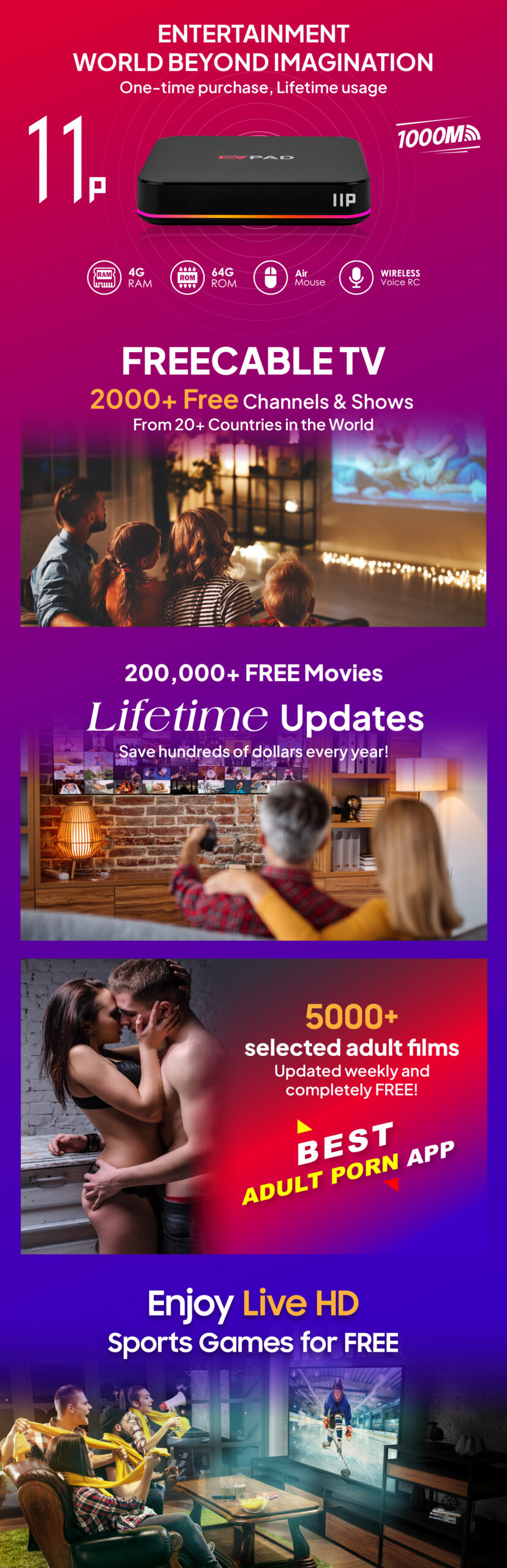
了解 EVPAD 11P(国际版)–一款功能强大的安卓电视盒,支持 4K 流媒体、全球频道和流畅的娱乐体验。享受最新的应用程序、功能和更多,一台设备满足您的所有需求。立即提升您的家庭娱乐体验!EVPAD 官方在线商店。100% 正品保证。一次性付款,无月费!永久免费使用!专为全球用户,尤其是海外华人设计。2000+ 全球免费高清直播电视频道和 200,000+ 丰富的电视节目和电影!专为体育迷设计。免费观看高清体育直播。
EVPAD 11P 安卓电视盒(国际版)
US$289.00 原价为:US$289.00。US$226.99当前价格为:US$226.99。
- 全球接入:观看世界各地的电视
- 2025 EVPAD 最新系列
- EVPAD 官方在线商店。100% 正品保证。
- 一次性付款,无月费!
- 专为全球客户,尤其是海外华人设计。
- 全球 2000 多个高清直播电视频道和 200,000 多部电视节目和电影!
- 专为体育迷设计。观看高清体育直播。
Secure, Fast, and Reliable Purchasing with Us
- Free Worldwide Shipping (2–5 Days)
- Secure Payment with Stripe and PayPal Payment Gateways
- 30-Day Free Returns & Full Refund Guarantee
- Lifetime Support & 1-Year Defect Replacement
规格
| 型号规格 | EVPAD – 11P |
| 解决方案 | 全志 H618 四核 4K HDR 10bit |
| 处理器 | 四核 A53 64 位 |
| GPU | G31 |
| 操作系统 | 安卓 12.0 |
| 内存 | 4G DDR3 |
| 闪存 | 64G EMMC 5.0 |
| 无线 IEEE | 802.11 a/b/g/n/ac /ax 2.4Ghz +5.1&5.8Ghz |
| BT | BT V5.2+BLE/V3.0/V2.1+EDR |
| 兰 | 1000M 标准 RJ45 |
| 视频输出 | 支持 4K×2K 和 Full HD1080P@60 fps 视频输出 |
| 音频 | MPEG L1/L2 AAC-LC 和 HE AAC V1/V2 解码 APE、FLAC、OGG、AMR-NB 和 AMR-WB 解码 G.711(u/a) 音频解码 G.711(u/a)、AMR-NB、AMR-WB 和 AAC-LC 编码 |
| 照片 | PG、JPEG、BMP、GIF、PNG、JFIF |
| 语言 |
英语 法语 德语 西班牙语 意大利语 等多语种
|
| 遥控器 | 支持红外线/2.4G 遥控器 |
| 电源 | 输入 100~240V 输出 DC 5V/2A |
| 前面板 | 彩灯 LED 显示屏 |
| 输入/输出 | 1* DC IN 2* IR Extension 3* LAN (1000M) 4* HDMI 5* AV-OUT 6* SPDIF 7* USB *2 8* TF-Card |
| 其他 | 机器尺寸:969619mm 机器重量:≤100g |
常见问题
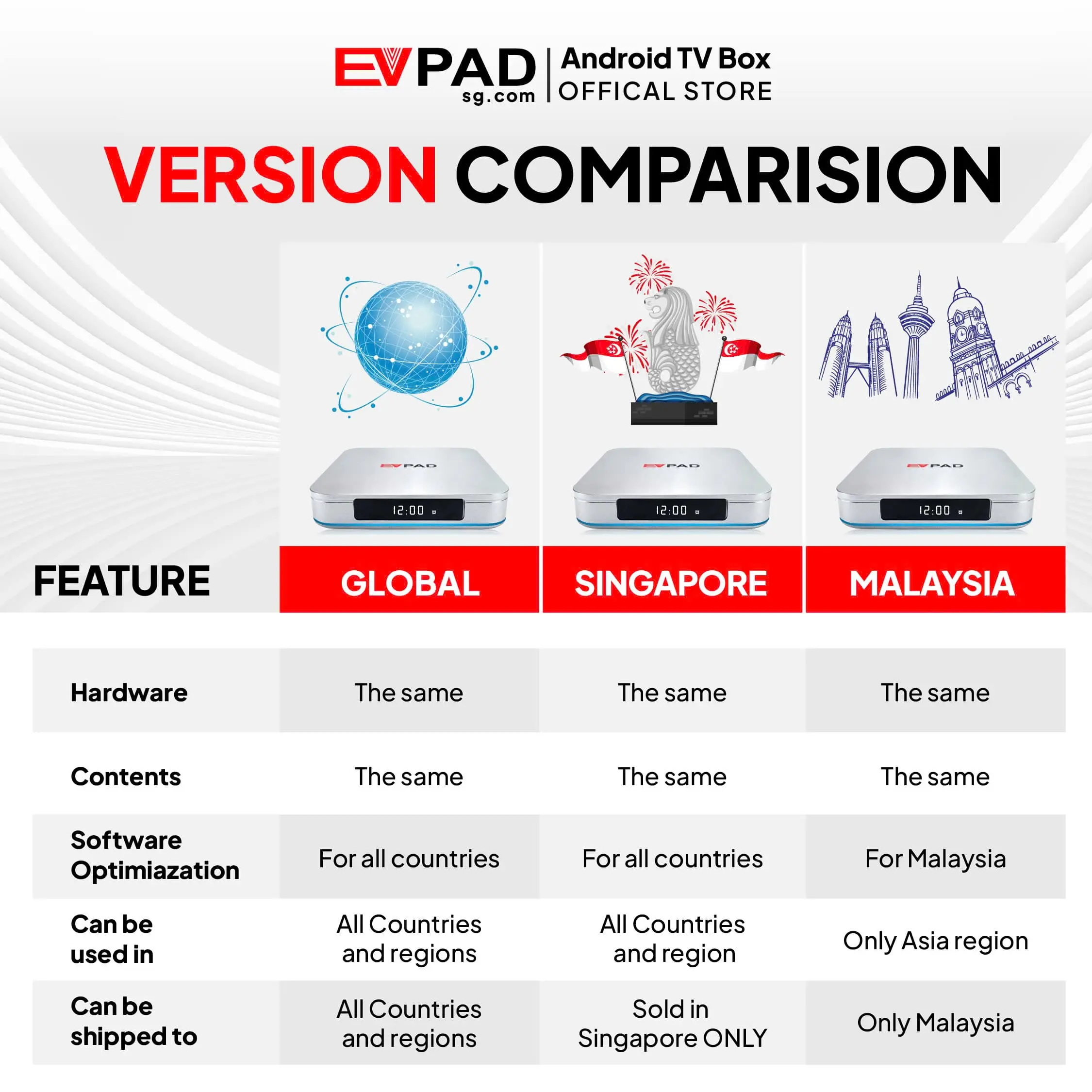
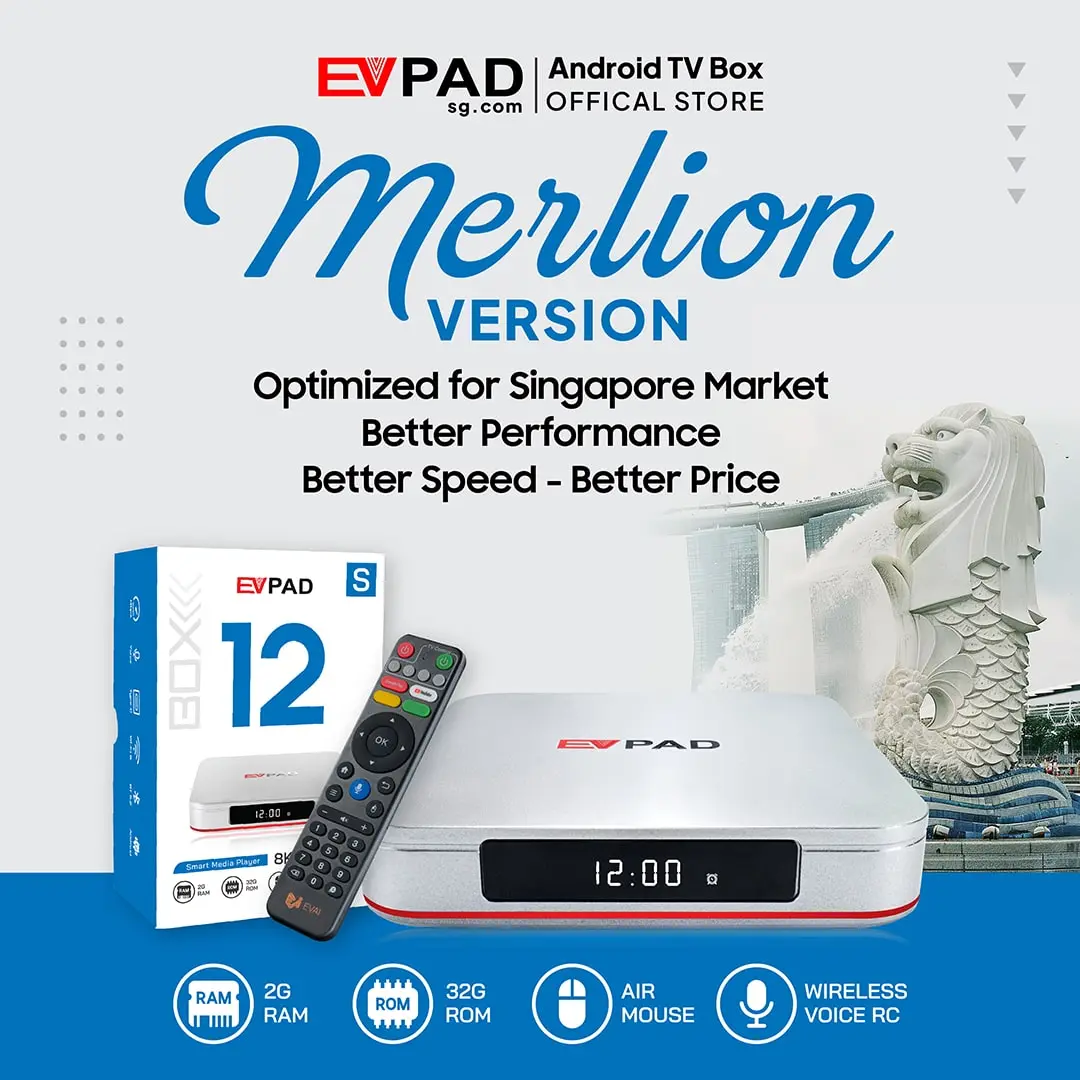
What is the difference between EVPAD Merlion (Singapore version) and the Global version?
The Merlion Version (Singapore Version) has all the same features as the International Version; however, this edition is distributed exclusively in Singapore (updated on November 20, 2025).
What is the difference between the EVPAD Malaysia version and the Global version?
The EVPAD Malaysia version is optimized for Malaysia with local apps and performs better in Southeast Asia. It offers the same content as the Global version but cannot be used in North America or Europe.
What’s the difference between EVPAD 11P and EVPAD 11S?
EVPAD 11P comes with 64GB storage and 4GB RAM, delivering better performance and more content—ideal for heavy users. EVPAD 11S has 32GB storage and 2GB RAM, making it a more budget-friendly option with fewer contents. Both run Android 12, but the 11P is better suited for users who need more storage, speed, and content. Click HERE for the full comparison.
What’s the difference between EVPAD 11 and EVPAD 10?
EVPAD 11 runs Android 12, has faster LAN, more features (like Air Mouse, Google Assistant, and Karaoke), and better performance (4GB RAM, 64GB storage). EVPAD 10 runs Android 10 and offers fewer features compared to version 11.
How to use the TV box?
Our TV boxes are easy to use.
You can watch tutorial videos on YouTube to learn how to install apps and use the TV box Here
Can I see the EVPAD channel list?
You can check the Channels List via this Link
相关视频
EVPAD 12P Review
Set up your 12 Version EVPAD
EVPAD 11P Review
Set up your 10-11 Version EVPAD
EVPAD 11P 安卓电视盒(国际版) 有 106 个评价
Customer photos and videos


Robert B. Hamilton
What can you say? It's a TV box that gives you essentially a top tier cable package for a one time payment. There is nothing illegal about an android box with a video card. The questionable part is the software that downloads once you boot up. You are connected to two IPTV sources - Blue TV (with a backup feed) and Prime TV (not related to Amazon's Prime Video service). Prime is too glitchy to use but Blue TV is reasonable. The video quality is a bit soft and mildly fuzzy at 1080P. Sound is fine. The box is from China so as a precaution I put it behind a 2nd router to keep it off my primary network. As for features, the Video On Demand channels have a good selection of fairly current movies and popular TV series. A few of the channels are glitchy and freeze up, especially the "adult" video selections and international channels like Canadian TV. There are some interesting features like a 7 week recording of about 85 popular channels making it easy to jump back and pick up a show you missed from a few days back. Or TimeShift that lets you rewind the past few hours. Most of the large regional locals (Denver, Phoenix, LA, etc) are well represented. There is no provision for setting up your own personal DVR. I should point out that IPTV has been around quite a while. You can get a subscription to an IPTV service and duplicate all of this for a fraction of the cost on a Firestick. But for a simple all-in-one pre packaged service, this one is very simple to set up.

ronald
Very happy with this product 👍

Keith
Great product

Mark S.
Is awesome, tell you why I gave only 4 stars though. You get all the channels and sports events you need. The 4 major sports and many more, local and foreign sports. Network TV from about every state, movies... The issue I had was that the picture did freeze on me occasionally. The fix is simple and cheap, a small Joey satellite cable box(shown in pics) I had one here, and just ordered another one as I just purchased another EVPAD, it needs two things for the fix. Coax cable input and an Ethernet jack(circled in red). It doesn't have to be a Joey box, it just needs coax and ethernet in and out puts respectfully. So, the hook up, wall cable jack to "Joey" box, ethernet from "J" box to EVPAD, HDMI from EVPAD to TV. Easy enough? Do not get a coax cable to ethernet converter, it did not work. You don't need cable just home internet access and cable wall jack, that is my setup and it's working great, NO more picture freezing. When setting up apps in the store(is on EVPAD already) use the ANDROID store to get the Blu apps you need, they are free. You'll understand when you get it. All in all I spent less than about $250.00 and that is all, no monthly fees, subscriptions... Compare that to Youtube tv, NFL network or other sports apps you either are or will pay what? $600.00 a YEAR. What's better $250.00 once or $600.00 per year, and you know those cost will go up, we see it with cable all the time. If you decide to buy one, take my advice do what I did, you'll be happy you did. Sorry I rambled on but if you want a EVPAD this is the way to do it. They recommend a Network antenna, tried it, waste of time and effort. If you get one enjoy, I am. TV antenna was $50.00 the Joey boxes range between $20.00 to $30.00 on ebay. The EV box is a no brainier!

Amazon Customer
First — 1,700+ channels. All the sports you could possibly consider! Every movie channel, with a detailed schedule to ensure you never miss your favorite movie. Frankly, it’s a tad overwhelming at first until you figure out how to navigate the massive amount of content. Lastly, expect some “freezing.” Even with T-Mobile internet speeds of 8-12mbs, sometimes it “buffers.” But, I’ve found that exiting the channel and reloading it usually solves the freezing problem. STOP PAYING MONTHLY FOR CABLE CHANNELS. THIS DEVICE AND ITS ONE-TIME COST IS WORTH IT — FOR SURE!👍

yoki
The first box received was defective: would not connect to Wi-Fi, crashed during setup on LAN, froze with the message "Can't load Android system" and would not reset. Immediately started the return process for a replacement and right away received the message that a new box is on the way. Received the replacement after 4 days and it works as supposed. Defective products do exist, it's the way vendors deal with the situation that matters. Happy customer here!

KB
Although it delivers all the channels. My router indicated it had to block spyware from Nigeria. So I’m not sure how that was installed on this product. This is a big concern for those who don’t have proper protection on their Internet. But the box delivers all of the channels and is easy to set up and easy to access all of the channels.


Sorry, no reviews match your current selections
EVPAD 11P 安卓电视盒(国际版)


I like this evpad 11p a lot
product looks good but im struggling to load
can i speak with someone please to guide me
tk
Spencer 65 9186 6527
I have had EV Pad 5 and 6, and this time upgraded to 11. I see a lot of improvements on the equipment and I think it is much faster. I am not a mechanic nor an engineer so I can’t tell the specifics, but it is a very refined box!
Recieved in good condition and great help from Mina from CSS
jätter bra .